

Jobs and scheduling
How to install the ServiceM8 desktop app for PC and Mac
Learn how to install the ServiceM8 desktop app for PC and Mac in ServiceM8.
We strongly recommend that you install the ServiceM8 desktop app (referred to as ServiceM8 for Desktop in this article), on your office PC or Mac. Everything about ServiceM8 for Desktop is the same as using ServiceM8 through Chrome - but it’s faster.
Before you install, note that:
- To run ServiceM8 for Desktop, your operating system must be (PC) Windows 10 or higher or (Mac) macOS 10.11 or higher.
To install ServiceM8 for Desktop for your PC or Mac, choose one of the following options:

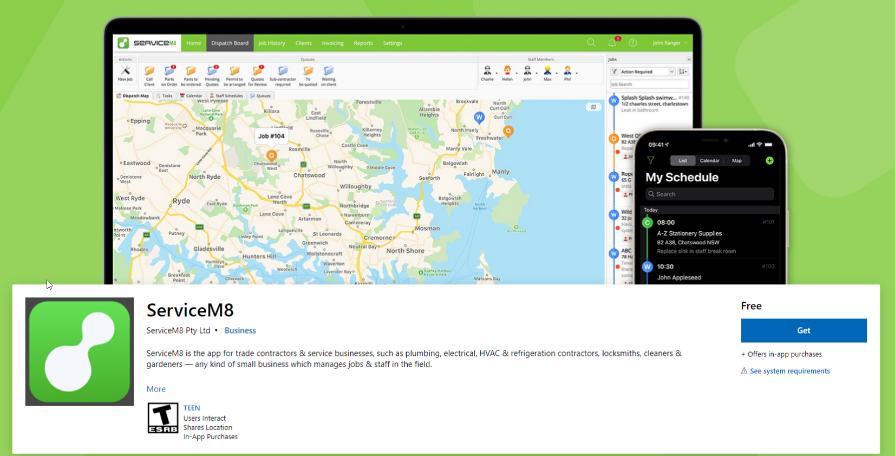
- (PC only) Open the Microsoft Store app and search for ServiceM8 (or click here), then click Get. The installation wizard will run automatically.
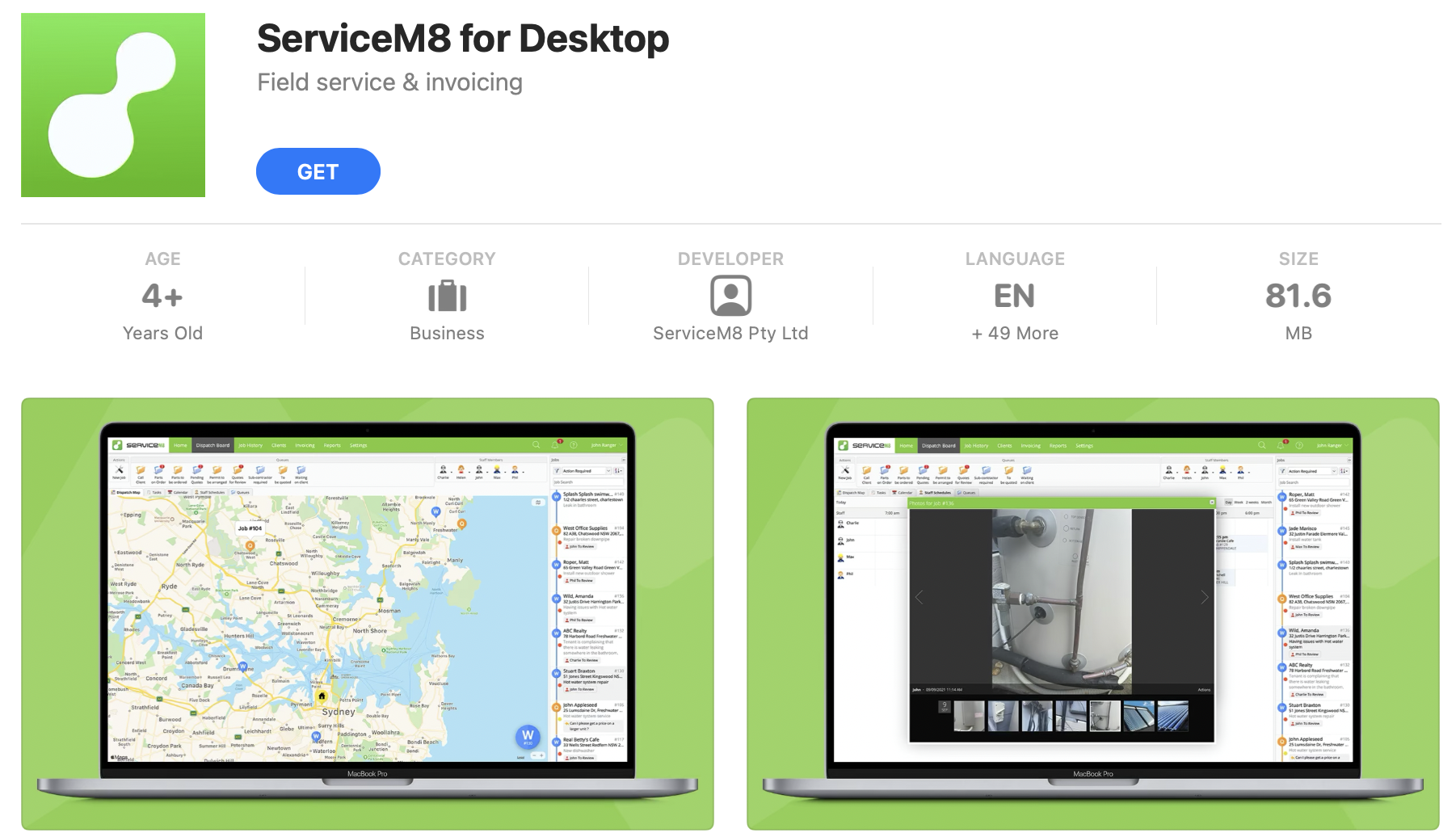
- (Mac only) Go to the App Store, search for ServiceM8 (Or Click Here), and click Get*.* The installation wizard will run automatically.

Once installed, you can launch the app and log in as you would normally. You’ll be up and running in no time!
TIP FOR SUCCESS: Pin the ServiceM8 for Desktop app to your Windows taskbar or your Mac Dock for easy access! (To pin the app, right-click the ServiceM8 icon once open and select Pin to taskbar for a PC, or Options > Keep in Dock for a Mac.)