

General FAQ
Can I change the currency used in ServiceM8?
Find out whether you can change the currency used in ServiceM8.
Yes you can.
When you register for ServiceM8, the system will automatically detect your location, and setup your account accordingly, including:
- Timezone
- Currency
- Language
However, sometimes this is not useful (especially if you’re an Irishman living in Indonesia). So you can change the settings yourself. To do this:
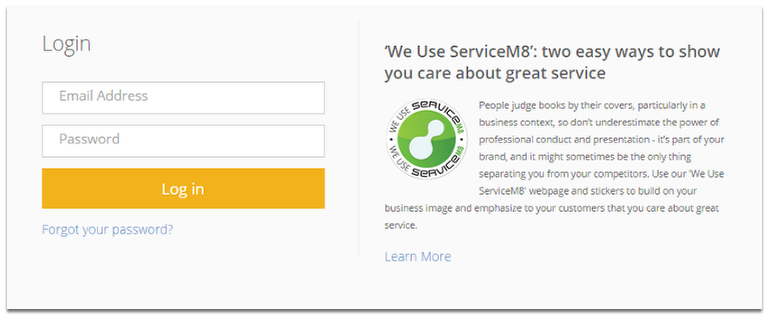
Login to ServiceM8
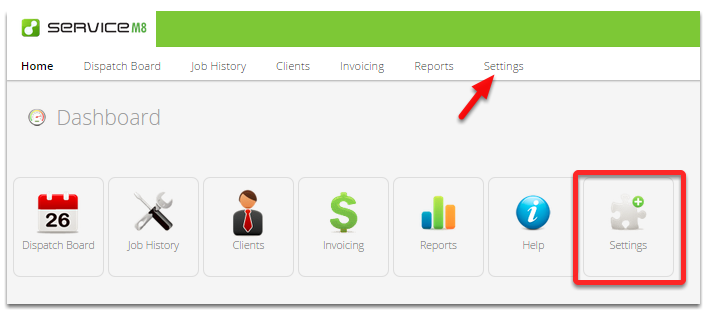
Go to Settings menu
Click Preferences
Click the Region & Language Settings option
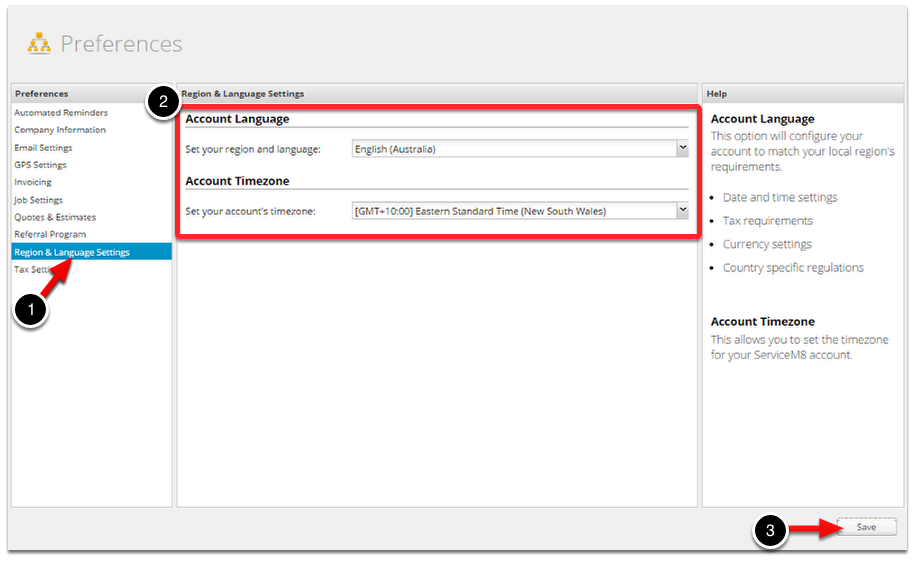
Adjust your timezone, and language settings accordingly. Note your currency is linked to your account region/language choice.
Once you are done, please don’t forget to hit Save.