

Accounting integrations
Xero Tracking Categories
Learn about Xero Tracking Categories in ServiceM8.
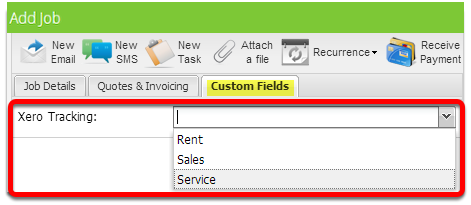
When you switch on the add-on for Xero Tracking Categories, tracking category fields are available with the job’s main details when you create or open a job.
Xero has tracking categories that help identify invoices for reporting. This add-on allows you to set jobs with a tracking category in ServiceM8 that will be set to in Xero.
Choose the tracking category values on the job card. Those job-level selections are sent to Xero with the job’s invoice.
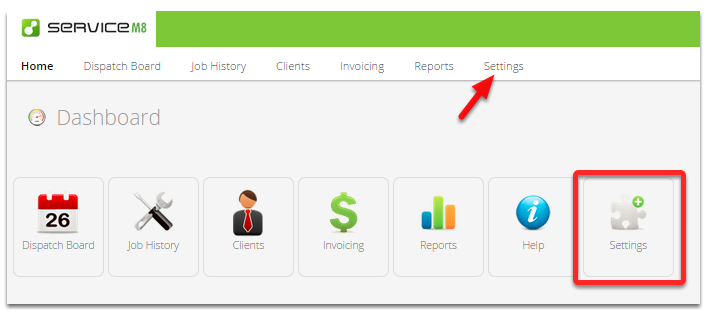
To activate this add-on, go to Settings
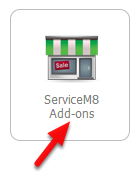
Click ServiceM8 Add-ons
From the ServiceM8 Add-ons page, scroll down until you find the Xero Tracking Categories add-on.
Click the switch button to activate Xero Tracking Categories add-on

Xero Tracking categories only sync over once a day, so any changes to Xero will take up to 24 hours to appear in ServiceM8.