

Photos, notes and attachments
How to clock on/off and start/end break
Learn how to clock on/off and start/end break in ServiceM8.
In this lesson you will learn on how to clock on/off from the app.
Login to your account from the app
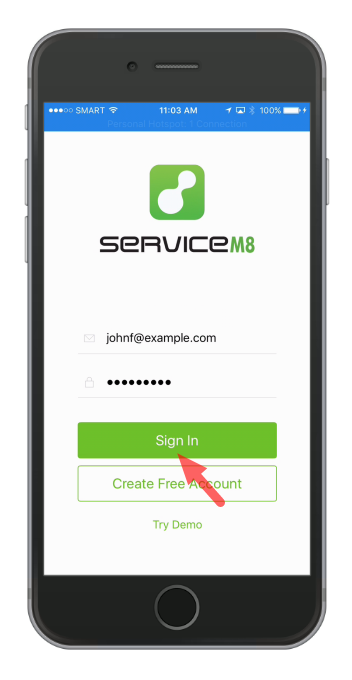
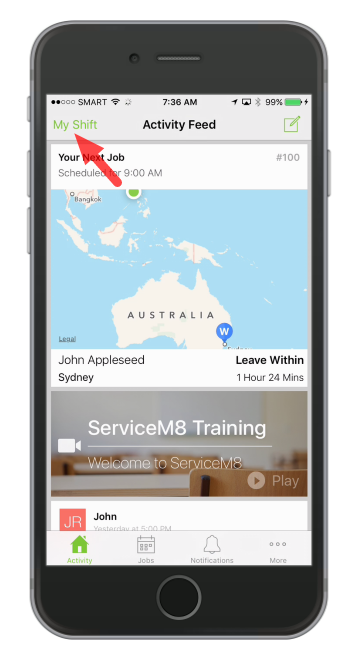
In the Activity screen, tap My Shift to show clock on/off menu
Tap Clock on, to start time recording
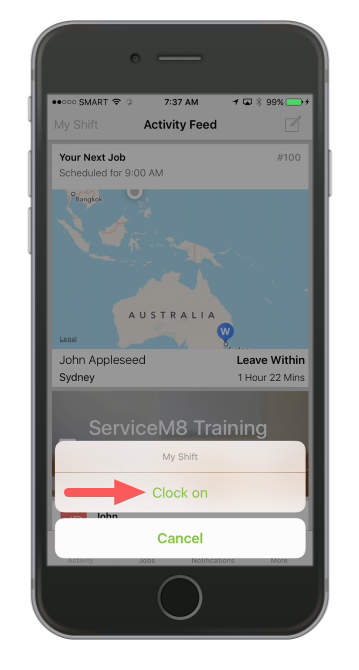
Note: GPS will be activated once clocked on
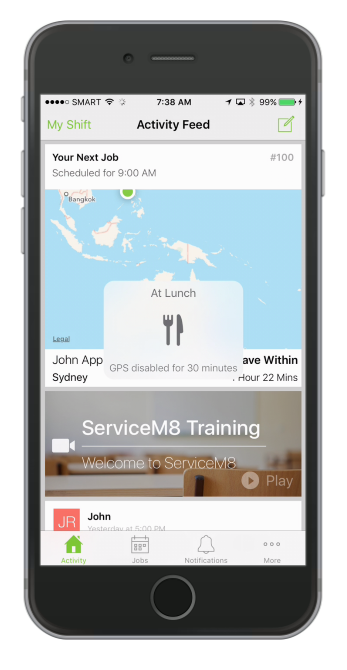
To start your lunch break, tap My Shift then tap Start break
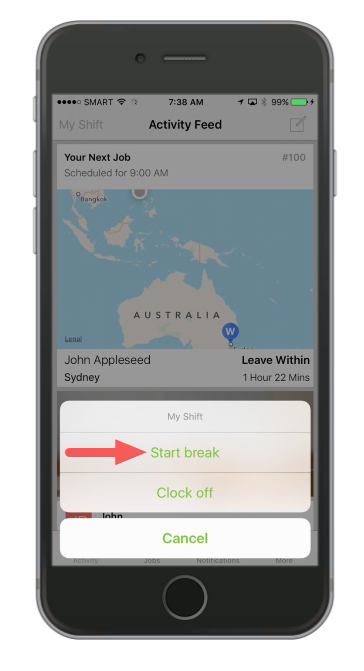
GPS will be disabled during this time
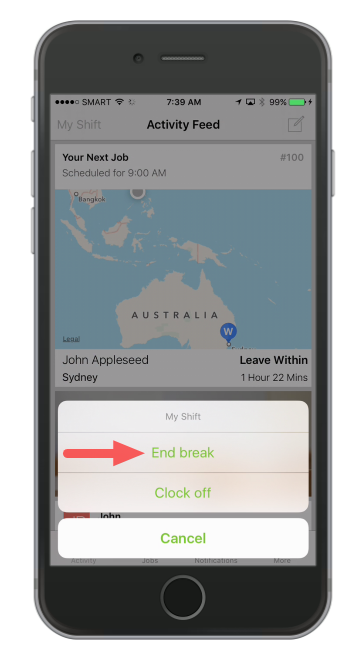
To go back to work, tap My Shift then tap End break
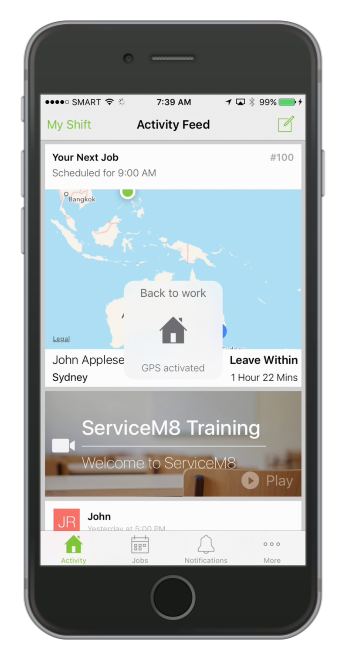
GPS will be re-activated
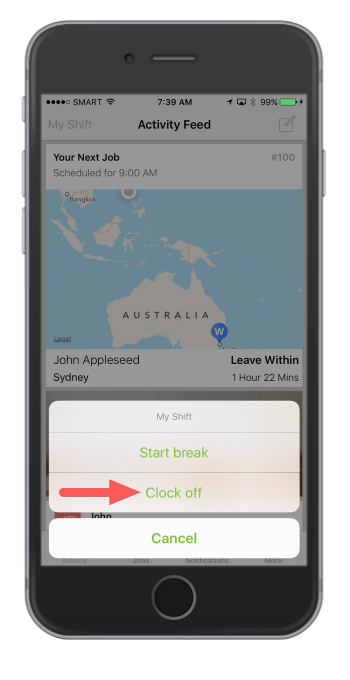
Once your work day or shift is over, tap My Shift again then tap Clock off
That’s it!
All clock on/off and break times will be available in the Activity Timesheet report online, and in Deputy if you have integrated ServiceM8 with your Deputy account.