

Staff and security
How do I change a staff member’s password
Find out how to change a staff member’s password in ServiceM8.
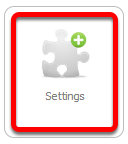
Go to Settings
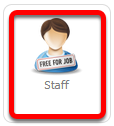
Click Staff
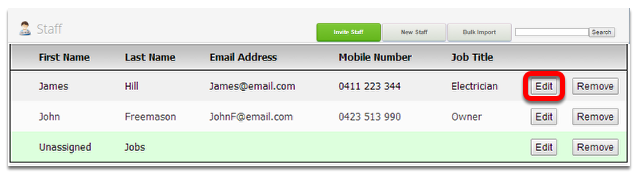
In Staff page, browse or search a staff member and click Edit
Change the password
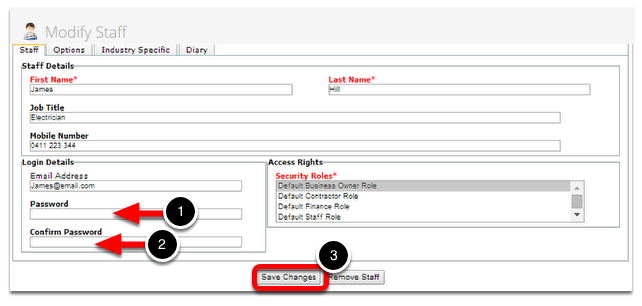
1. Enter the new password
2. Re-type the new password
3. Click Save Changes once done