

General FAQ
Connect ServiceM8 to ChatGPT or Claude
Connect your ServiceM8 account using the approved ServiceM8 plugin in ChatGPT or a custom MCP connector in Claude.
ServiceM8 is available as an approved plugin in ChatGPT. Install it from ChatGPT’s plugin directory and sign in to connect your ServiceM8 account. You can also connect ServiceM8 to Claude using a custom connector.
Both connections use MCP (Model Context Protocol), the connection standard that lets supported AI assistants use ServiceM8 tools and data.
Once connected, ChatGPT or Claude can use available ServiceM8 actions to help with selected ServiceM8 tasks. Availability depends on the ServiceM8 MCP tool list, your AI platform’s plan and settings, workspace admin controls, and action permissions.
Before you start
To connect ServiceM8 to your AI assistant, you’ll need:
- A ServiceM8 account with permission to authorize access.
- Access to ChatGPT or Claude.
- Permission to install the ServiceM8 plugin in ChatGPT or add a custom connector in Claude. Your workspace administrator may need to enable access for you.
Connect ServiceM8 to ChatGPT
-
Open a separate browser tab and sign in to your ServiceM8 account in the Online Dashboard. Keep this tab open while you connect ChatGPT.
-
In ChatGPT, open Plugins from the sidebar. Search for
ServiceM8, then open the public ServiceM8 listing with the green ServiceM8 icon.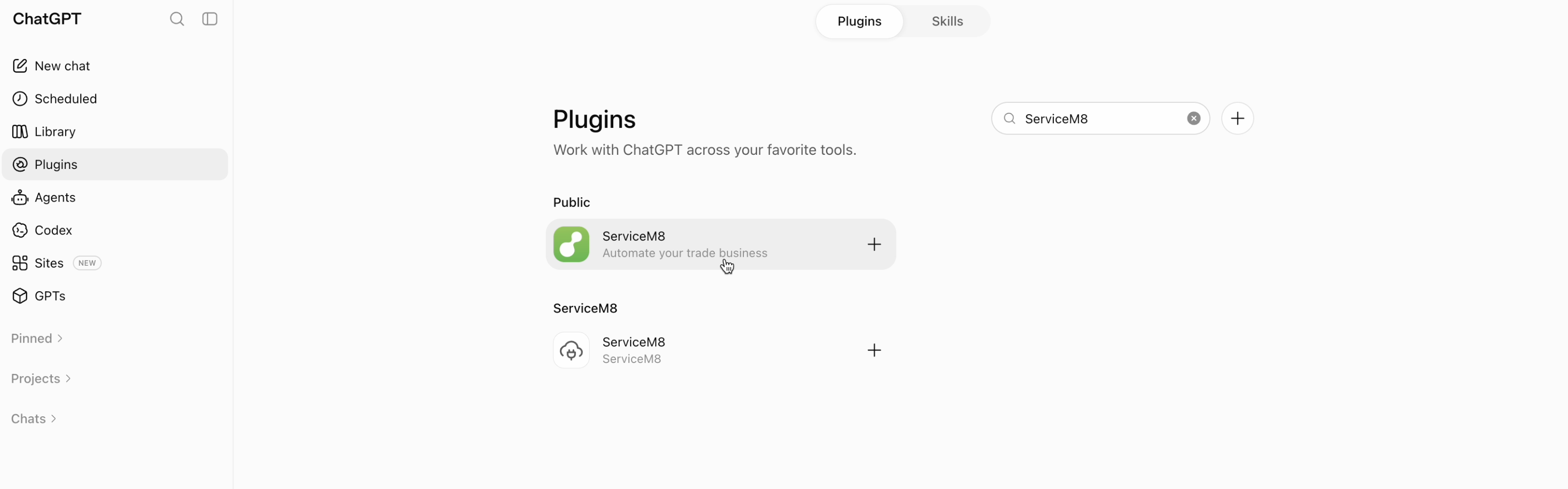
-
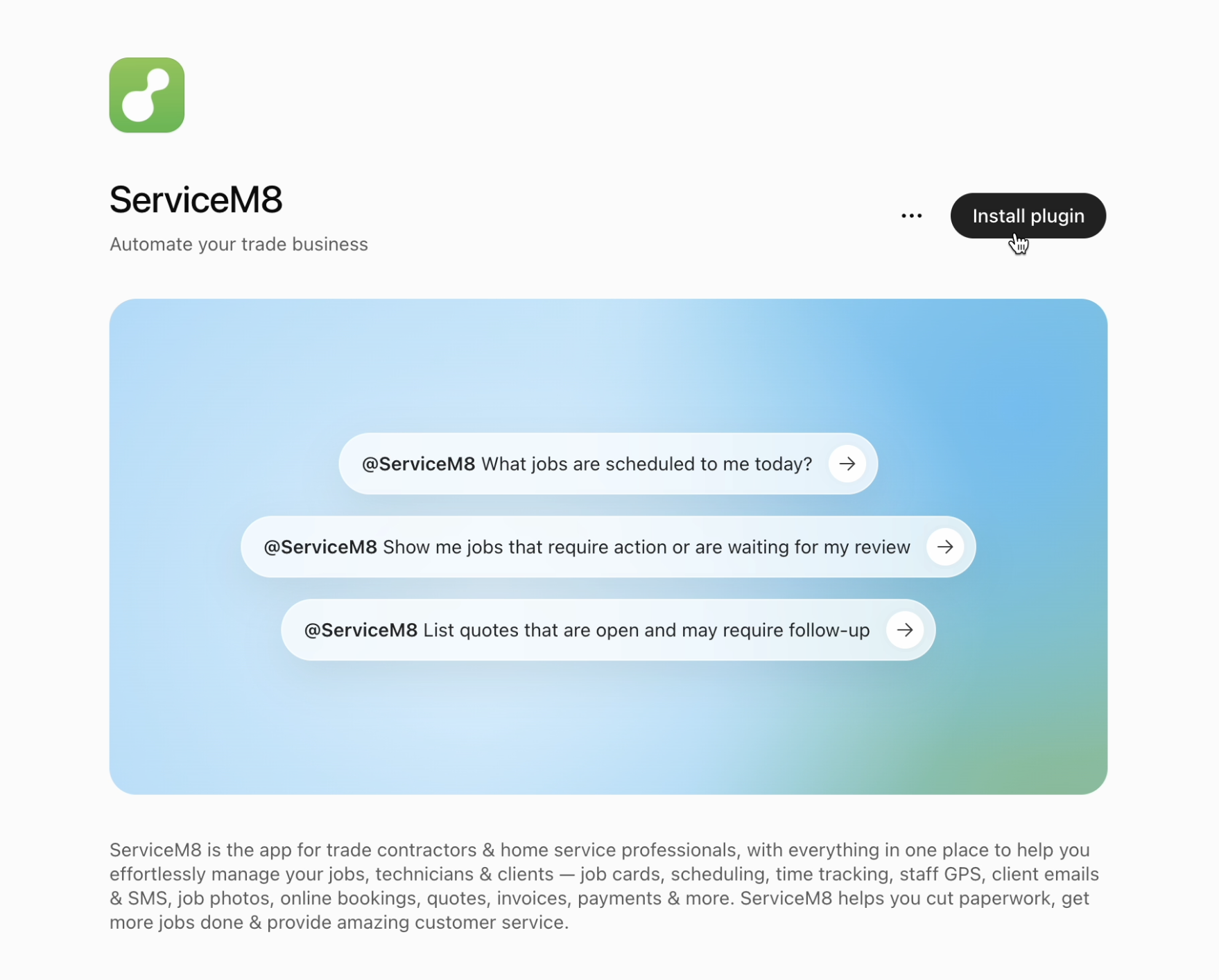
Click Install plugin.
-
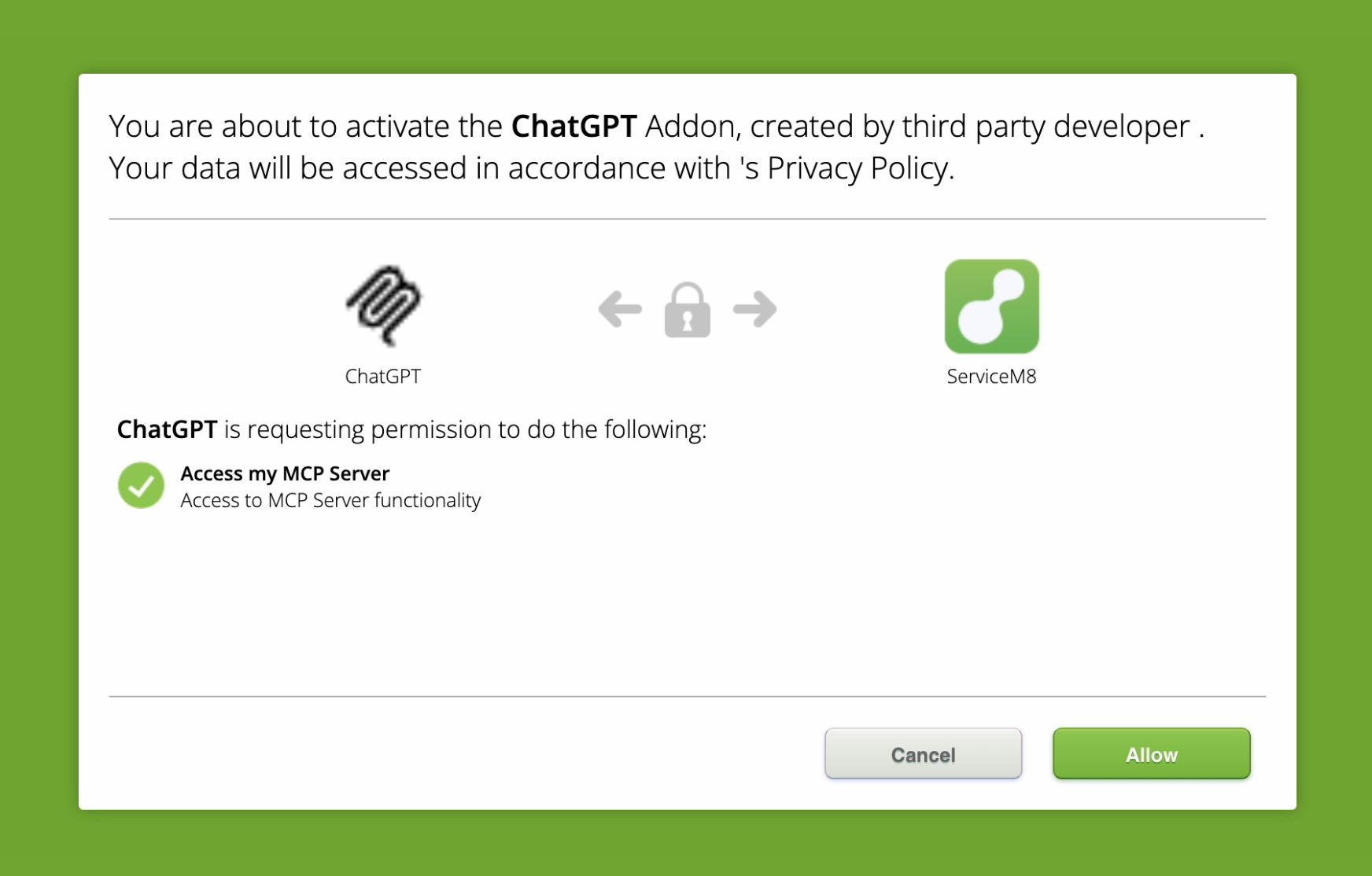
Review the access requested by ChatGPT, then click Allow to authorize the connection.
-
Return to ChatGPT and start a new chat. Select ServiceM8 from Plugins in the prompt area, or type
@and select ServiceM8. Ask a question such as “What jobs are scheduled to me today?”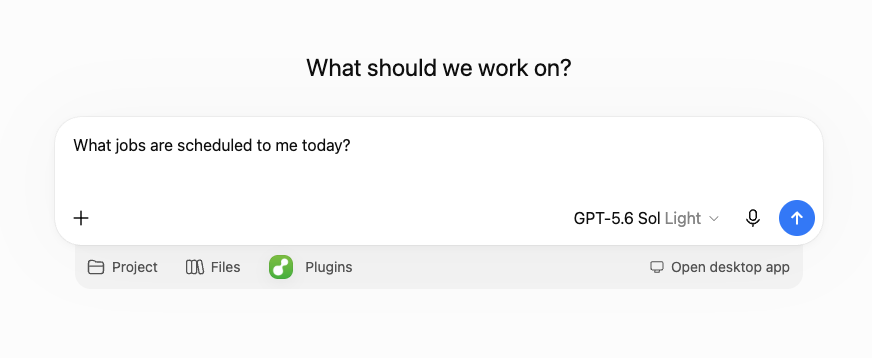
Connect ServiceM8 to Claude
Individual Claude accounts
- In Claude, open Customize > Connectors.
- Click +, then select Add custom connector.
- Enter a name, such as
ServiceM8. - Enter the ServiceM8 MCP server URL:
https://api.servicem8.com/mcp. - Click Add, then connect the new ServiceM8 connector.
- If prompted, sign in to ServiceM8 and authorize access.
- In a new conversation, click + > Connectors, then enable ServiceM8.
Claude Team and Enterprise accounts
An Owner or Primary Owner must first add ServiceM8 for the organization:
- Open Organization settings > Connectors.
- Click Add.
- Select Custom > Web.
- Enter the ServiceM8 MCP server URL:
https://api.servicem8.com/mcp. - Click Add.
After the connector is added, each user can open Customize > Connectors, find ServiceM8, click Connect, and complete the ServiceM8 authorization flow. Enable ServiceM8 for a conversation from + > Connectors.
What you can ask your AI assistant to do
Once connected, you can ask ChatGPT or Claude to help with ServiceM8 tasks such as:
- Search for clients and jobs.
- List jobs, job filters, staff, queues, allocation windows, forms, categories, badges, tax rates, and job templates.
- View detailed job information.
- Read job diary entries, activities, and notes.
- Create jobs from templates.
- Add notes to jobs.
- Check staff availability.
- Schedule jobs and create flexible job allocations.
- Send jobs to queues.
- Change job status.
- Compose and send job-linked email messages.
- Compose and send job-linked SMS messages.
Some ServiceM8 actions can change information in your account, such as adding notes, creating bookings, sending messages, moving jobs to queues, or changing job status. Your AI assistant may ask you to confirm these actions before they run, depending on your app or connector permissions, workspace settings, and the action being performed.
To remove ServiceM8 access, disconnect the app or connector in your AI assistant’s settings.
Troubleshooting
I can’t install the ServiceM8 plugin in ChatGPT
Your ChatGPT workspace administrator may need to enable the ServiceM8 plugin and its connection for your role.
I can’t add a custom connector in Claude
On Claude Team and Enterprise accounts, an Owner or Primary Owner must add the connector for the organization before members can connect to it.
My AI assistant does not show any ServiceM8 actions
In ChatGPT, check that the ServiceM8 plugin is installed and that you’ve completed the ServiceM8 sign-in and authorization prompts. Start a new chat and select ServiceM8.
In Claude, check that the MCP server URL is https://api.servicem8.com/mcp. Remove and re-add the custom connector if needed.
I can’t use an action
Your workspace admin may need to enable the action. Some actions may also require you to confirm before your AI assistant runs them.
ServiceM8 asks me to sign in again
Complete the ServiceM8 authorization flow again. If OAuth access expires, your AI assistant may need you to reconnect.
I no longer want my AI assistant connected to ServiceM8
In ChatGPT, disconnect the ServiceM8 app from Settings > Apps. Uninstalling the plugin alone leaves its connection in place. In Claude, open Customize > Connectors and remove or disconnect ServiceM8.