Dispatch Board
How can I attach files to jobs on the Dispatch Board?
Find out how to attach files to jobs on the Dispatch Board in ServiceM8.
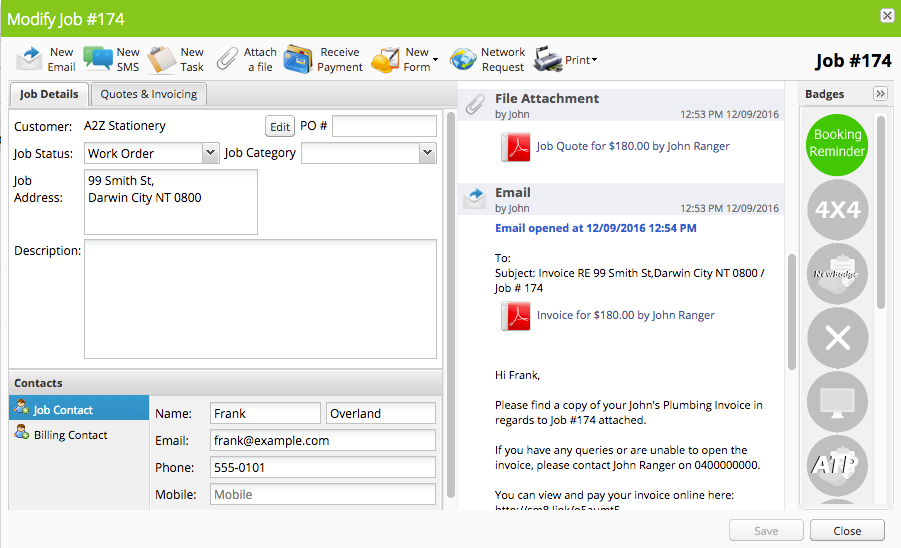
Open the job card
Open the folder on your computer which contains the file(s) you want to attach
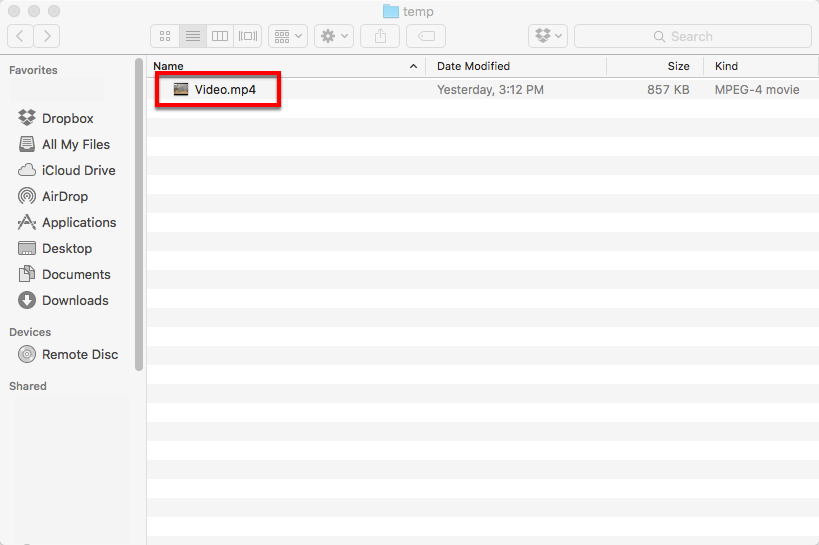
Drag the file(s) from the folder onto the job card
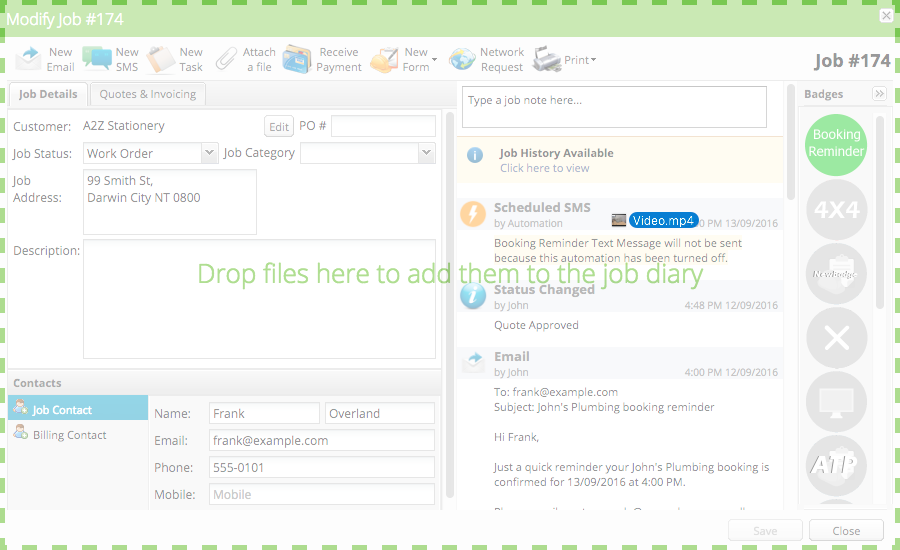
While dragging, the job card changes its appearance to show that you can drop files onto it.
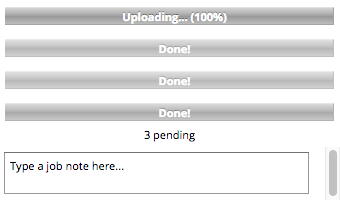
Drop the files onto the job card to start the upload process
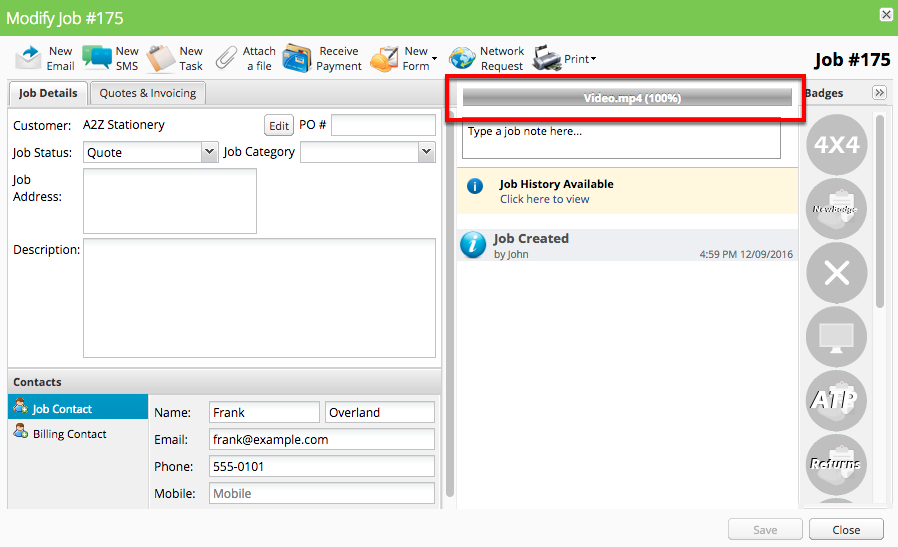
After the upload finishes, the file(s) will be shown in the job diary
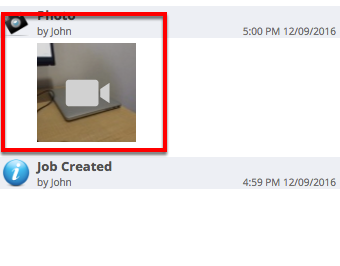
You can also upload multiple files at once!