The mobile app
How can I email files from my Dropbox, Box, GoogleDrive, OneDrive or iCloud?
Find out how to email files from your Dropbox, Box, GoogleDrive, OneDrive or iCloud in ServiceM8.
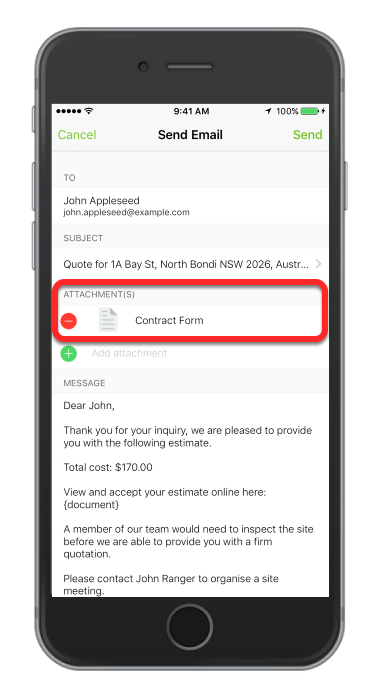
The ServiceM8 mobile app now enables you to attach file from your online or cloud based storage such as iCloud, Box, Dropbox, OneDrive and Google Drive.
Here’s how:
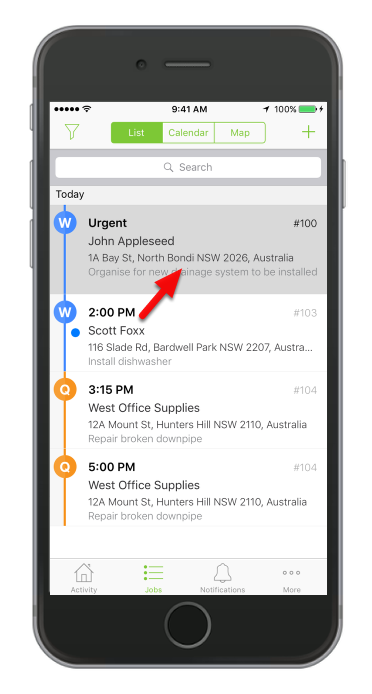
Open a job
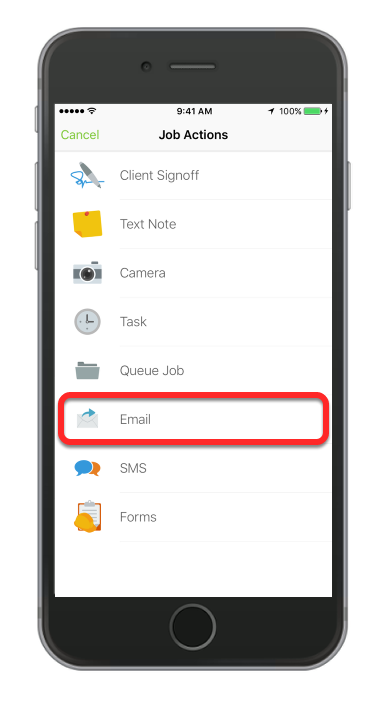
Tap Job Action
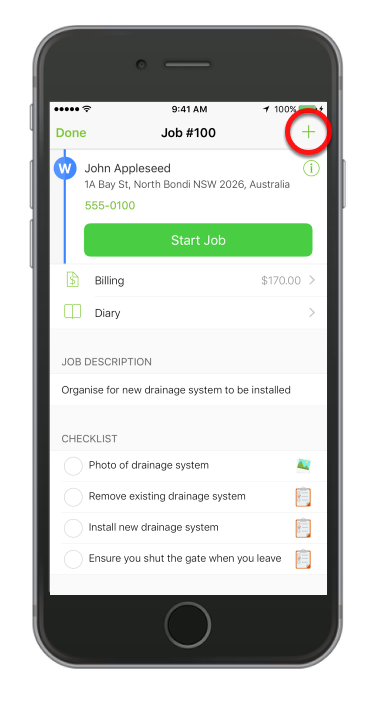
Tap Email
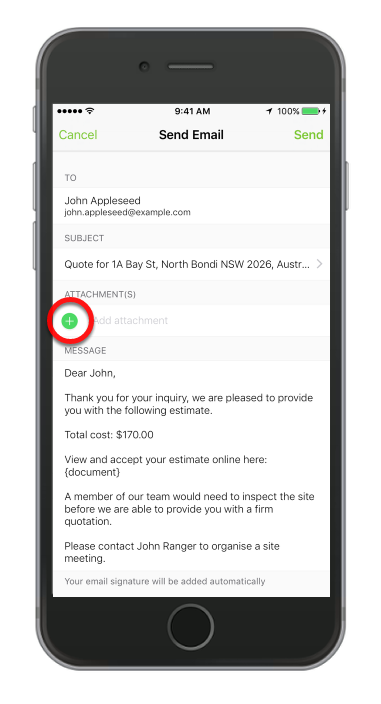
To attach a file, tap ( + )
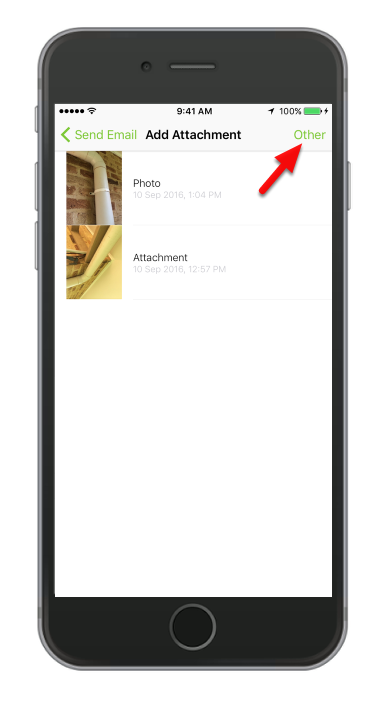
Tap Other
Tap Locations
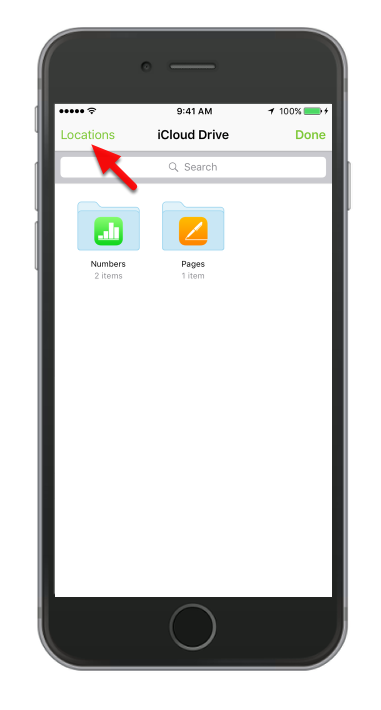
Select from your online storage
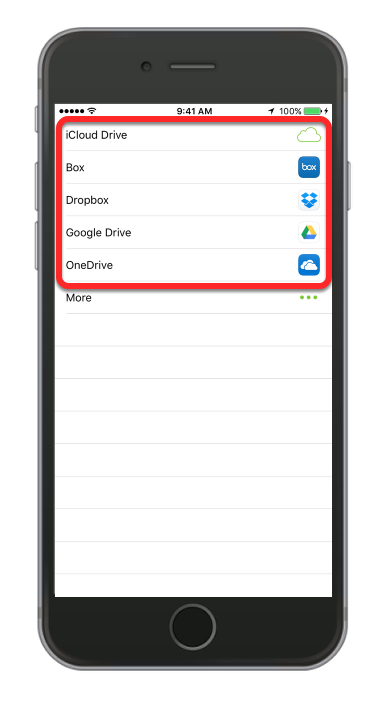
We will use Box app in this example.
Choose a file and tap done
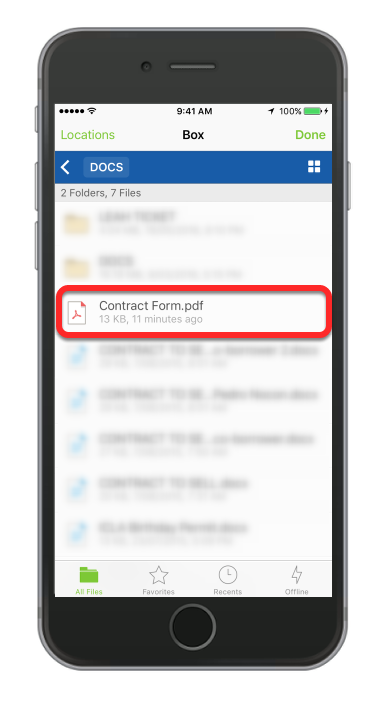
That’s it!