Photos, notes and attachments
How to add the ServiceM8 Camera to your Control Centre
Learn how to add the ServiceM8 Camera to your Control Centre in ServiceM8.
If you often find you want to snap some job photos, but it takes too long to get to the ServiceM8 Camera, you can create a shortcut for it in your Control Centre. Then, provided you’re checked in to the job in ServiceM8, you can just swipe down from your Lock Screen, tap the shortcut, and it will jump you straight into the job card in the ServiceM8 app, and open the ServiceM8 Camera
You’ll require iOS 18 or later on your device to set up this shortcut — here’s how.
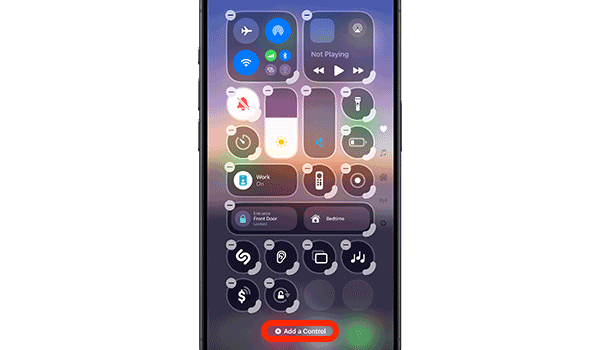
In your device Home screen, swipe down from the top-right to open your Control Centre. Press & hold on a blank space to edit your Control Centre, then tap ‘Add a Control’:
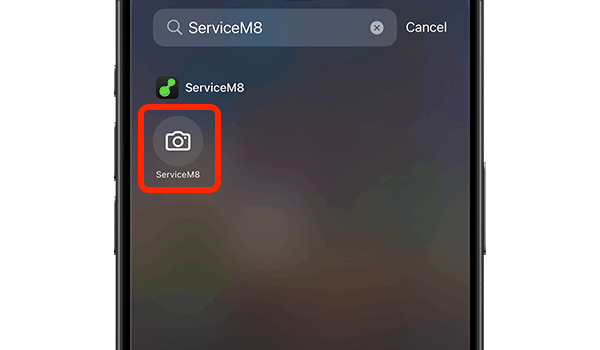
Search ‘ServiceM8’, and tap the camera shortcut:
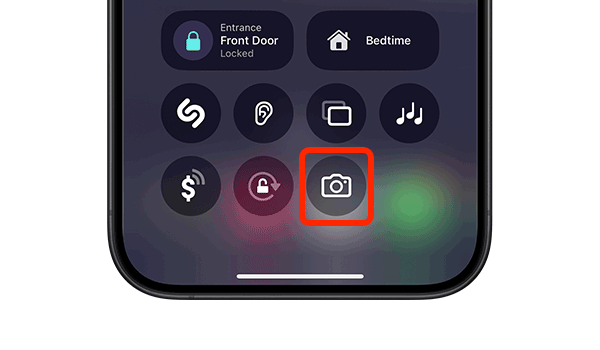
The shortcut will be added to your Control Centre:
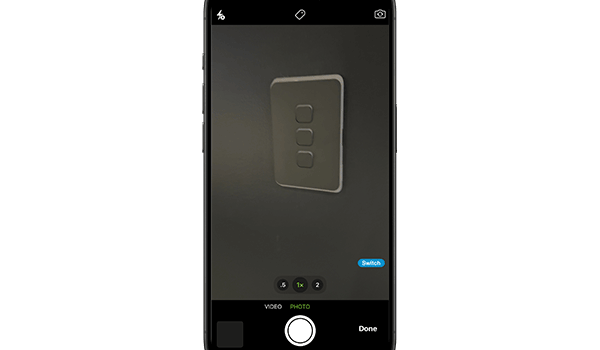
Done! When you’re Checked In to a job in the ServiceM8 app, if you tap the shortcut in your Control Centre, it’ll jump you straight to the job card you’re checked into, and open the ServiceM8 Camera. You can snap some quick photos, knowing they’re saved to the job’s Diary: