

Staff and security
How to change a staff member's Security Role
Learn how to change a staff member's Security Role in ServiceM8.
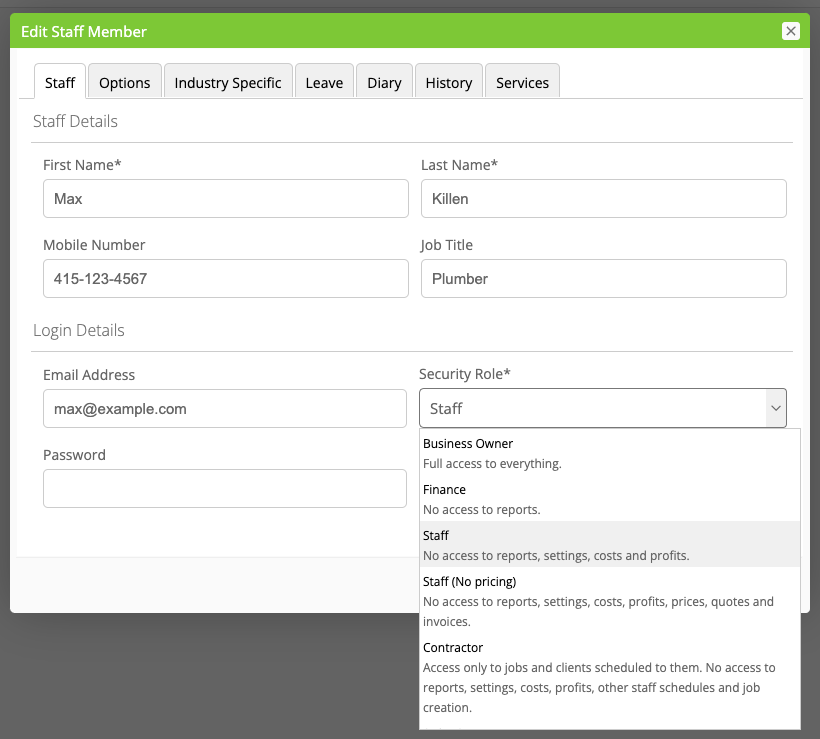
To edit a staff member’s Security Role, in your Online Dashboard, go to Account > Settings > Staff, click ‘Edit’ next to the relevant staff member, then select the appropriate role in the ‘Security Role’ dropdown, and Save:
For more guidance on the level of access which comes with each Security Role, please see Security Roles Overview.