

Understand the basics
New to the ServiceM8 app? Start here.
Learn about new to the ServiceM8 app?
Welcome to ServiceM8! We’re for trade contractors & service businesses — any kind of small business which manages jobs and staff in the field.
Our goal is to help you succeed and eliminate administration. With ServiceM8, you’ll cut time on paperwork, get more jobs done, and provide great service — before, during and after every job.
Try the below steps, and see how ServiceM8 could work for you.
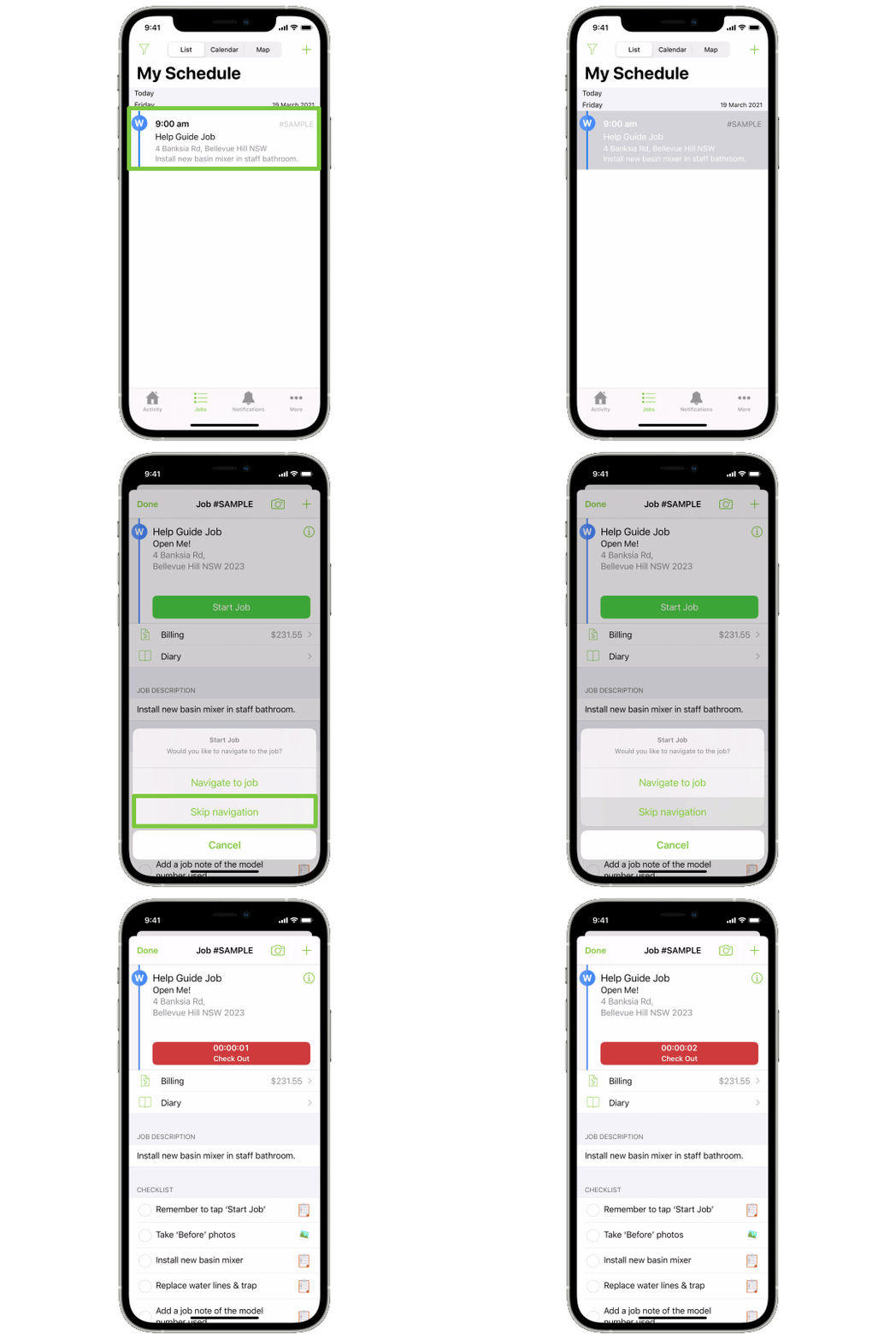
1. Open a job card
Digital job cards in ServiceM8 mean you can access job and client details, anywhere.
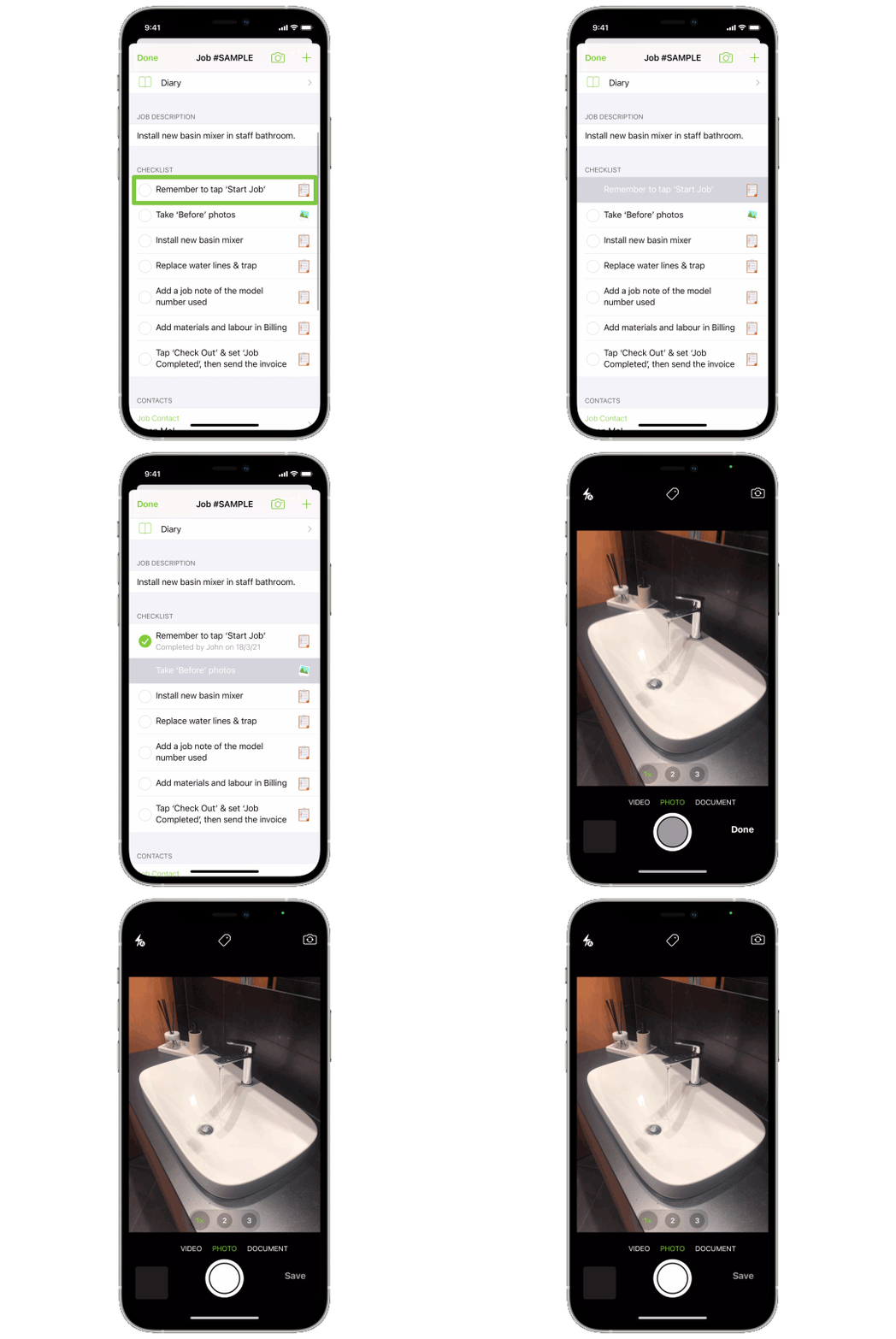
2. Complete a job checklist
Easy checklists of job requirements mean jobs get done right the first time, every time.
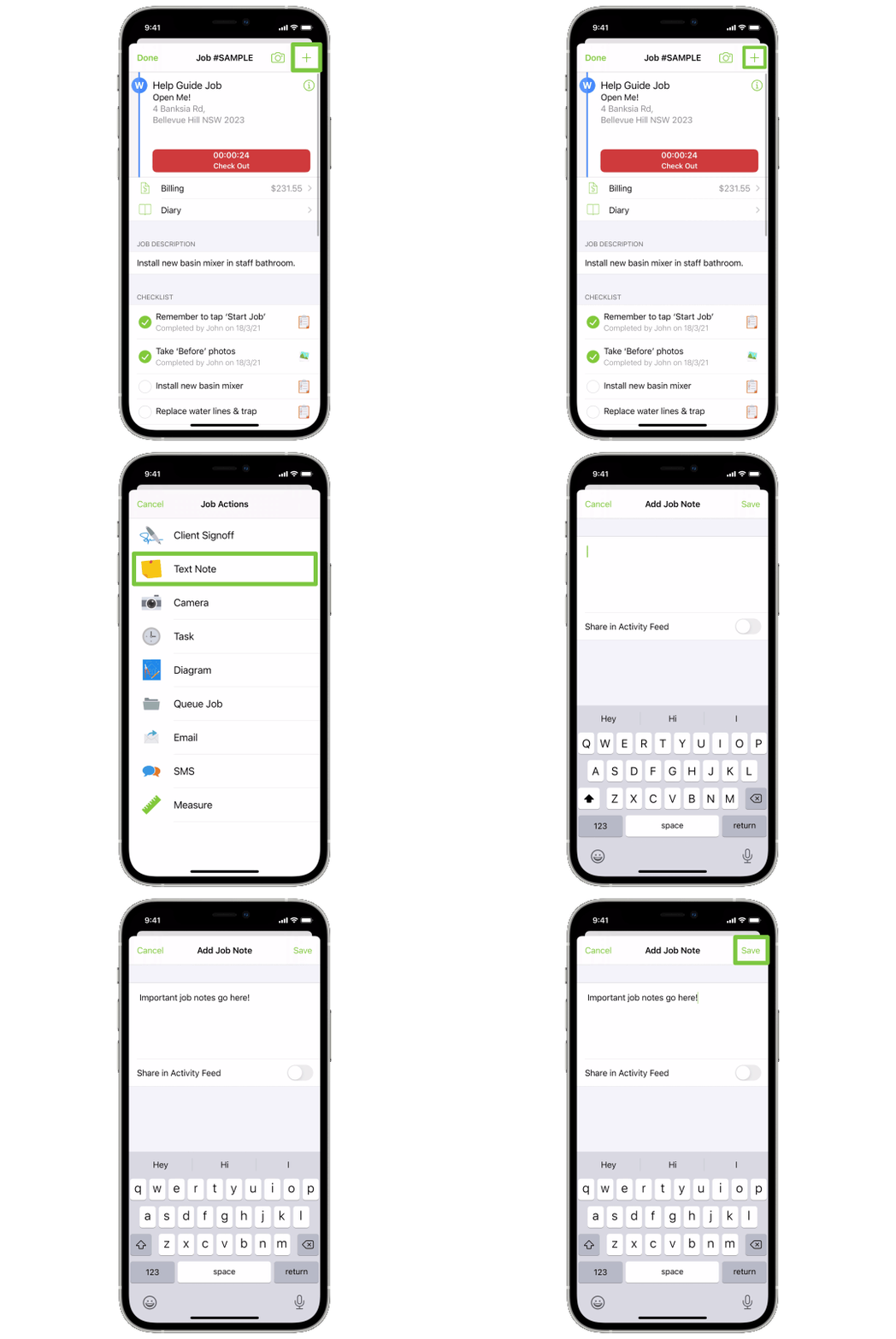
3. Save a job note
Important notes can be typed or dictated, automatically saved to the job’s Diary, forever.
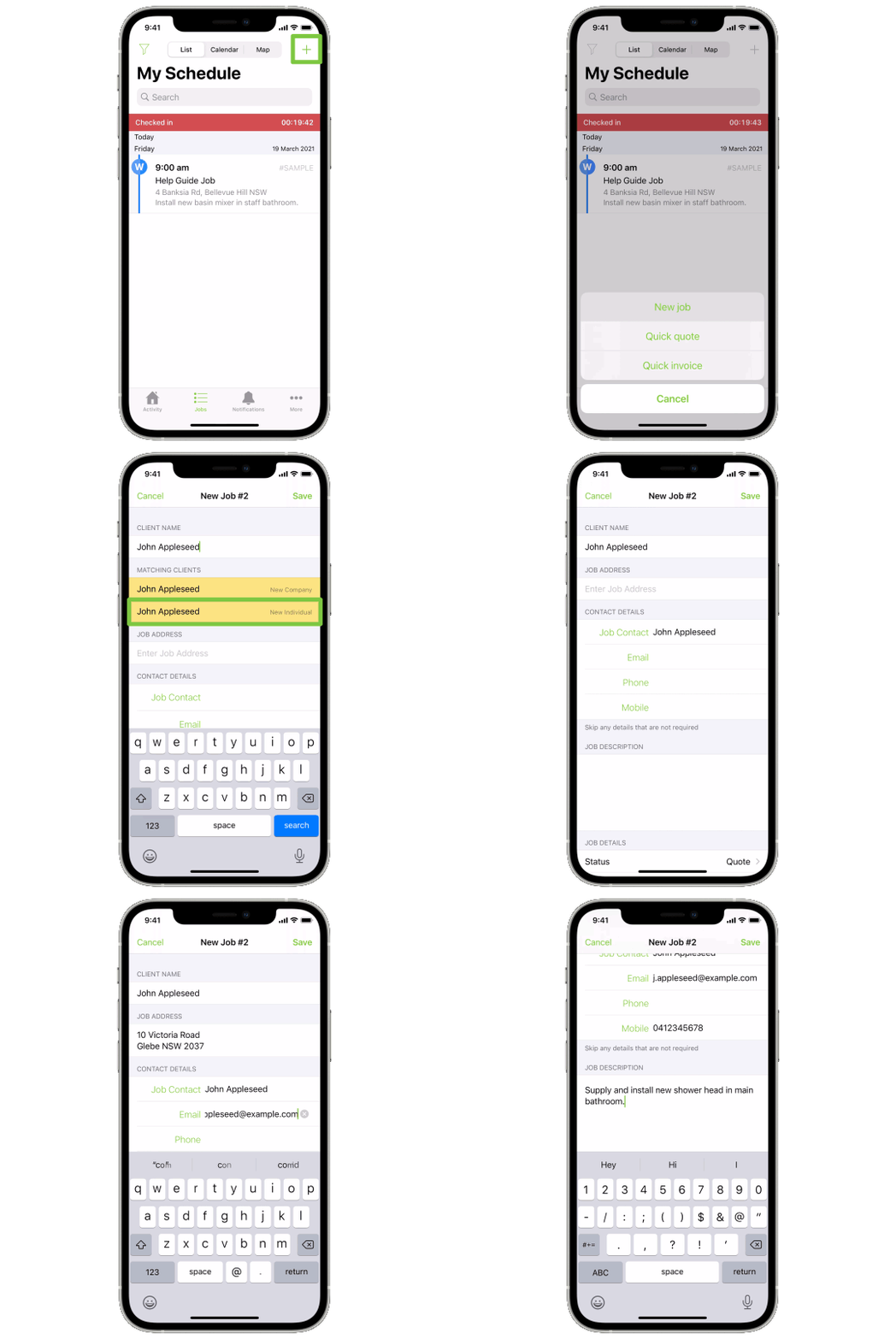
4. Create a new job card
Save new client & job details anywhere, anytime. New job cards can start off with a status of either ‘Quote’ or ‘Work Order’.
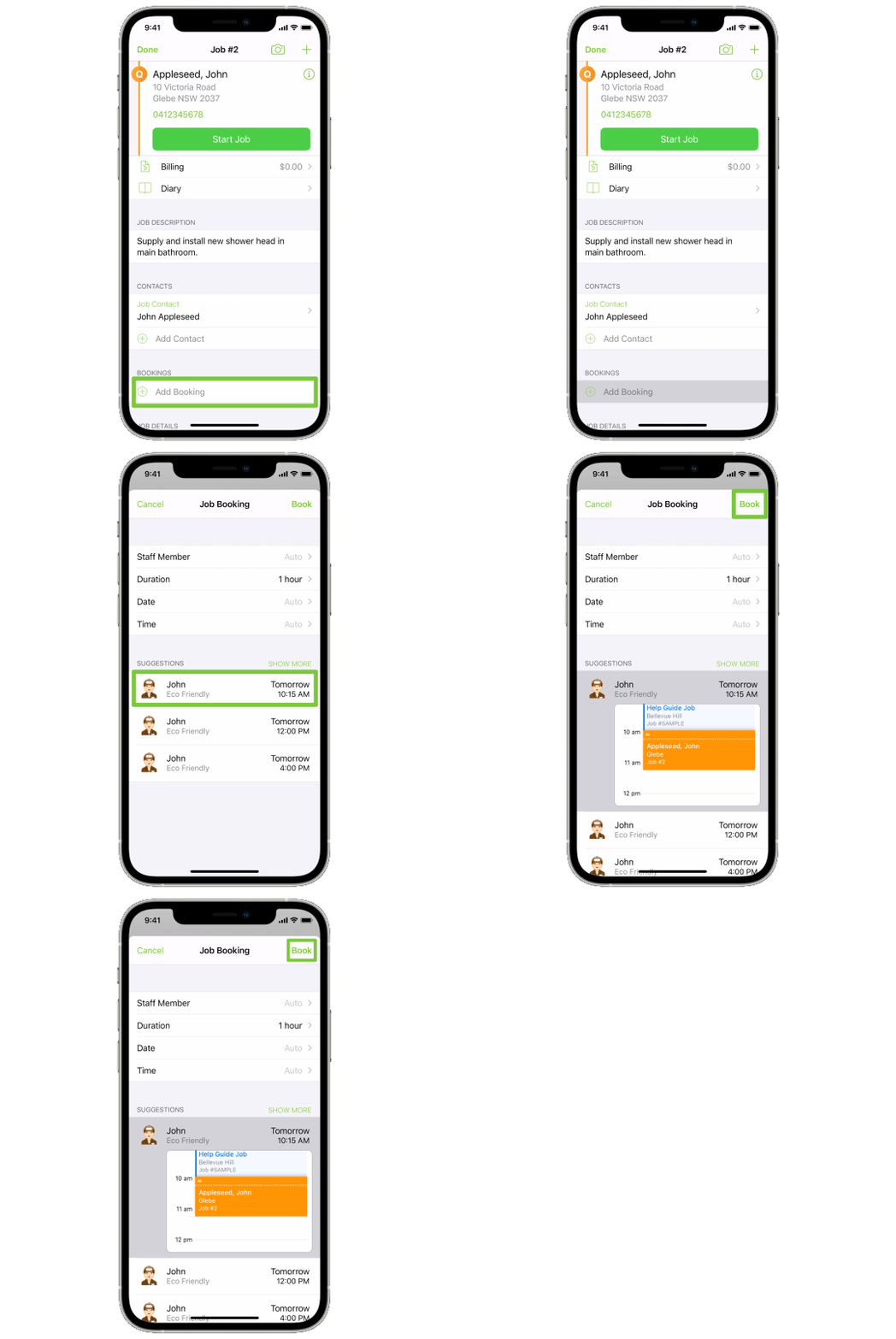
5. Schedule a job
See how you can schedule jobs to yourself or your team, from anywhere.
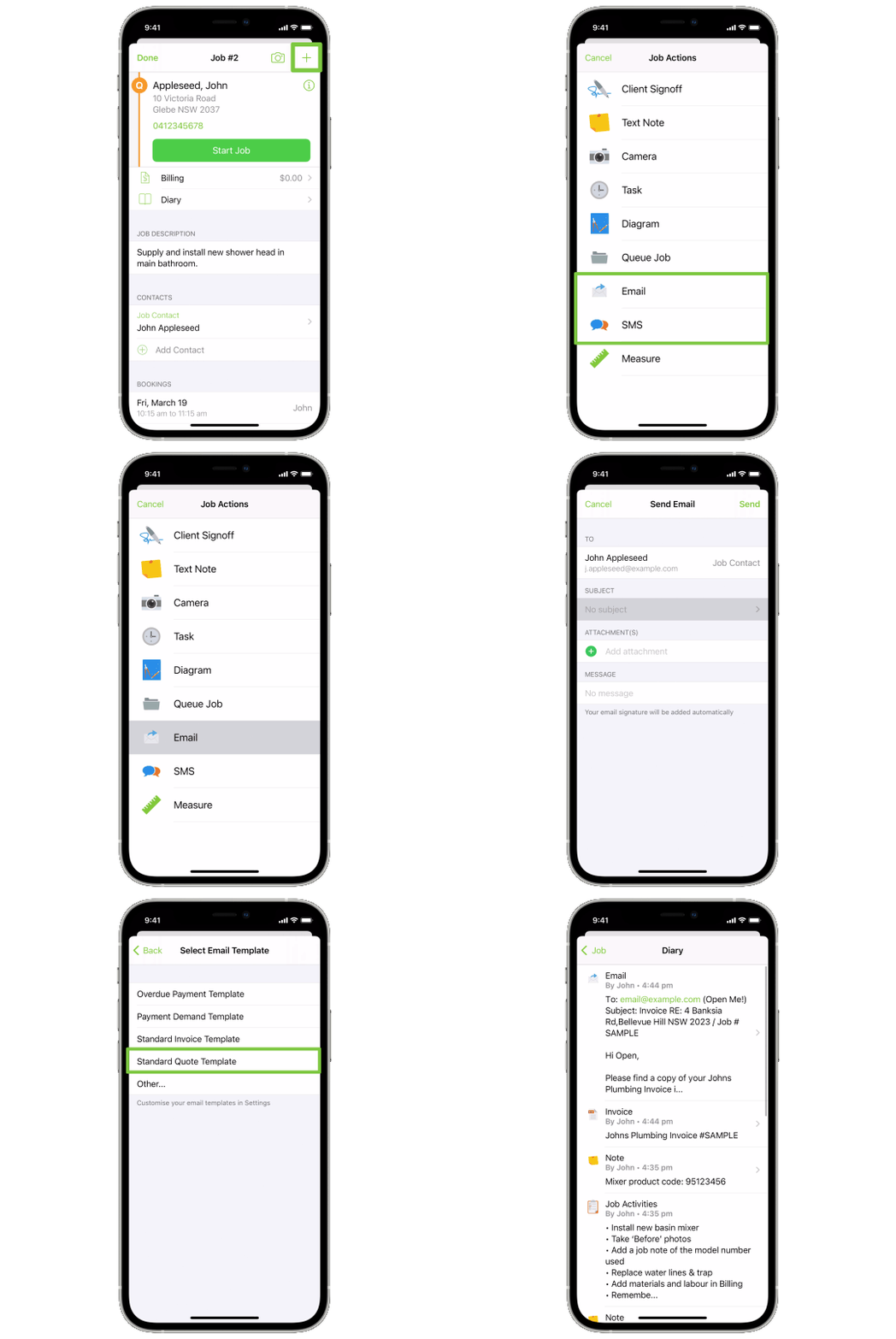
6. Email & text clients from their job card
Test how you can email & text clients centrally from their job card — it’s all saved in the job Diary.
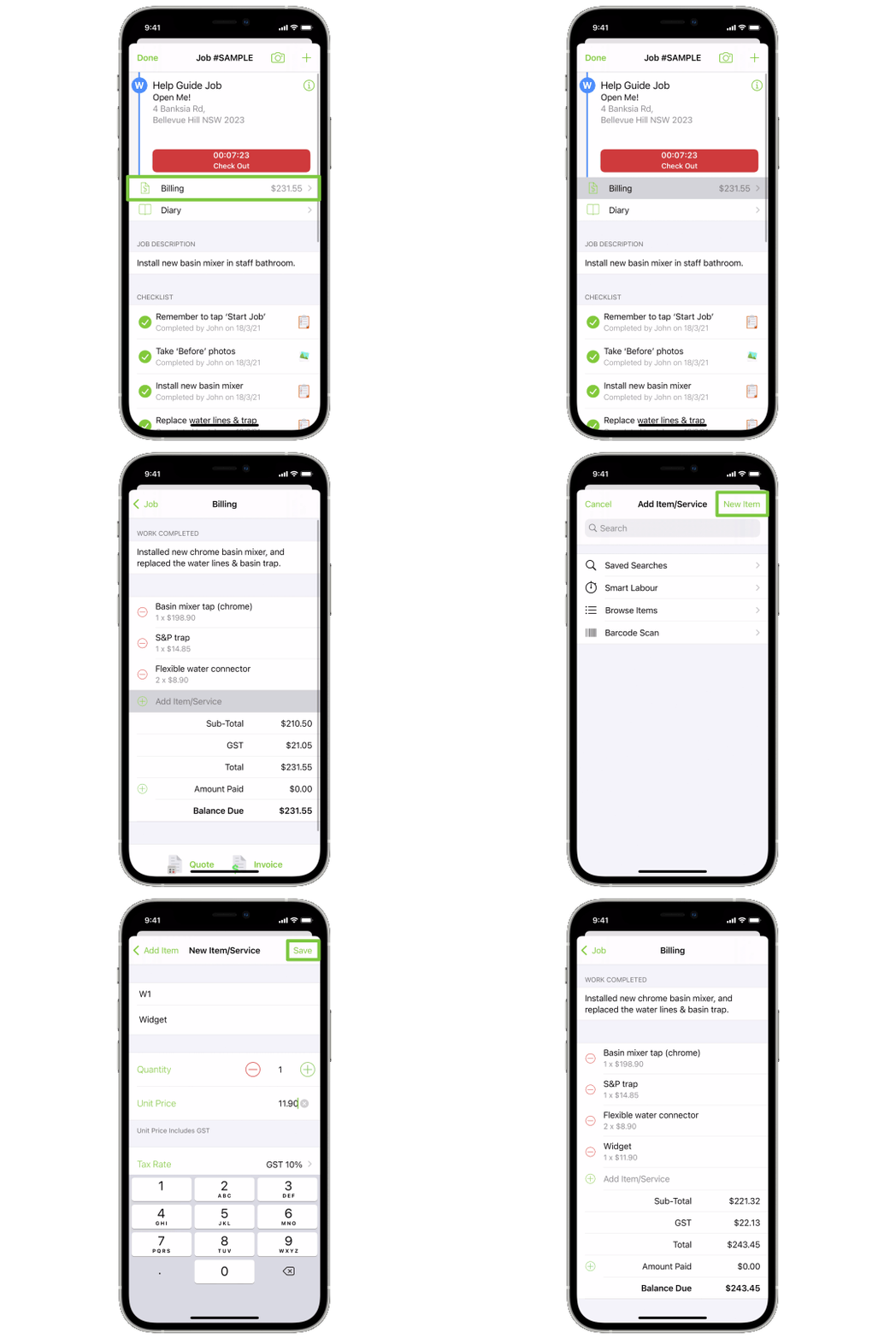
7. Add billable items & labour
Add billable items/materials as you go on site. You can even charge labour based on how long you’ve been checked in.
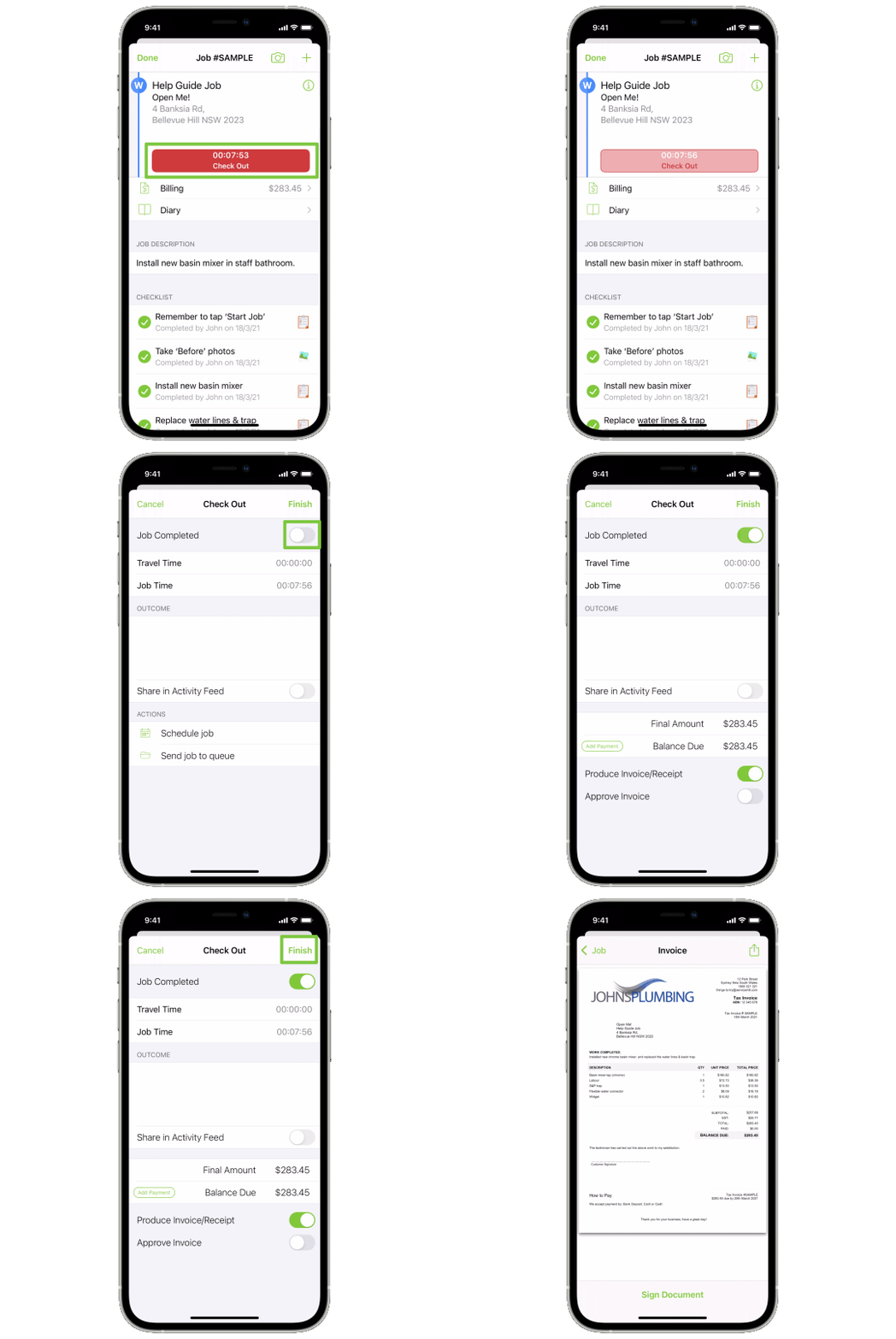
8. Quote & invoice on site
See how you can ‘Check out’ to generate a quote or invoice immediately on site.
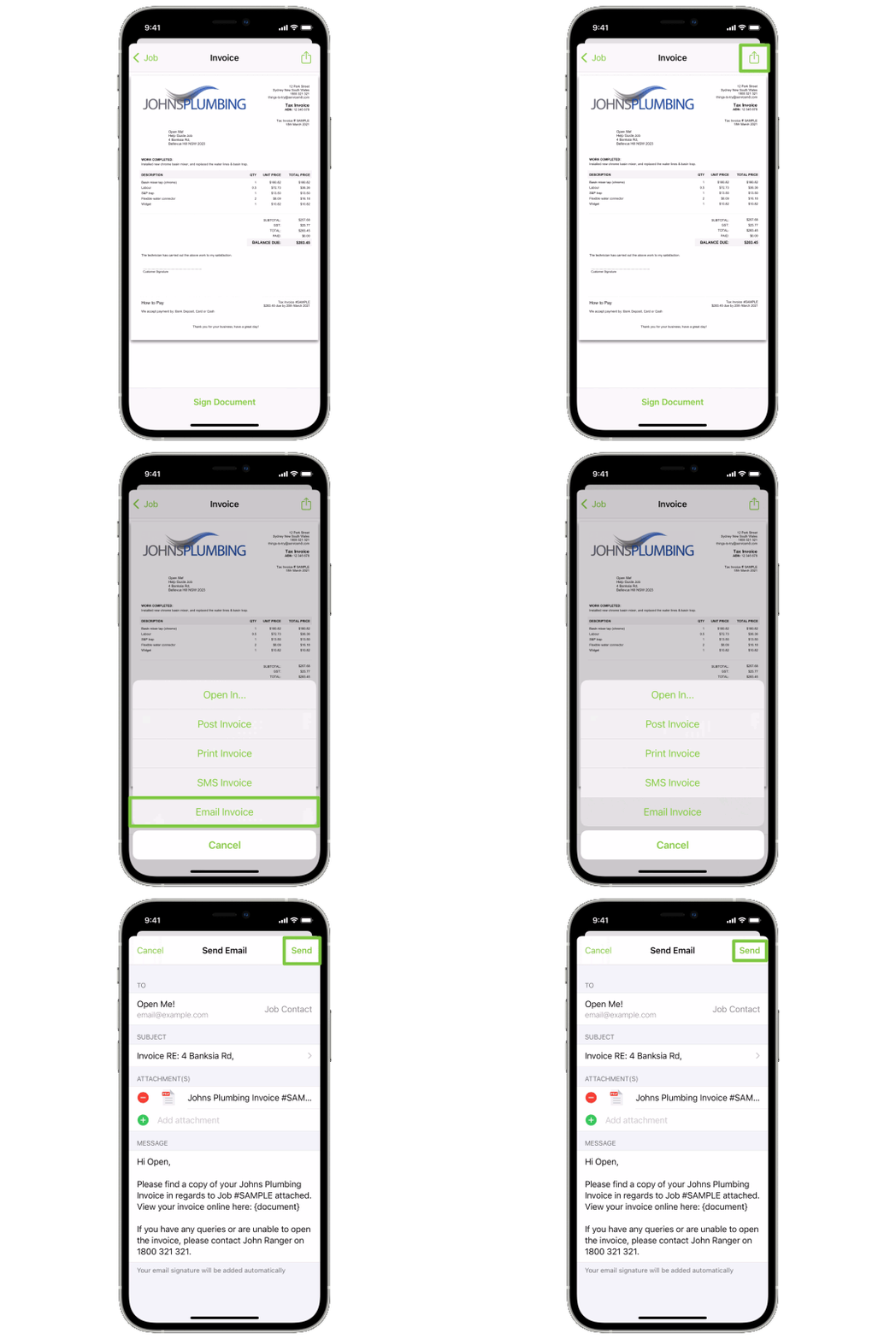
9. Send a test quote or invoice
Try sending yourself a quote or invoice. You can email and/or SMS quotes & invoices before heading to your next job — not late at night! Quoting fast wins you work & invoicing ASAP keeps cash flowing.
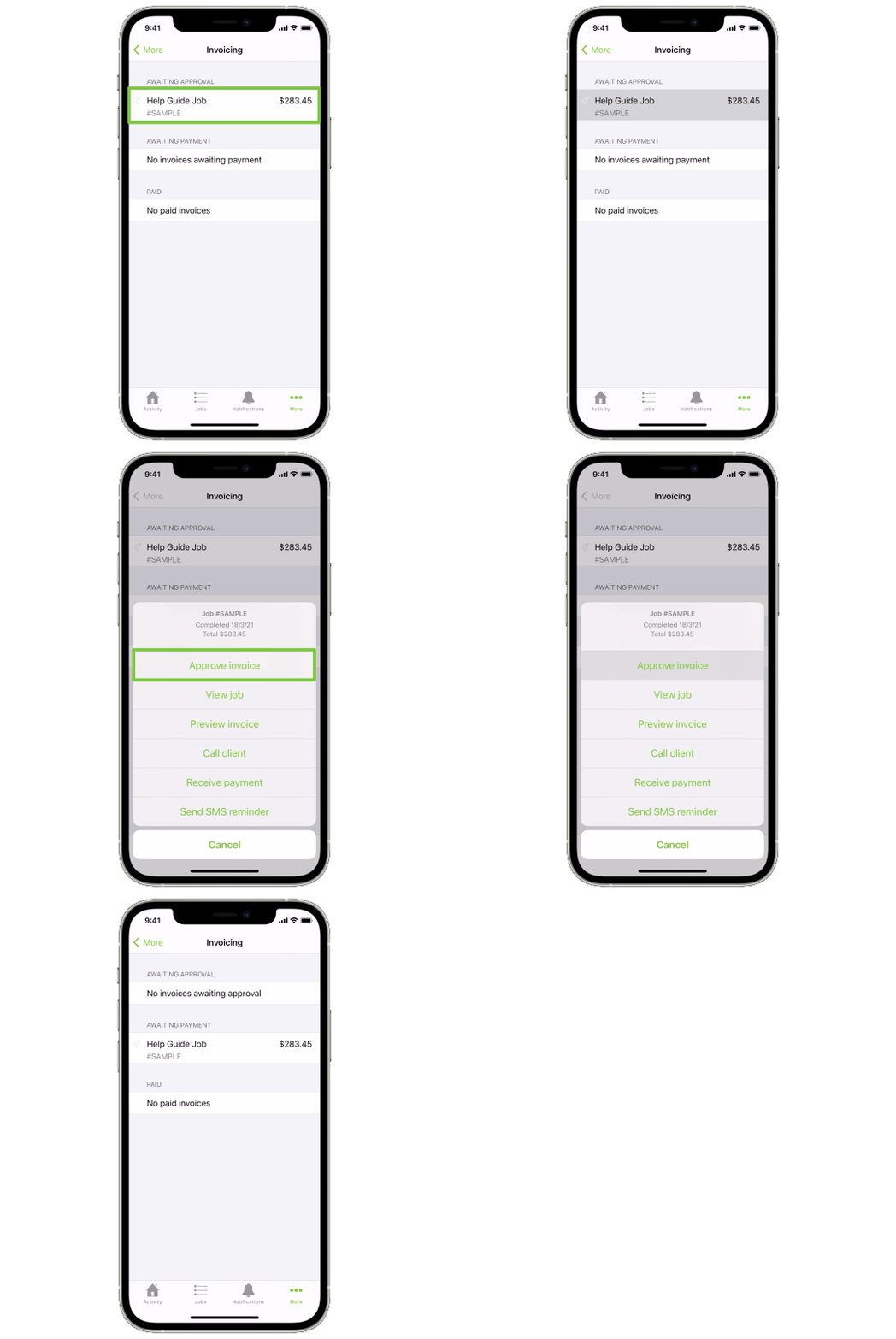
10. Sync invoices to Xero, MYOB or QuickBooks Online
When ready, connect to your accounting package so you can sync invoices and payments, eliminating double entry. See the Getting Started Guide for guidance.
Looks good?
Check out our Getting Started Guide for a step-by-step on how to trial ServiceM8 with some real jobs in your business..