Clients and contacts
How do I add a contact to a client online?
Find out how to add a contact to a client online in ServiceM8.
This lesson will explain how to add a new contact to a client.
Go to Clients
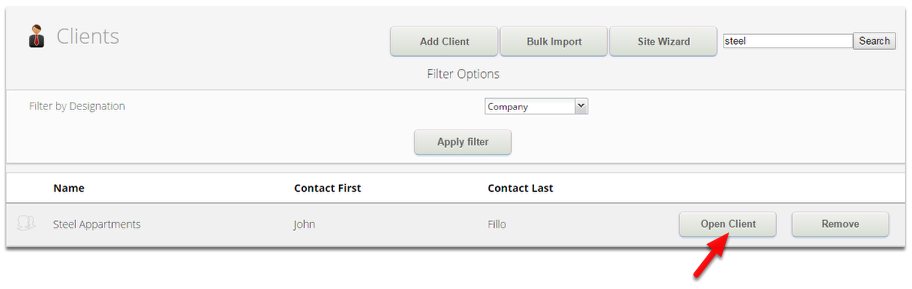
Search or browse any existing clients, then click Open Client
In the Modify Client, click New Contact
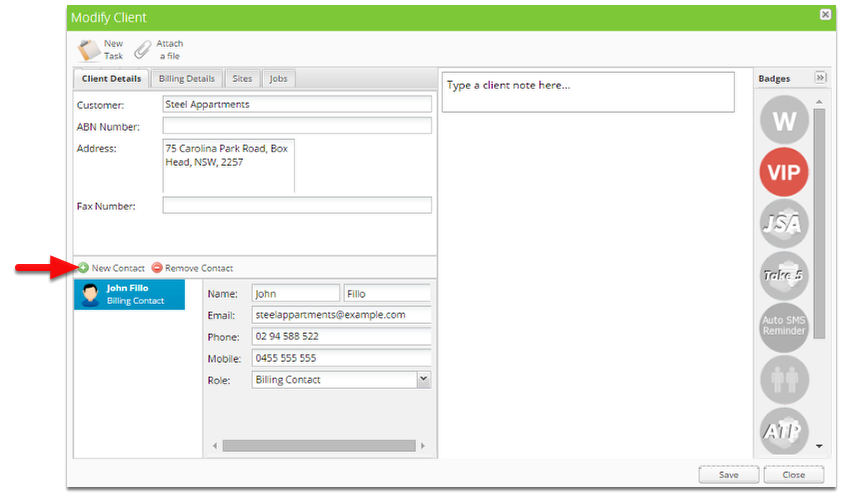
Set the details of the new contact.
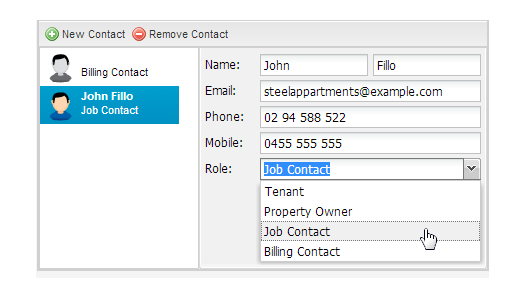
Click Save once complete