General FAQ
How to Drag and Drop files and contacts into the ServiceM8 app (iPad only)
Learn how to drag and Drop files and contacts into the ServiceM8 app (iPad only) in ServiceM8.
iOS 11’s Drag and Drop functionality lets you drag files and information between apps on your iPad. This means you can do things like drag a file from another app into a job card, which will automatically save it to the Job Diary. Or, drag contacts or attachments into ServiceM8 emails.
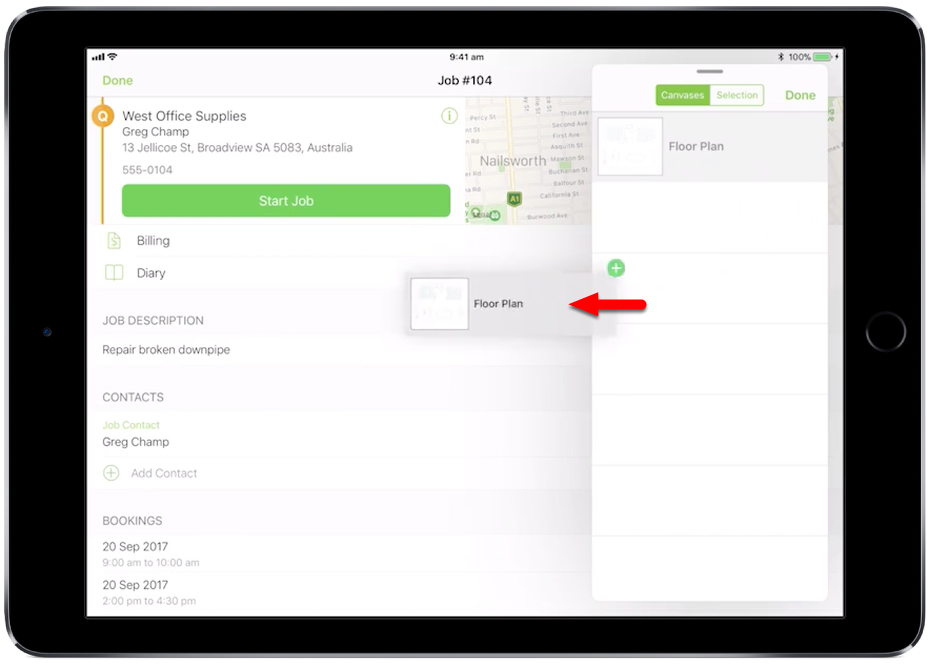
Drag and Drop a file from iCloud onto a job card
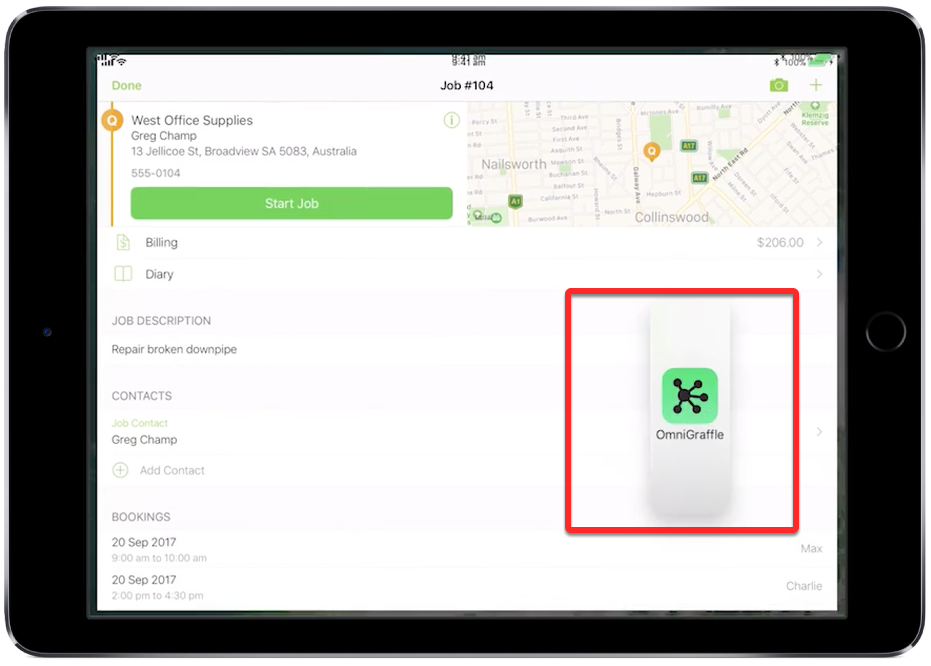
Grab a file with a drag gesture (tap, hold, and drag away).

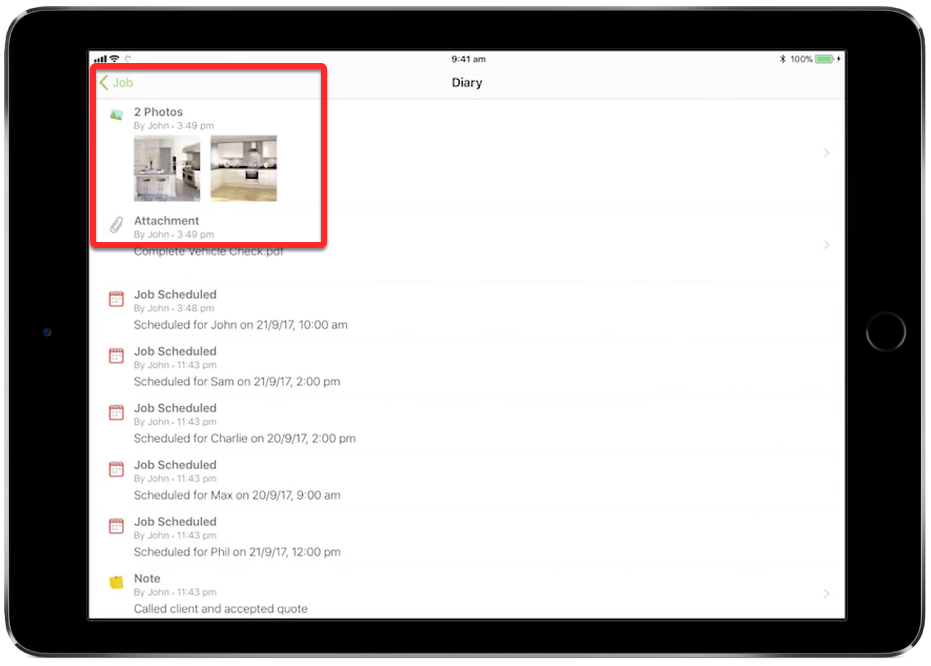
And it will save to the Job Diary as an attachment
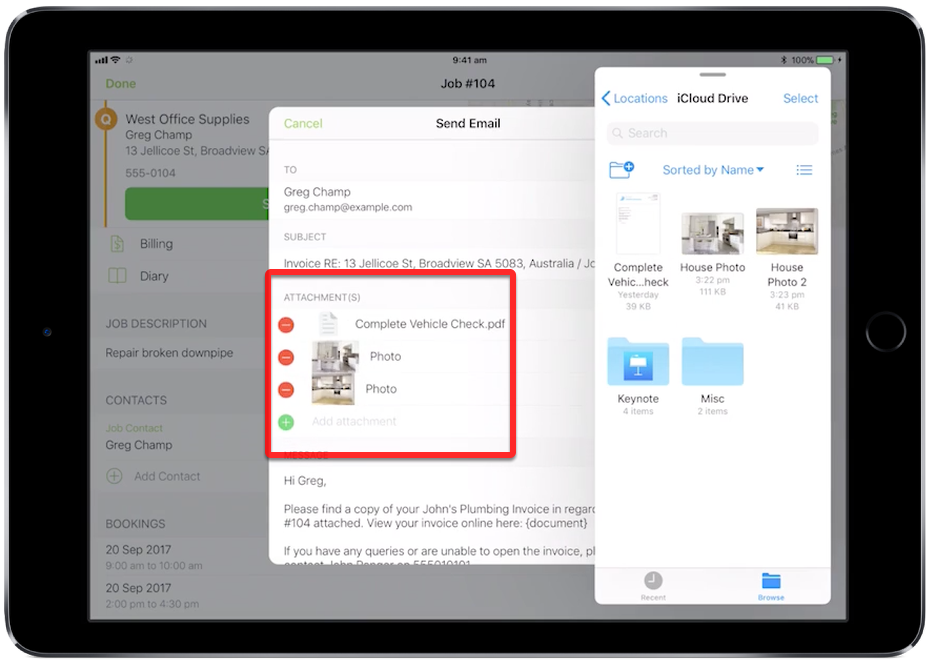
You can Drag and Drop a file as an attachment directly into a ServiceM8 email

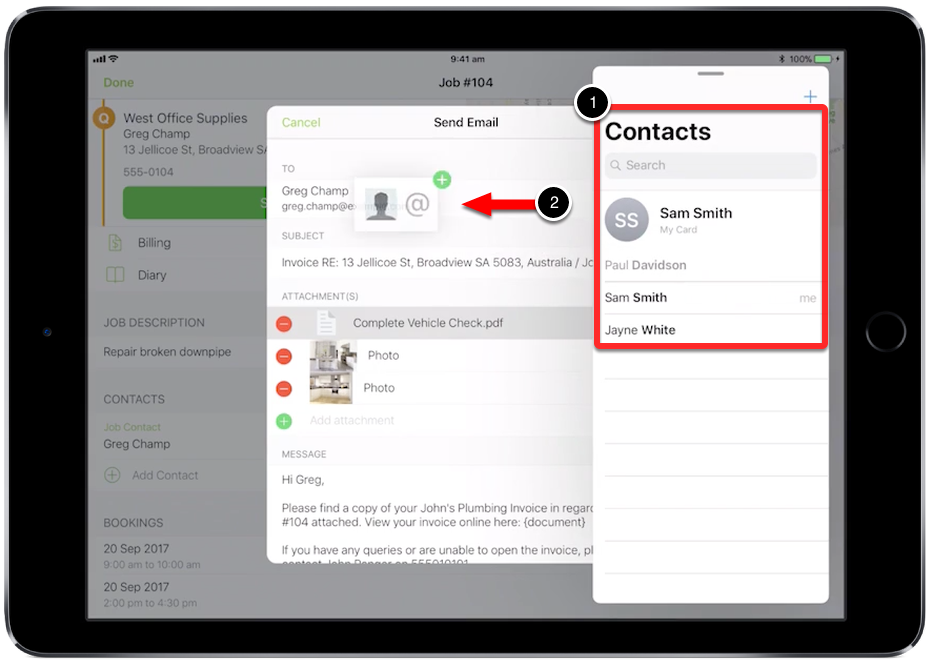
To drag contacts into ServiceM8 emails, open the Contacts app

And Drag and Drop customers from Contacts into the ‘To’ or ‘CC’ address fields
You can also Drag and Drop images or files from other third-party apps