Jobs and scheduling
How to see a job's booking history
Learn how to see a job's booking history in ServiceM8.
Sometimes, jobs are rescheduled by accident, or cancelled without the client committing to a new time, and you need to know what a prior booking time was.
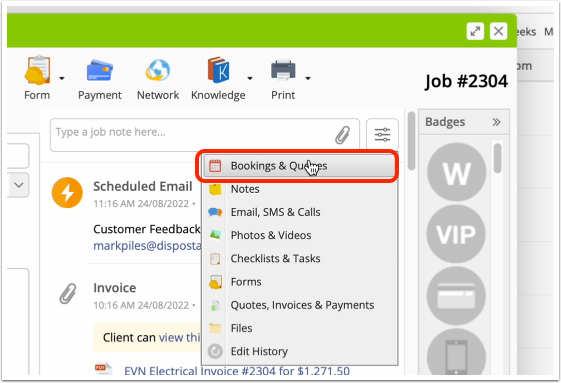
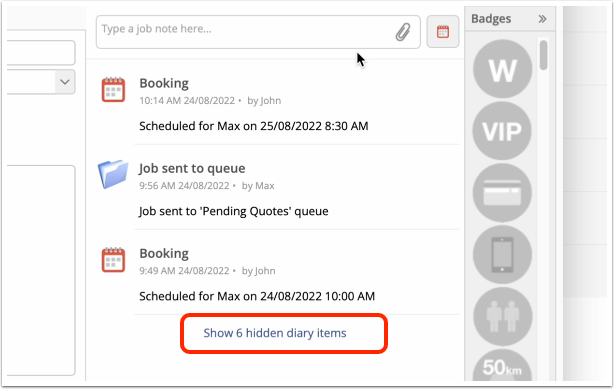
To see the history of booking changes on a job in the Online Dashboard, just filter to Bookings & Queues in the Diary, then click ‘Show hidden diary items’.
Filter the Diary to ‘Bookings & Queues’
Click ‘Show hidden diary items’
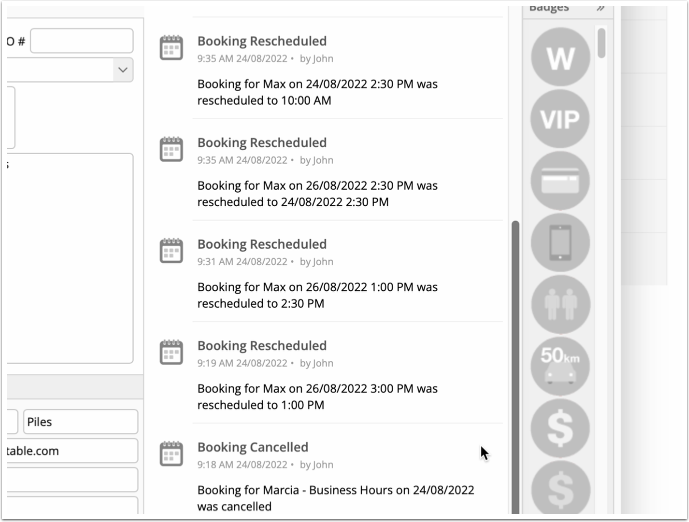
The history of re-scheduled & cancelled bookings appears