

Communication
Creating your own email template
Learn how to create your own email template in ServiceM8.
You will find smart email templates when you click on new email.
Templates are designed to speed up your emails and to give consistency to your clients.
There are ready to use templates to send a quote or invoice, automatically inserting the job details and your client contact name, or you can create your own.
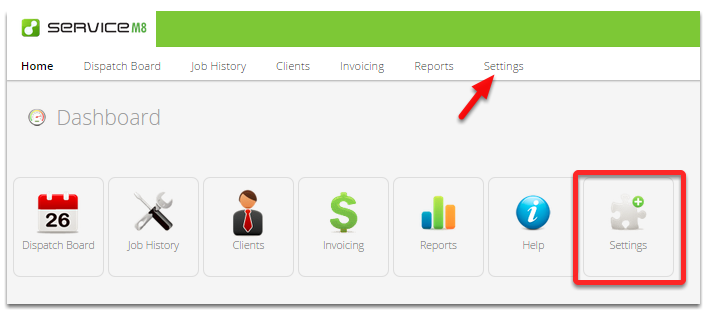
Go to Settings
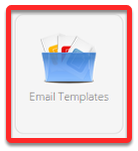
Click Email Templates
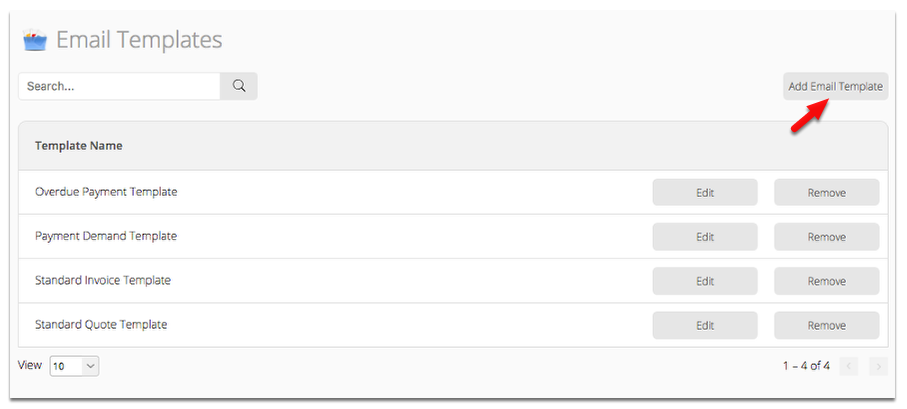
You can choose to edit an existing template or create a new one by clicking Add Email Template
Creating a new template
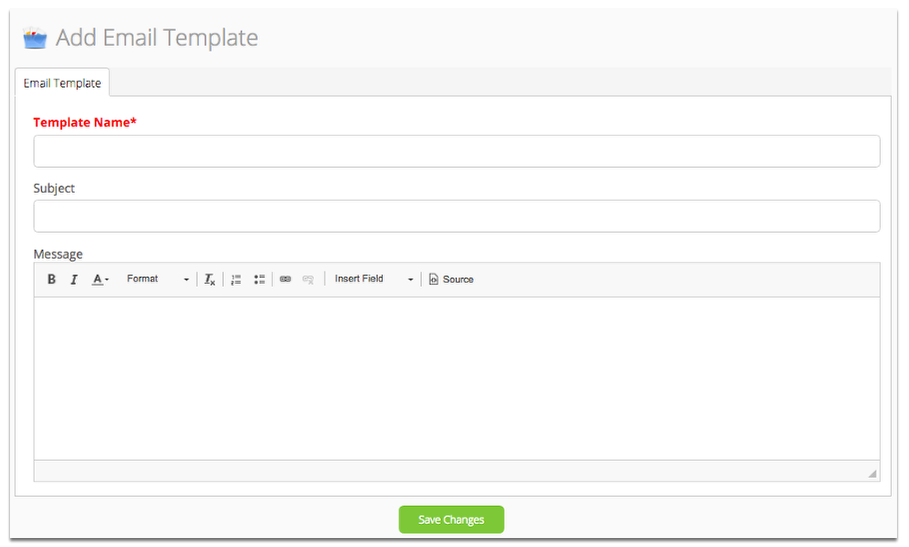
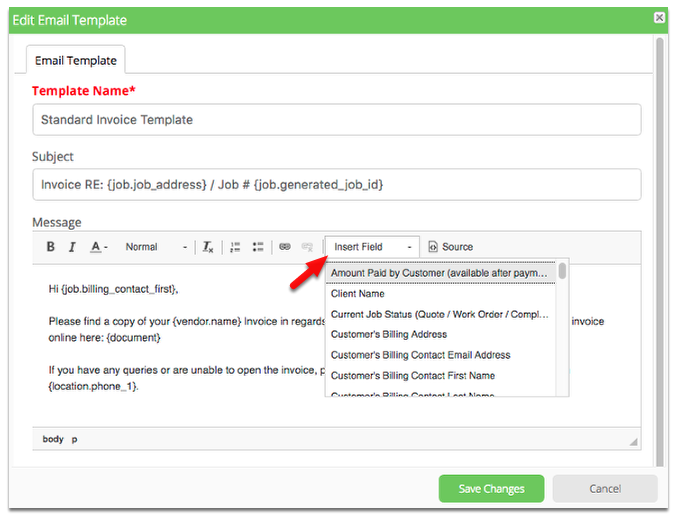
- If you are creating a new template, give it a new name.
- Then simply type in the words you want in your email subject line and in the email text.
- You can apply simple text formatting using the Message toolbar or toggle Source to use HTML tags
Click Insert Field to use any field from the drop-down list
Save your template and return to the job dispatch board to test your email.
Set up a smart email templates so all your staff use them, this will ensure professional emails are being sent every time from everyone in your business.
Learn more about the kind of email you can send with ServiceM8.