Accounting integrations
What information goes into the Reference field in Xero?
Learn about what information goes into the Reference field in Xero in ServiceM8.
Invoices templates in Xero typically have an Invoice Number field and a Reference field. The information synced to the Reference field will depend on how you have set your Xero invoice number preferences within ServiceM8.
-
If your invoice number in Xero is the ServiceM8 Job Number, then the Reference field will contain the ServiceM8 PO Number.
-
If your invoice number in Xero is issued by Xero, then the Reference field will contain the ServiceM8 Job Number.
To change your Xero invoice number preferences:
Note: This is only applicable to users who have integrated their Xero accounting software with ServiceM8.
- From your ServiceM8 Online Dashboard, click Settings.


- Click Preferences.

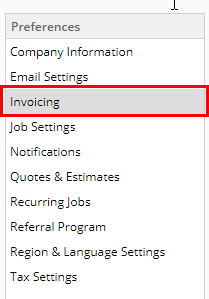
- From the Preferences menu, click Invoicing.

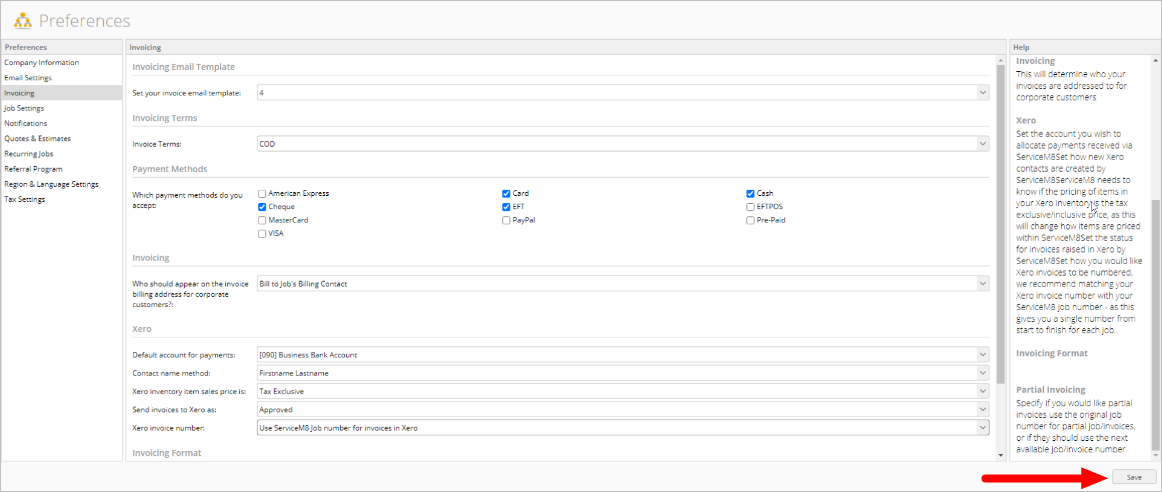
- Scroll down to Xero and select your preferred option in the Xero invoice number field.


- At the bottom right, click Save.