Communication
How to delete notes and other items from the Job Diary
Learn how to delete notes and other items from the Job Diary in ServiceM8.
This lesson will show you how you can remove notes, attachments, photo/video in the Job Diary online.
Go to Dispatch Board
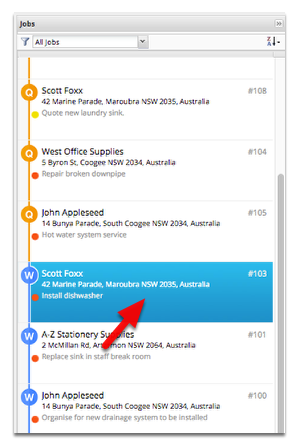
Open a job
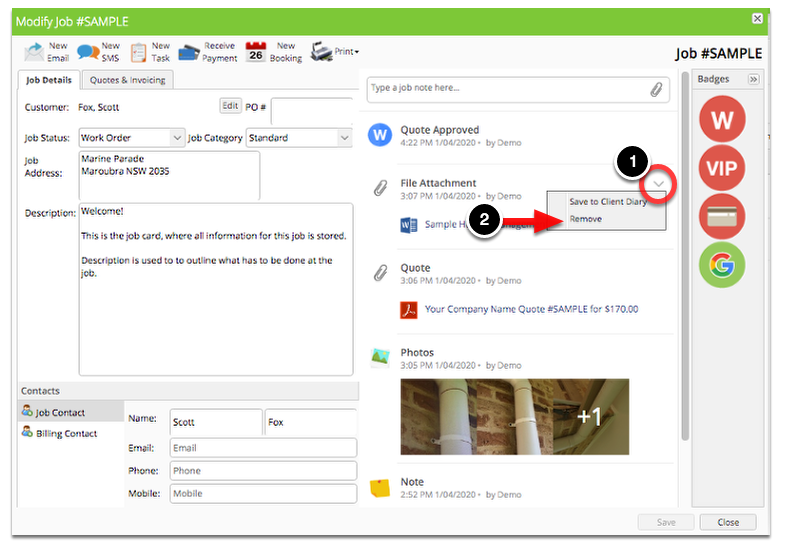
In the job card right pane you will see the job diary.
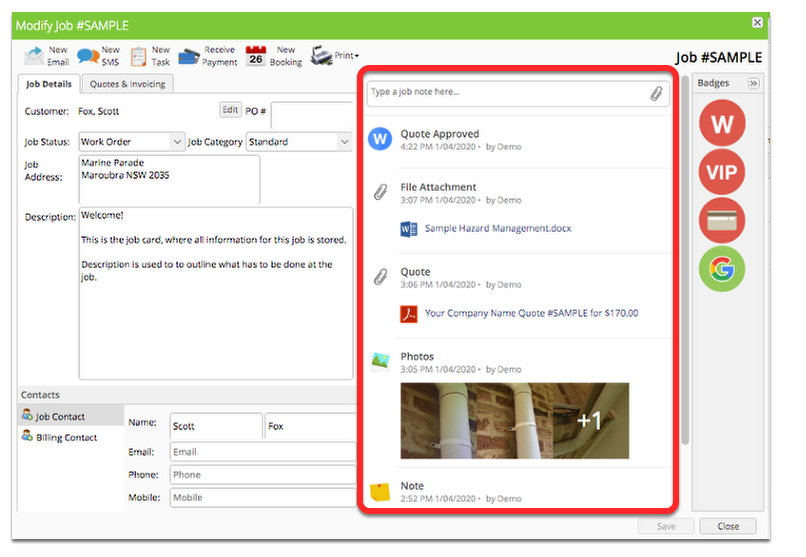
If you hover the mouse pointer to any of the items then you should see a drop-down ( v ) icon, click on it and select Remove.
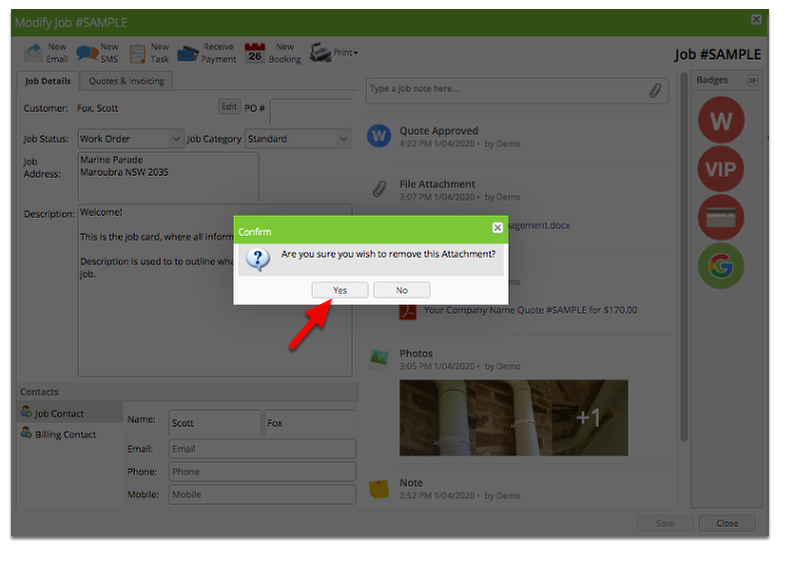
Click Yes to confirm
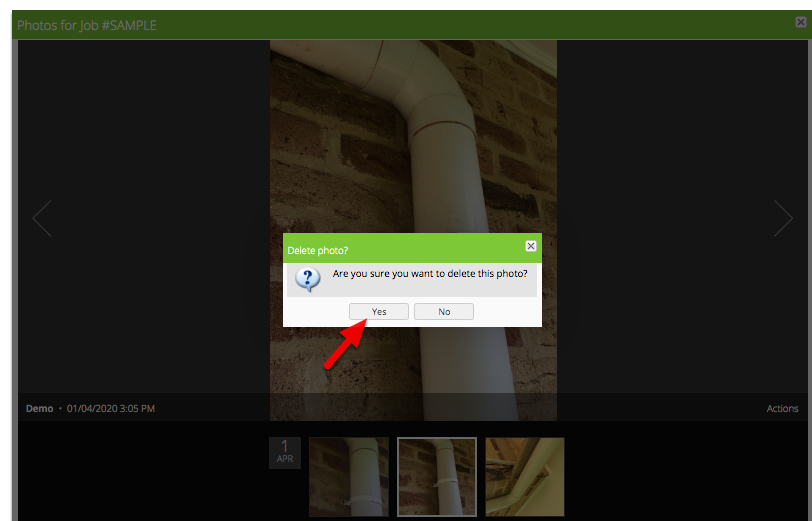
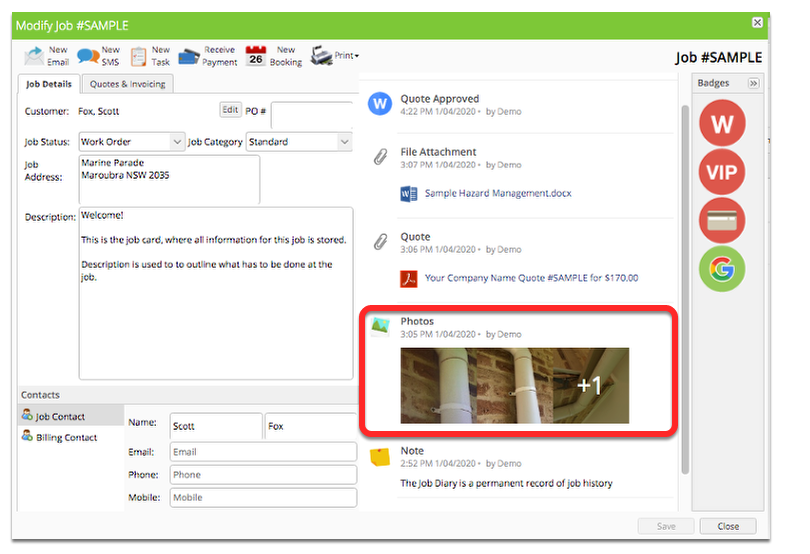
For the photo or video, click on it to launch the photo/video viewer.
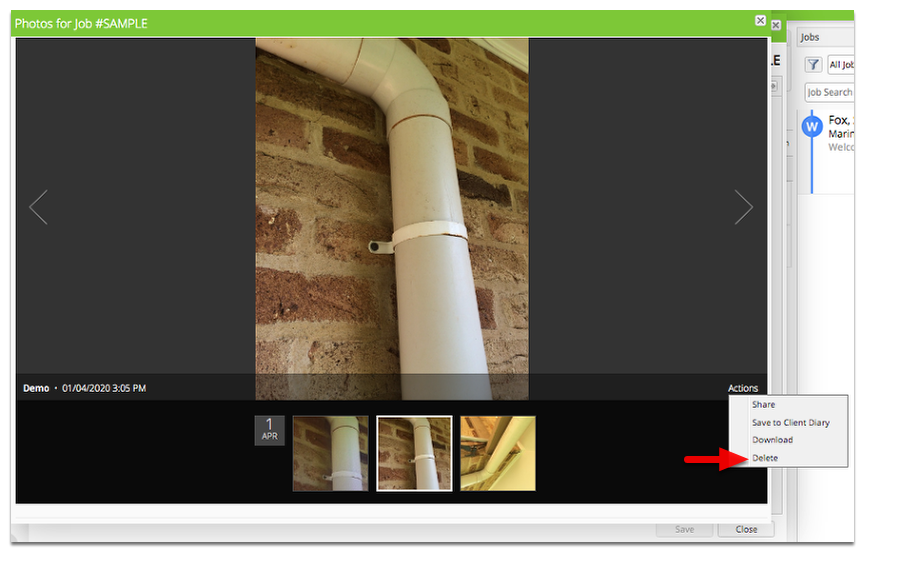
Select a photo or video that you would like to remove. In Actions menu, click Delete
Click Yes to confirm and that’s it!