Dispatch Board
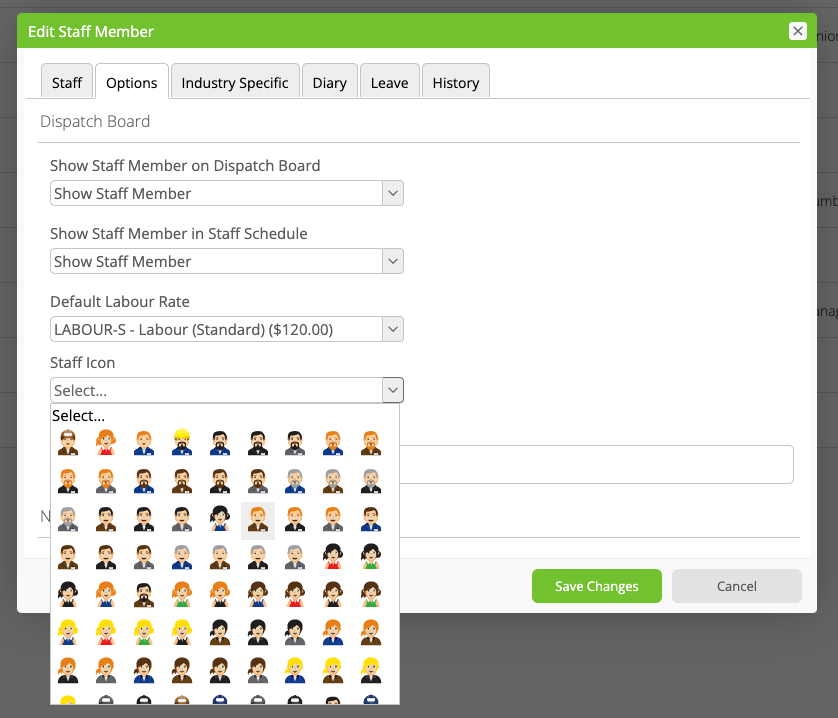
How to change a staff member's icon
Learn how to change a staff member's icon in ServiceM8.
You can change a staff member’s icon, as displayed with their name throughout ServiceM8. To do so, in your Online Dashboard, go to Settings > Staff, click ‘Edit’ next to the relevant staff member, click Options, then browse and select from the Staff Icon dropdown.