Quotes and invoicing
Collecting a customer's signature for quote or invoice sign off
Learn how to collect a customer's signature for quote or invoice sign off in ServiceM8.
ServiceM8 allows you to capture a customer’s signature as confirmation of quote or estimate acceptance, as well as confirmation that a job has been successfully completed (invoice sign off)
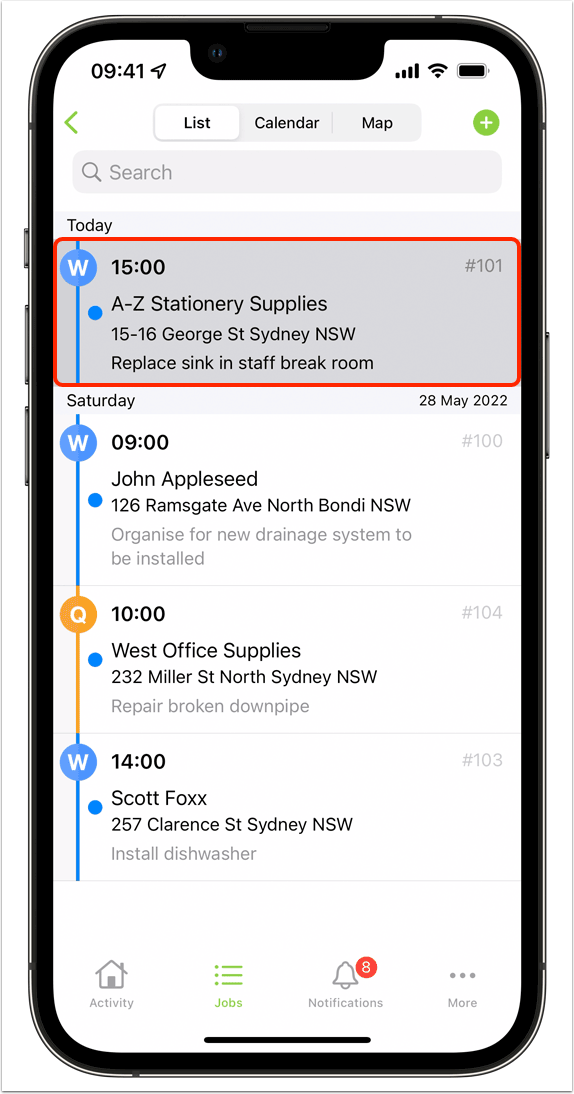
Tap to open the job card
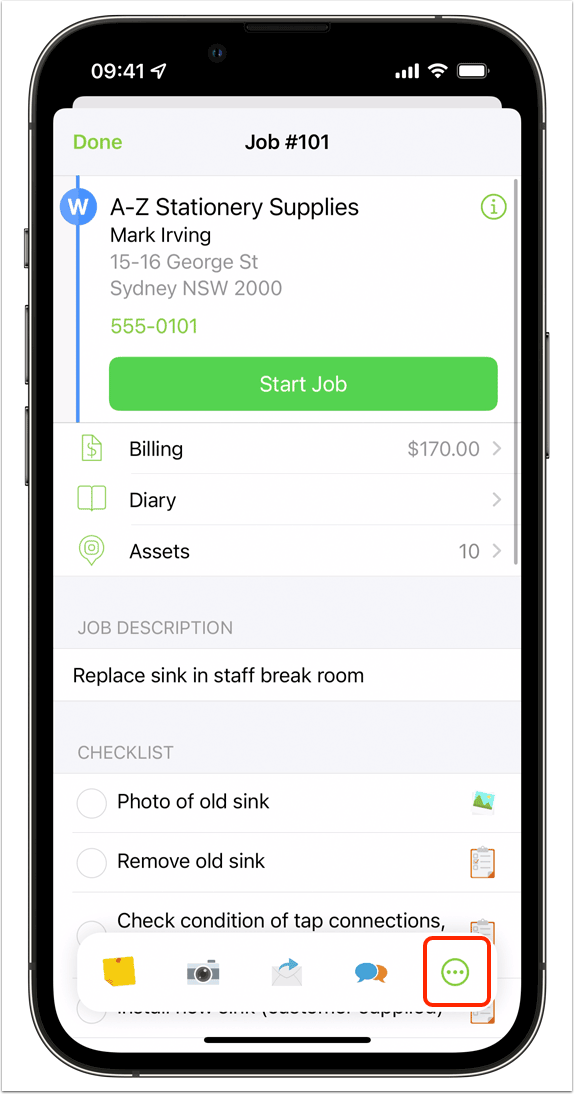
Tap the three dots in the Job Action bar to access more job actions
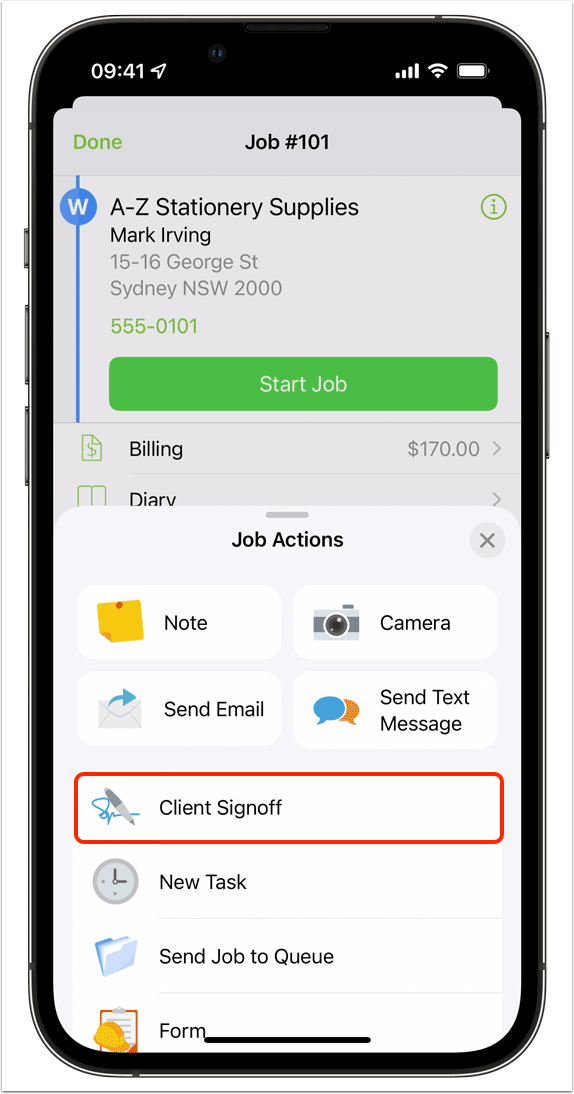
Tap ‘Client Signoff’
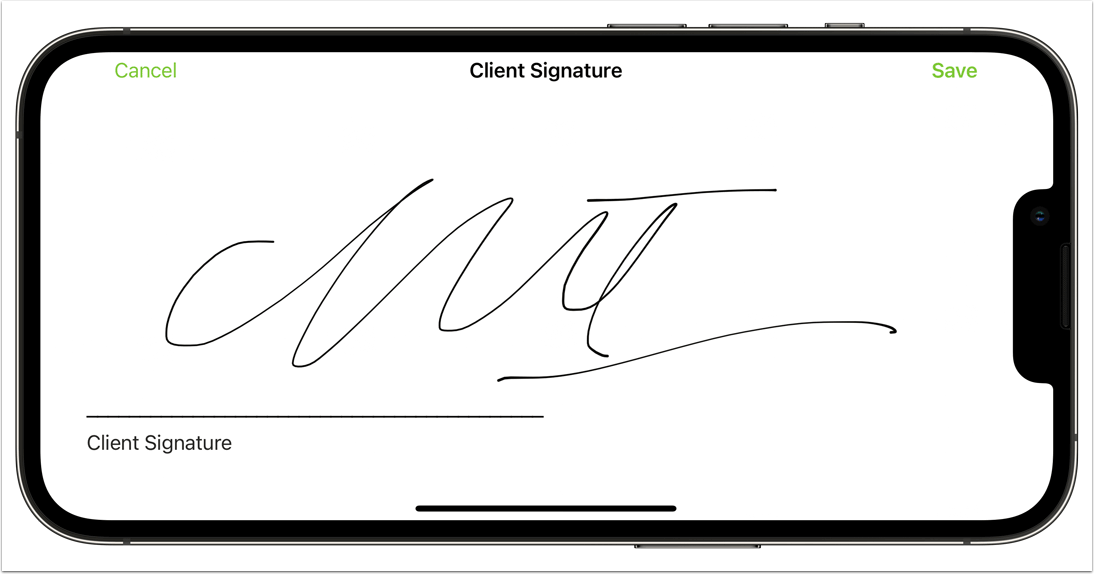
Collect the client’s signature on screen, then tap ‘Save’
Job Diary
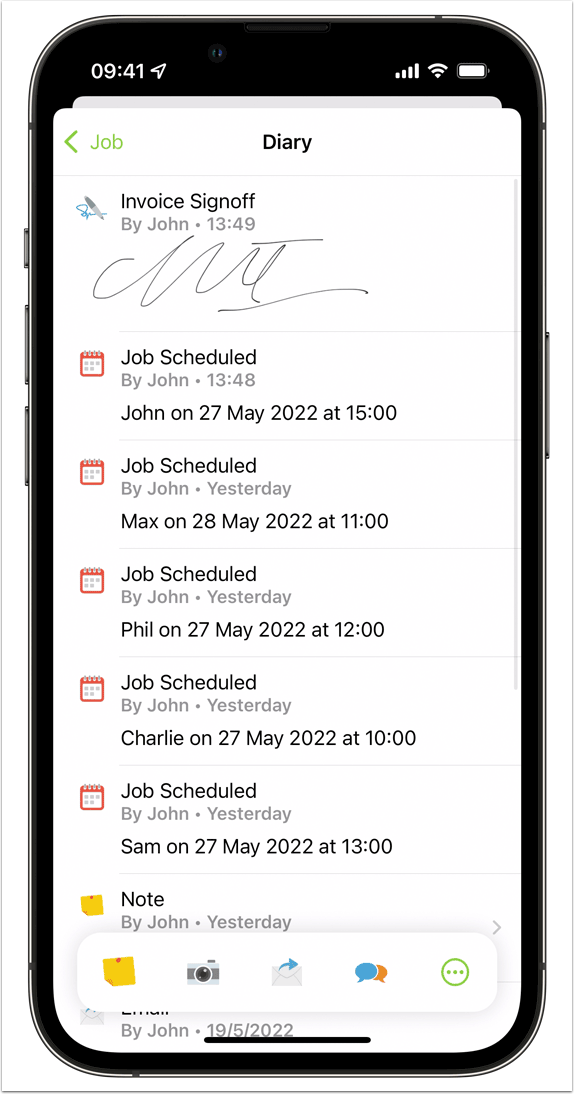
You can always find the captured signature in the job’s Diary, as part of the job’s permanent record.
Some quote and invoice templates will automatically place a customer’s signature on as confirmation they have provided written sign off on the job. You can capture both a quote sign off and an invoice sign off on a single job simply by re-collecting a signature at different stages of the job.