

Communication
How can I send a branded video to a client?
Find out how to send a branded video to a client in ServiceM8.
Sending branded videos to your clients is so easy, there is zero setup required.
Open the job card which includes the video you want to send, and click New Email
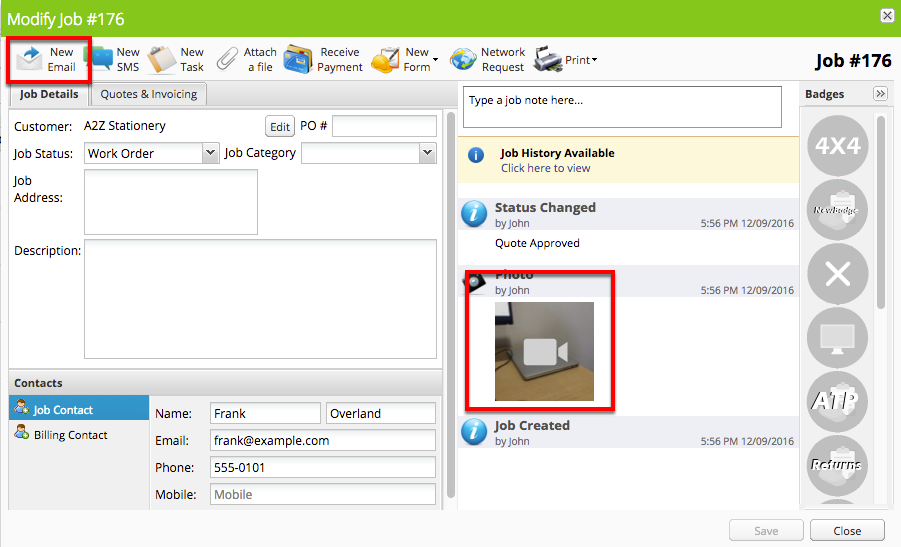
You may like to read how to attach a video to a job to get started.
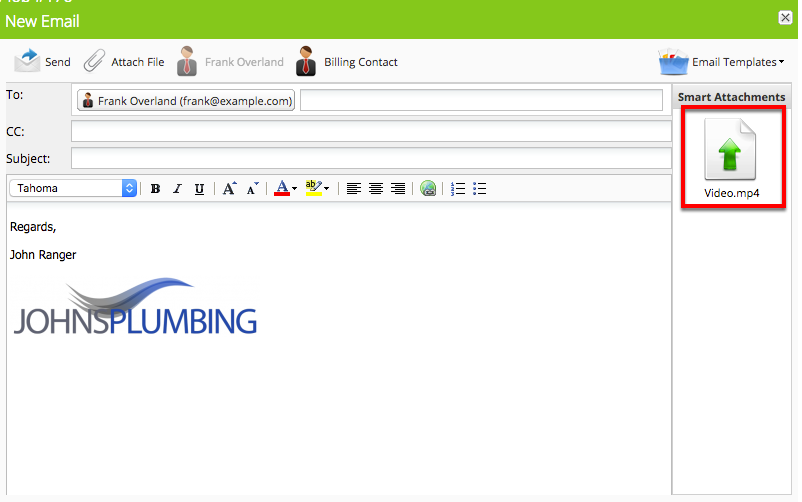
Click the video to attach it to the email
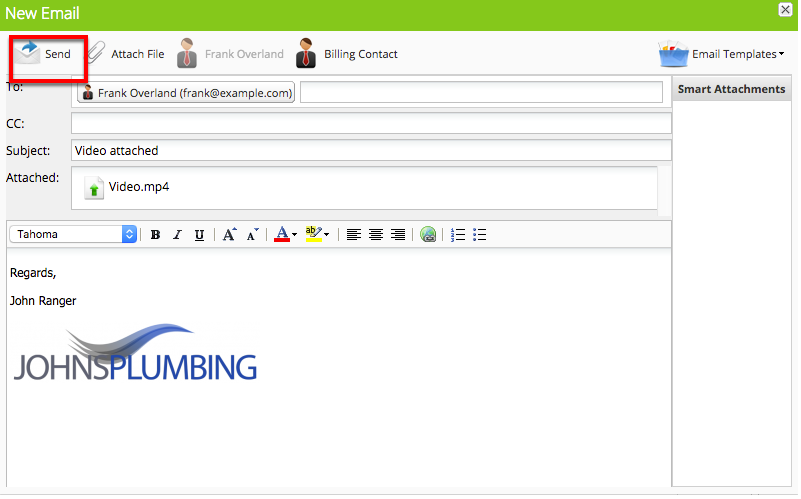
Click Send to send the email
The video is automatically converted to a link and added to the email
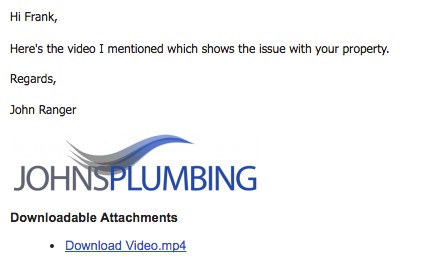
Clicking the link takes the client to a page branded with your logo, and the video shows information about the job in the corner
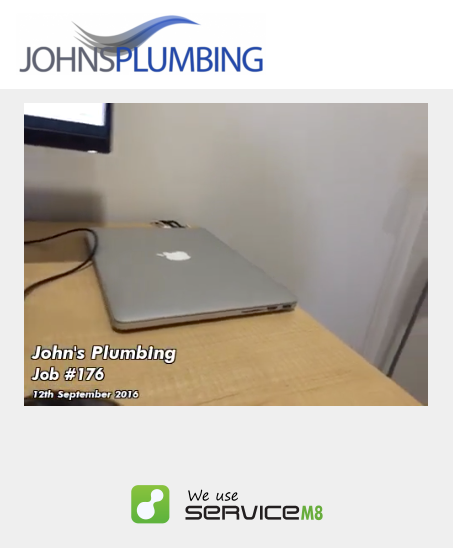
You can even customise the information shown on your video
Check out the Advanced Photo Branding add-on — any settings you choose for Advanced Photo Branding will also apply to videos.