The mobile app
How to use Booking Suggestions
Learn how to use Booking Suggestions in ServiceM8.
The Booking Suggestions tool helps staff quickly find and schedule a suitable booking time for new jobs, straight from the job card.
Suggested staff and booking times are listed in the Job Booking view in the ServiceM8 app, and when clicking ‘New Booking’ within the job card Online.
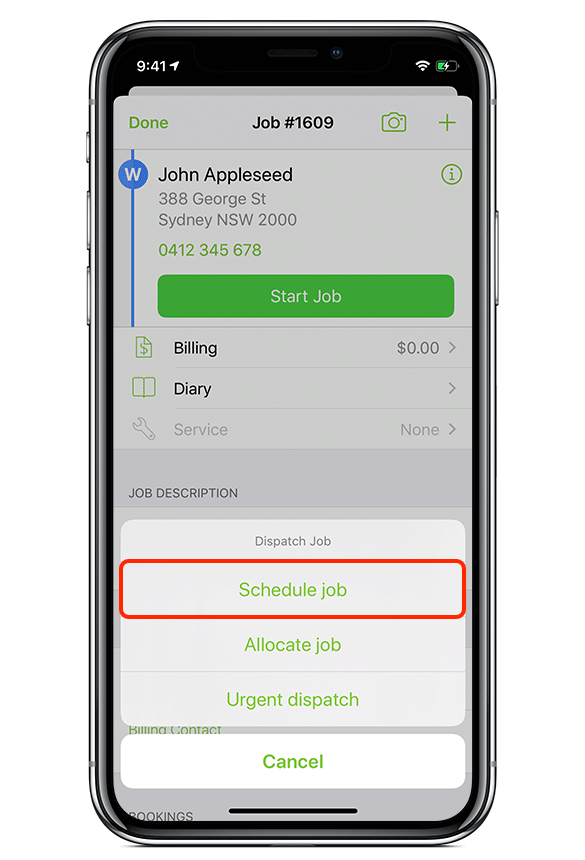
In the app, you can use Booking Suggestions when creating a new job
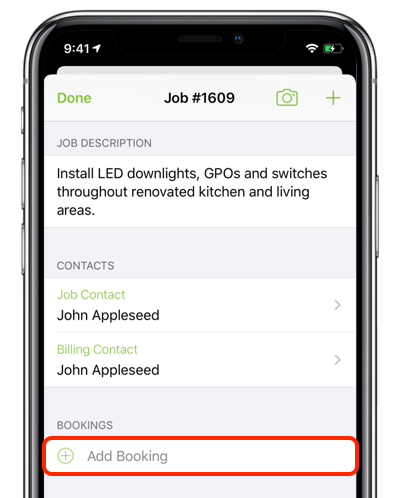
Or when you tap ‘Add Booking’ for an existing job
Suggested staff members and booking times are listed in the Job Booking view
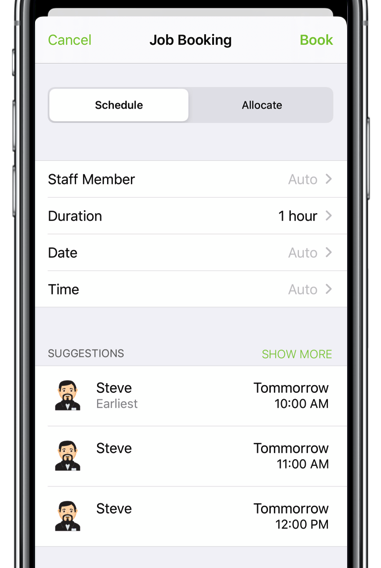
Suggested times take into account staff schedules and staff leave, and allow for travel time from previous jobs.
You can filter or narrow suggested booking times
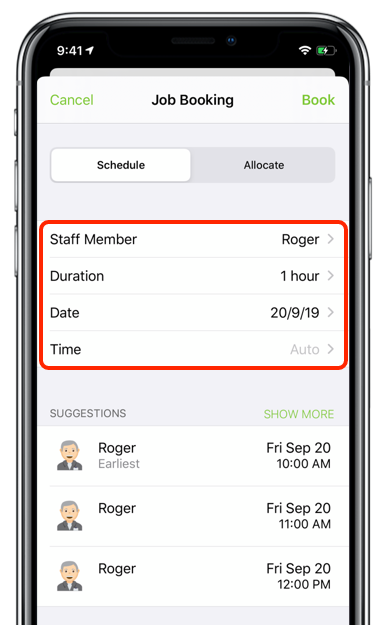
Suggested times can be filtered by applying a certain Staff Member, expected job Duration, and a preferred Date and Time. Once a suitable time is selected, tap Book.
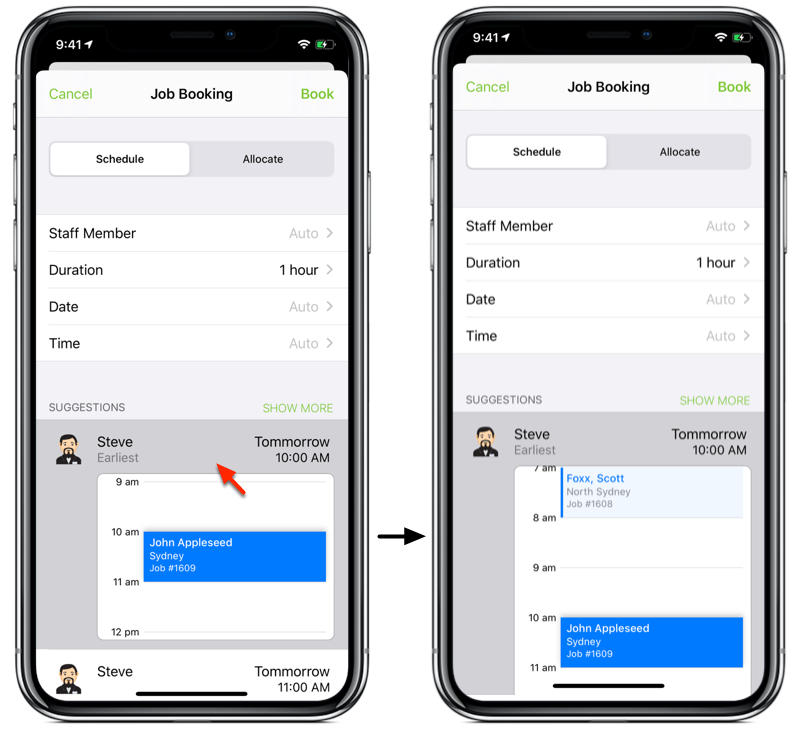
Tap a suggested time to see a preview of how it would work with the staff member’s current schedule
Tap a second time to expand this booking preview.
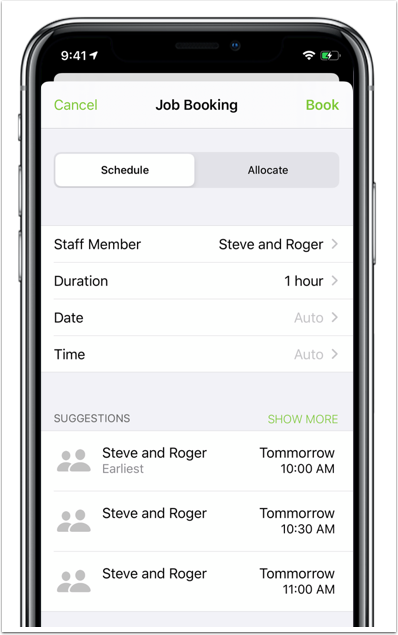
Multiple Staff Members can also be selected for the booking
Times will be suggested taking into account all selected staff members’ schedules.
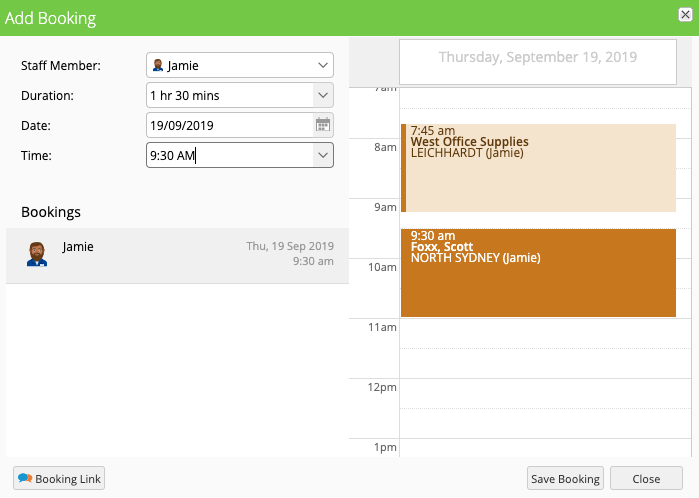
To use Booking Suggestions online, click New Booking from the job card
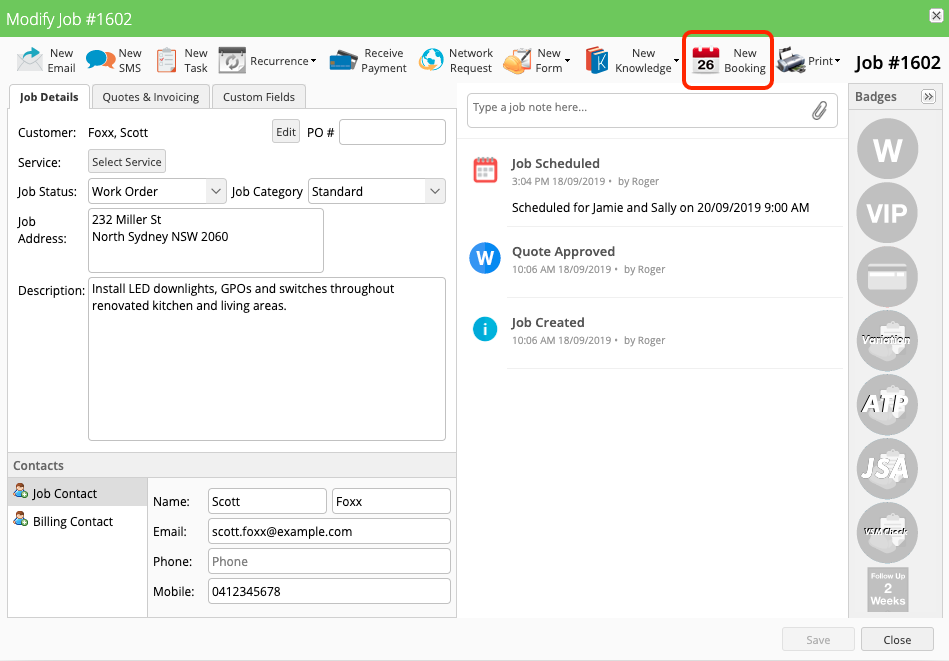
Here you can choose from suggested staff members and booking times
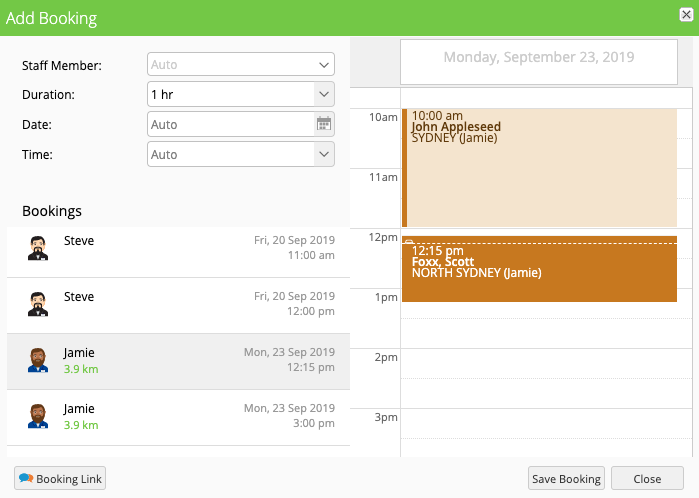
Simply click a suitable time to schedule the job, or narrow it down to one option then click Save Booking