

Quotes and invoicing
How to view Stock Levels in the App & Online
Learn how to view Stock Levels in the App & Online in ServiceM8.
If you use Xero, MYOB or QuickBooks Online, manage stock for integrated items in your accounting package. ServiceM8 displays the quantities imported from that package.
When an invoice containing tracked items is approved and synced, your accounting package processes the stock movement. ServiceM8 then imports the updated quantity through item syncing. Other stock changes in your accounting package can also be imported, so updates may not appear immediately.
View stock levels in the Online Dashboard
-
From the Dispatch Board, create or open a Job card and click Billing.
-
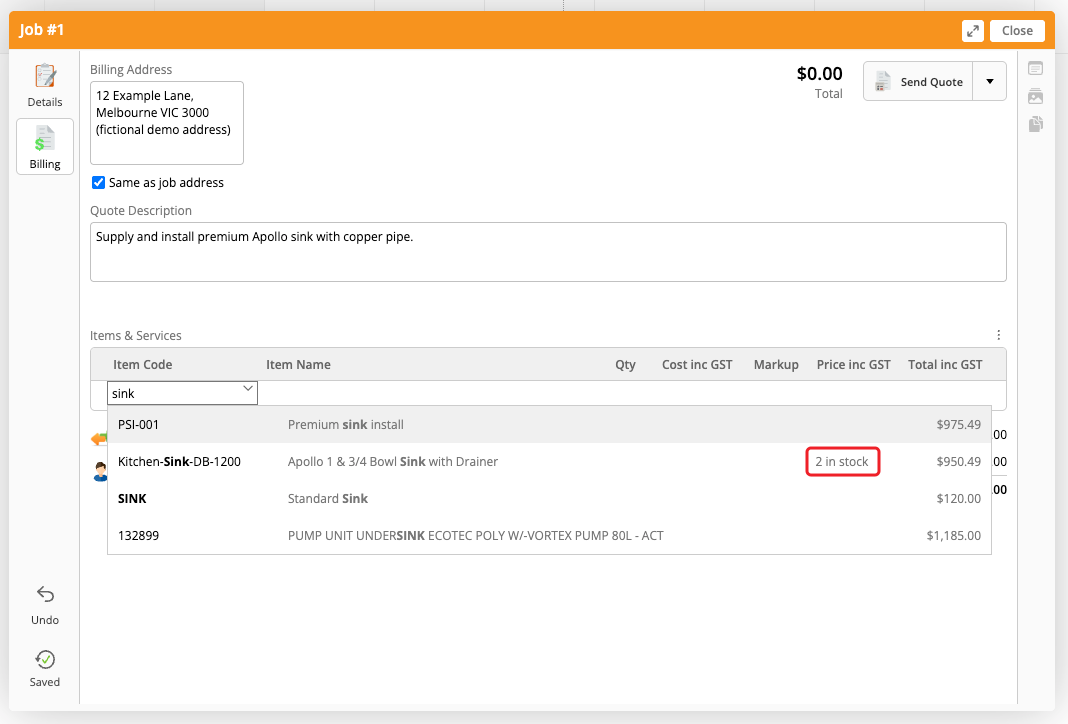
Under Items & Services, click Search or Add New… and search for a Material. Stock levels appear beside tracked items in the results.
-
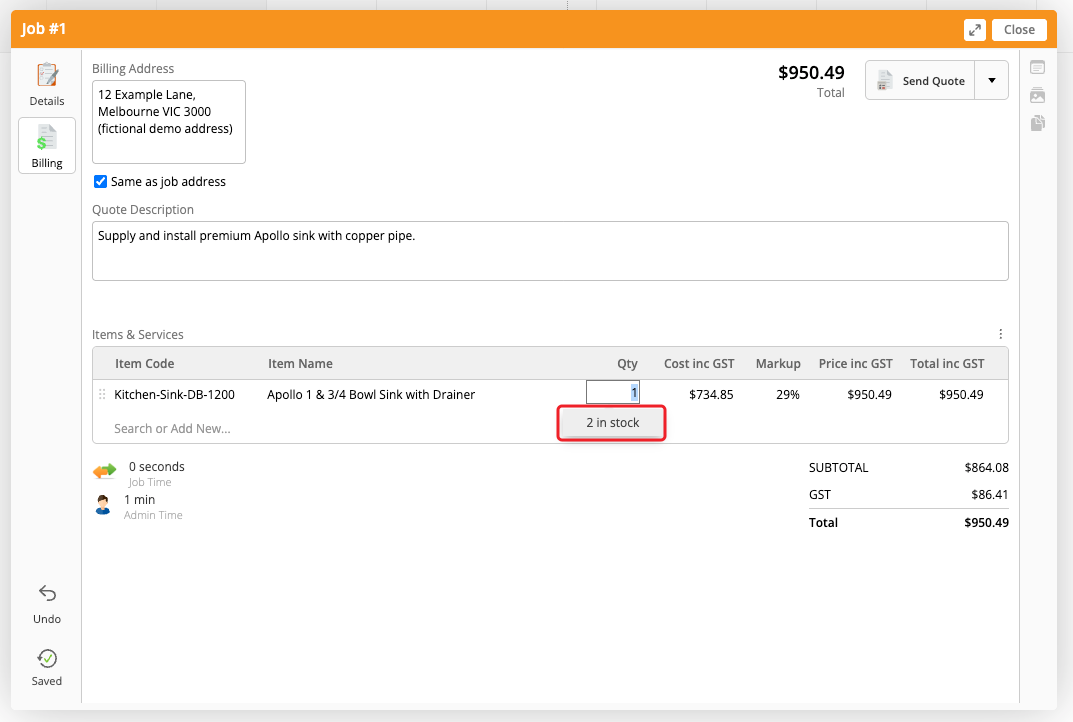
You can also click a Material’s Qty field to view its stock level.
View stock levels in the app
-
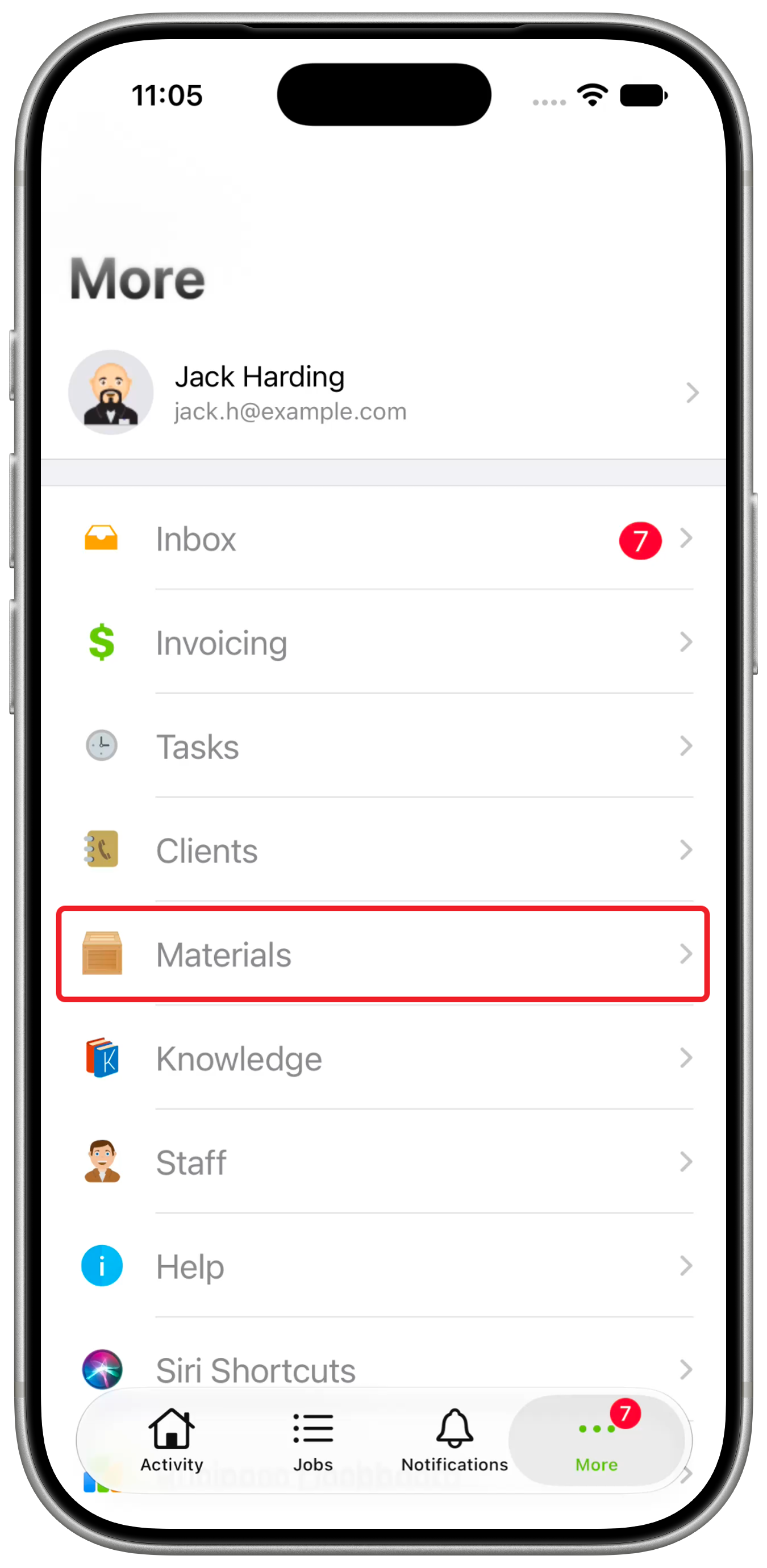
Open Materials from the More menu or sidebar.
-
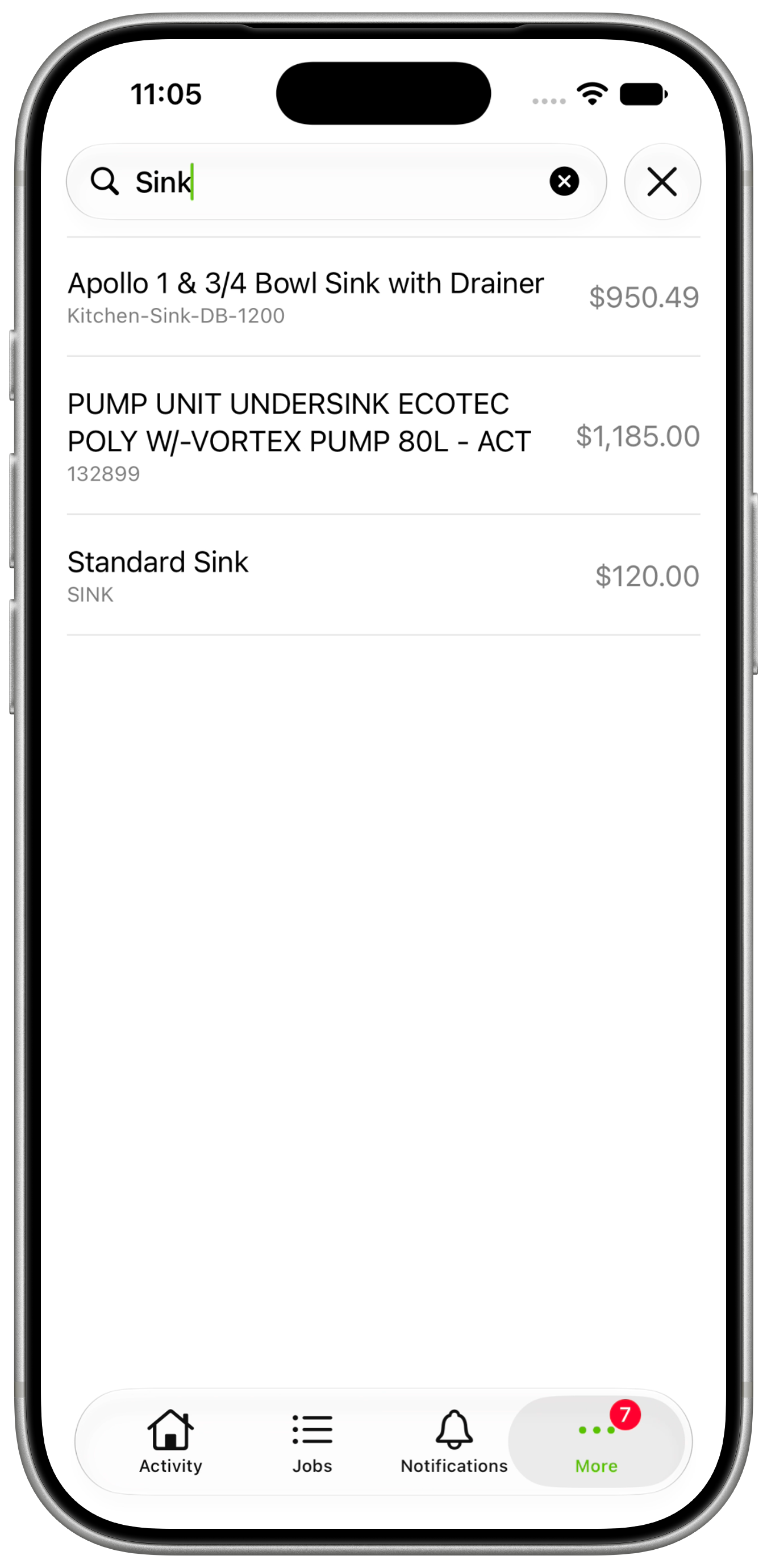
Search for and select a Material.
-
In Stock, view Quantity In Stock. This field appears when Track Inventory is on.
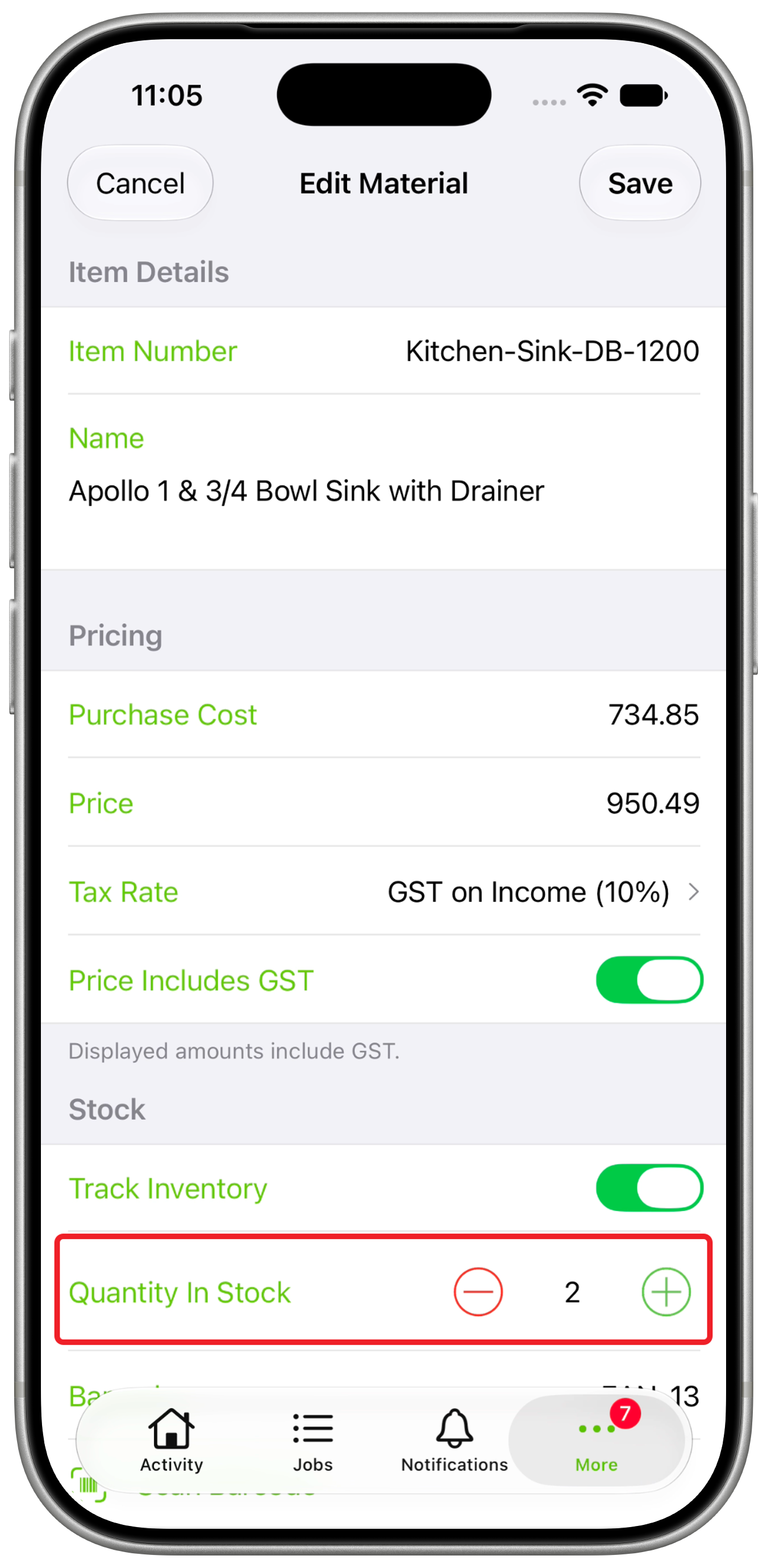
You can also check stock from a job: open Billing, tap Add Item/Service, then search for and select a tracked item. Its stock level appears under Quantity.
Inventory fields and accounting sync
Track Inventory in the app and Item is inventoried in the Online Dashboard control the same tracking setting for a Material. Quantity In Stock is the stored quantity used for stock visibility. Accounting imports and manual edits update this same value.
In the app, Quantity In Stock appears when Track Inventory is on. Editing requires Materials access; the Online Dashboard also requires Settings access.
For integrated items, manage tracking and stock adjustments in your accounting package. Changing these fields in ServiceM8 does not enable tracking or make an equivalent stock adjustment there. Later accounting imports can replace your manual changes.