Templates
How to create a merge field
Learn how to create a merge field in ServiceM8.
This lesson will show how to create a merge field from scratch.
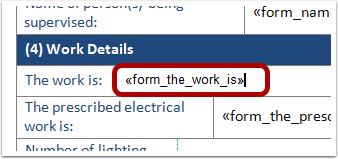
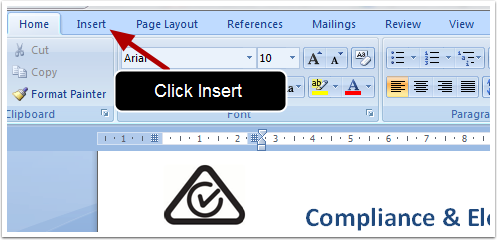
With the cursor in position you want your new field click Insert
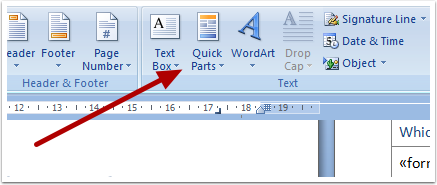
Click Quick Parts
Click Field
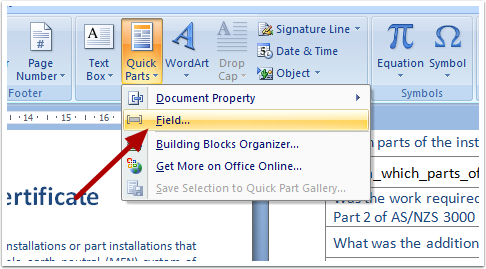
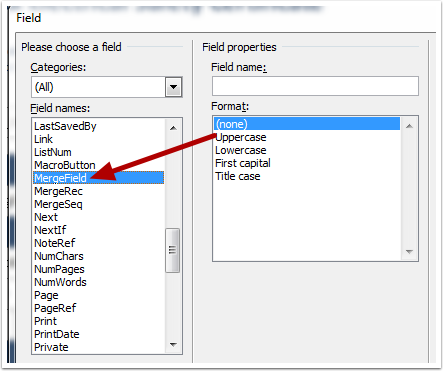
Select Merge Field
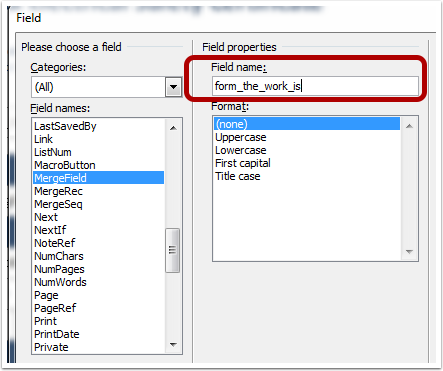
Enter the Field’s name in the Field name box
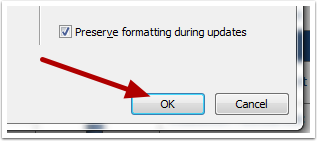
Click Ok
That’s It!