

Yes, this lesson will show you how which setting in security roles affects what is produced through the checkout wizard.Documentation Index
Fetch the complete documentation index at: https://support.servicem8.com/llms.txt
Use this file to discover all available pages before exploring further.
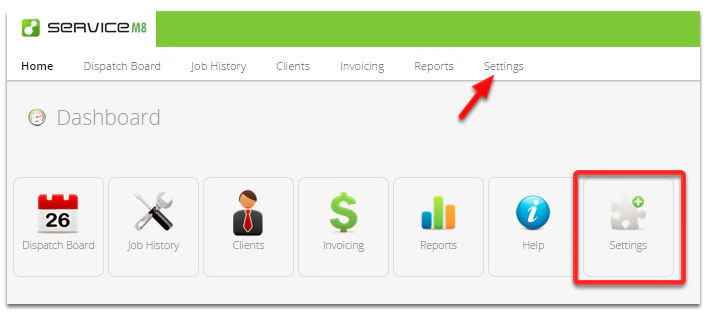
In the Dashboard, click Settings
Click Security Roles
Click Add Security Role
 Note: If you already have created a custom security role then you should click Edit button next to it.
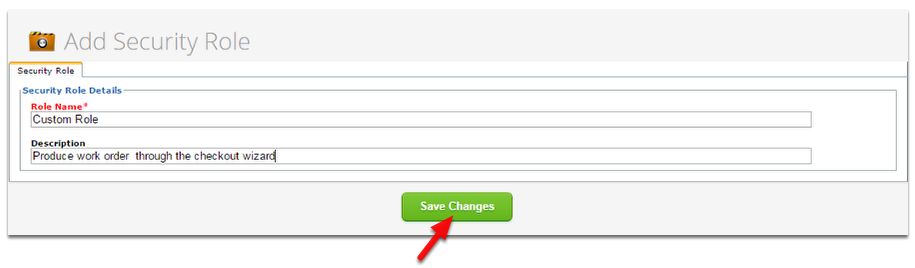
Enter the name for the a new Security Role and click Save Changes
Click Edit

Click Jobs tab

Select Work Order from the drop-down list, click Save Changes
 When you are finished go to Staff page and select a member to apply or use this security role.