Communication
How do I attach photos and files to Emails?
Find out how to attach photos and files to Emails in ServiceM8.
This lesson will show you how to attach files to emails and how to import files from your computer to the diary.
Open a job card
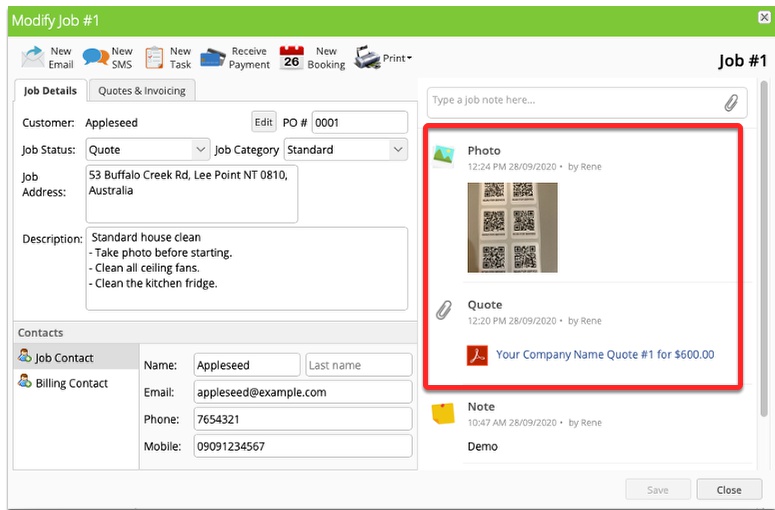
All attachments, invoices, quotes and photos in the diary are available for your email.
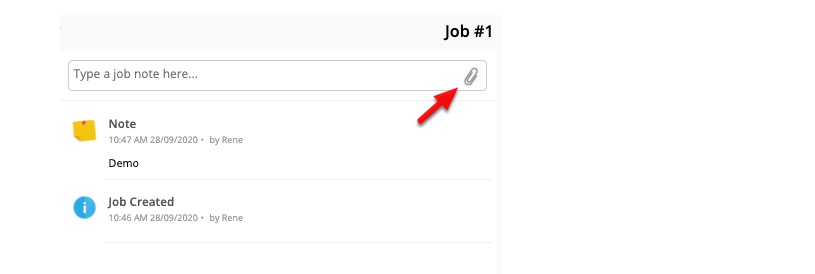
To attach a file from your computer click Attach a file icon from Job Diary
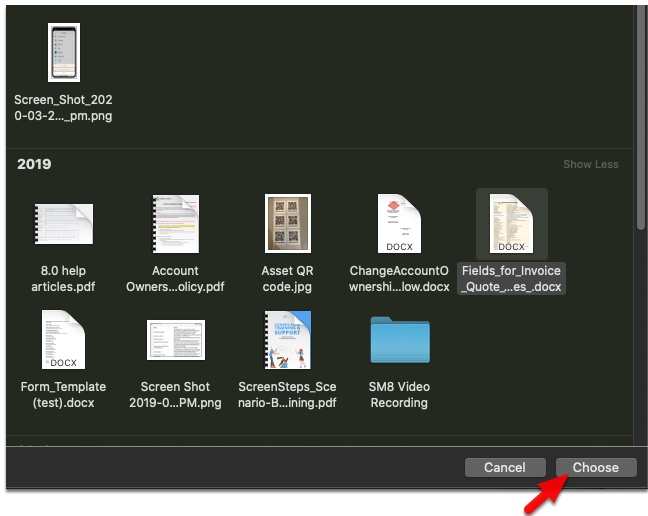
Select a file and click Choose/Open
Tip: You can actually drag-and-drop a file(s) onto the job card to attach them. Here is how.
The new file is now in the diary.
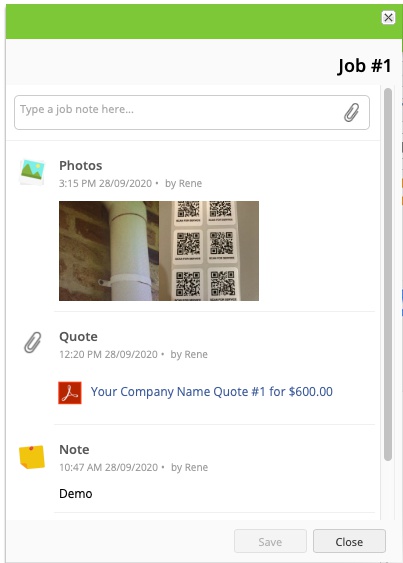
To send a file with an invoice or quote, click New Email

Click on the Smart Attachments to add them
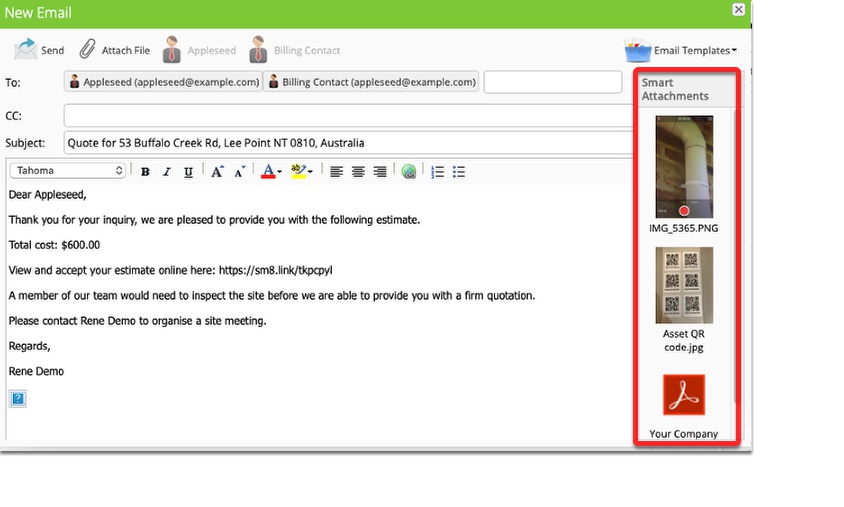
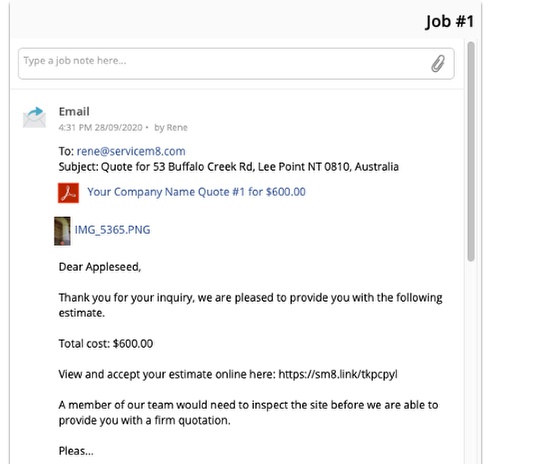
Files attached on the email will not be added to the diary, although they will display as an attachment of this email in the diary.
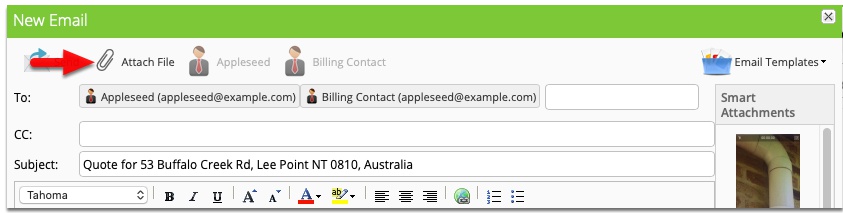
Or you can directly attach file by click Attach File in the email
That’s it, your email now ready to send with the file attachments.
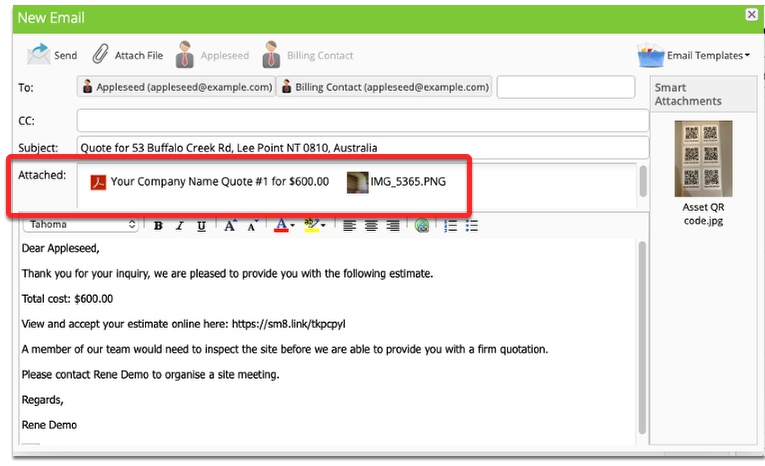
The email will now be in the diary with all attachments for future reference.