

Quotes and invoicing
How to add materials to a job online
Learn how to add materials to a job online in ServiceM8.
This lesson will show you how to add materials to a job. It will show you first how to add an existing material, then how to add a new material.
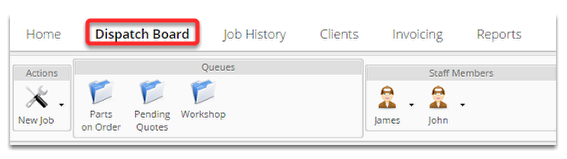
Start at the dispatch board
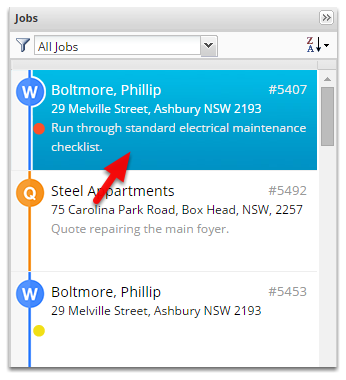
Open a job
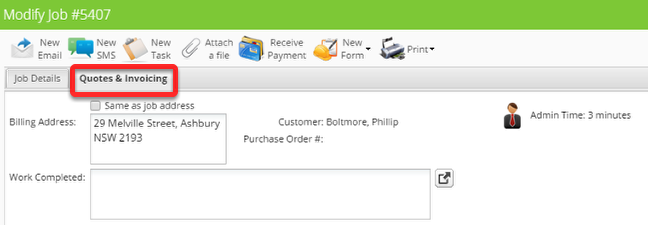
Click Quotes & Invoicing tab
Click Add Material/Service

Search for an item by typing in the item code or name field
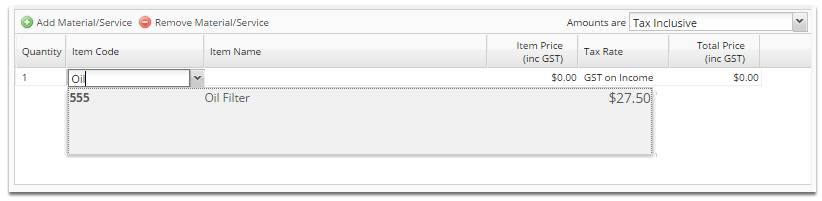
Hit enter or click on it to accept the selection.
The oil filter item has now been added to the job
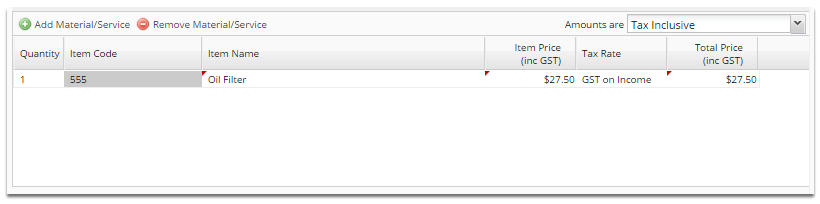
We will now add an item, that isn’t in the system.
Click Add Material/Service
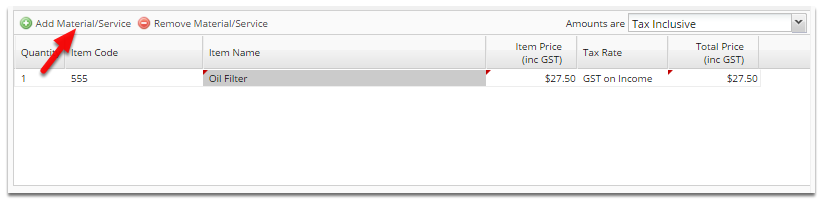
Fill in the fields
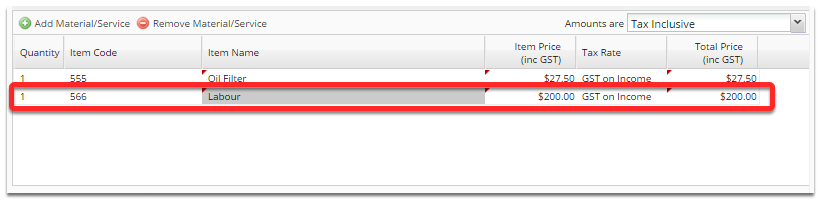
This item has now been added to your inventory, so you can bring it up by searching on your next job that uses it.
That’s it!
You can add as many items as you need to, either by searching or creating new ones.
Hints
- Bulk import materials with a CSV
- When integrated with your accounting package materials will be imported automatically, and will be automatically added to your accounting package.
- You can edit existing material costs on a job by job basis. Whether those changes also update the saved item for future jobs depends on your Save As You Go item pricing preference.