Staff and security
How to change your login Email
Learn how to change your login Email in ServiceM8.
This lesson will show you how to change login emails in Staff settings.
NOTE: the Account Owner email and/or phone number cannot be edited in Staff settings. The Account Owner can change these details in Settings > ServiceM8 Account > Account Owner Settings.
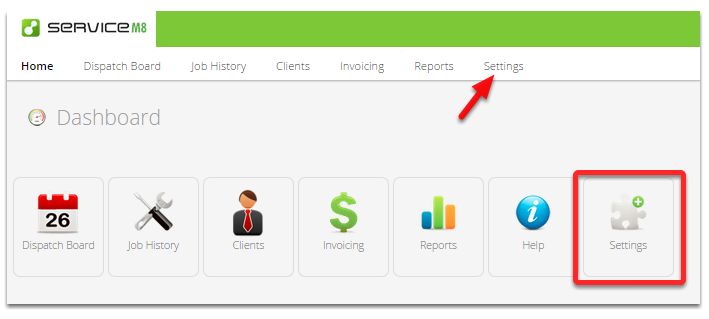
To edit a staff member login email, go to Settings
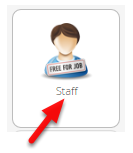
Click Staff
Click Edit next to the relevant Staff member

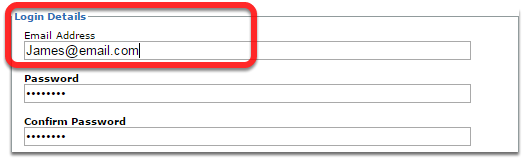
Change the email in this field
Click Save Changes and you’re done!