

Accounting integrations
How do I connect ServiceM8 to Xero?
Find out how to connect ServiceM8 to Xero in ServiceM8.
Activate Xero Add-on
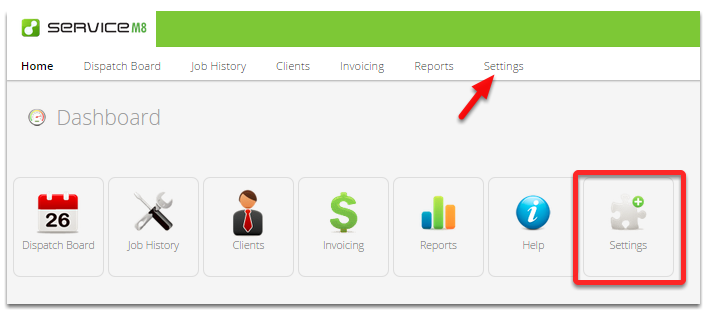
Login to your ServiceM8 account using your PC or Mac, and click Settings.
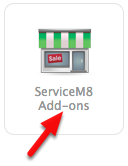
Click ServiceM8 Add-ons
Click the Connect button for Xero Integration

Complete the Xero Setup Wizard
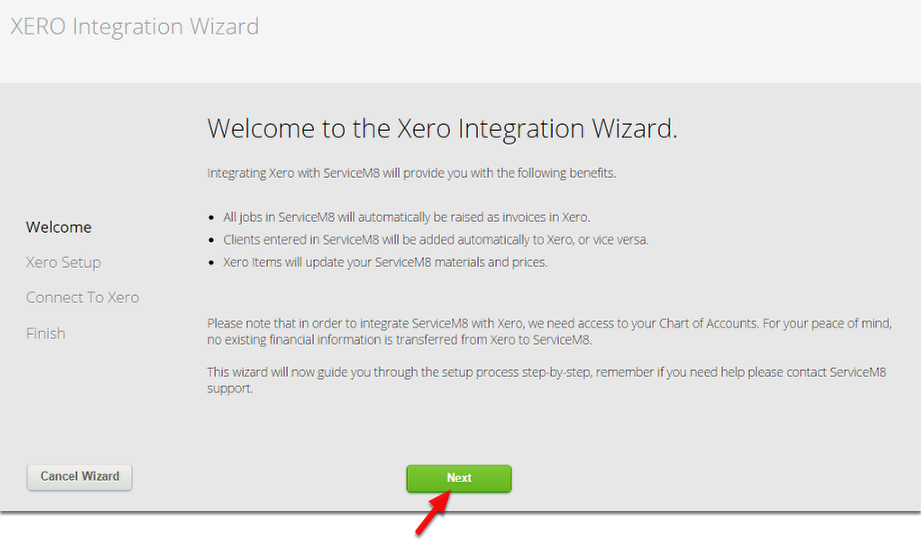
Click the Next button to proceed
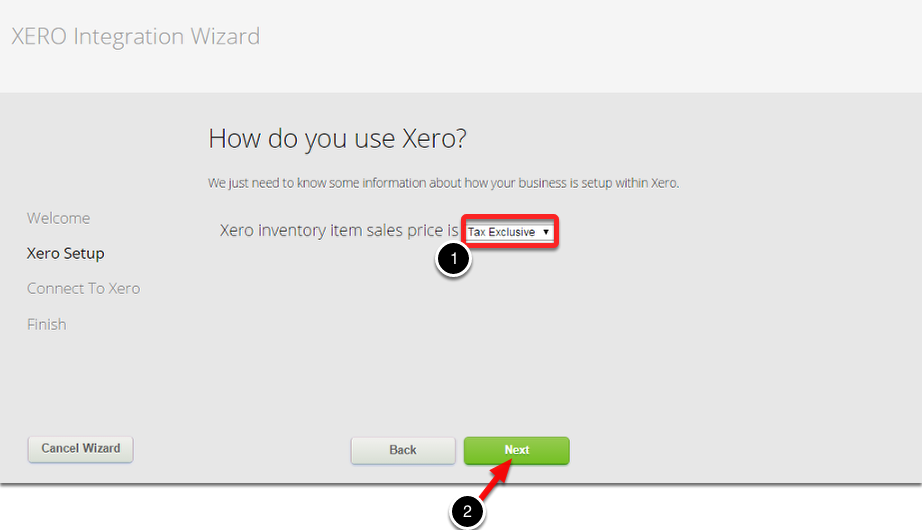
Set the Tax setting and click Next
Click Next to login to your Xero account and authorise
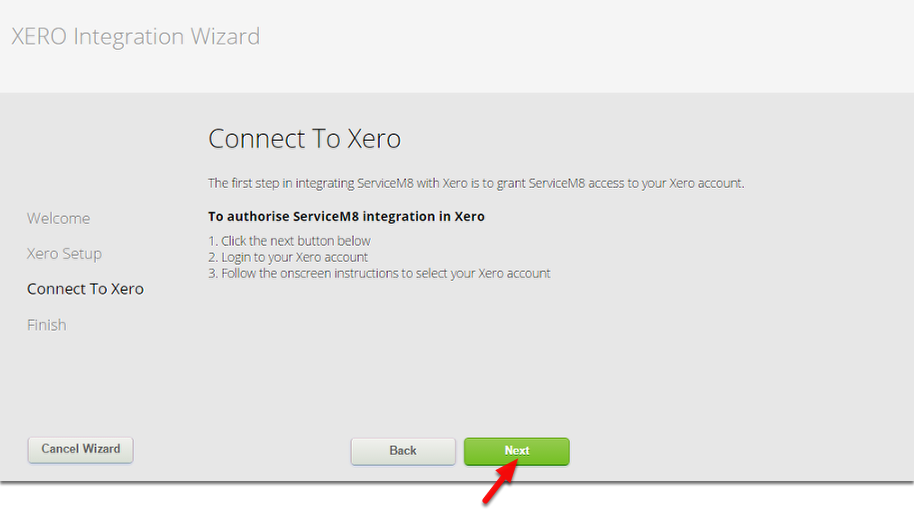
Enter your Xero’s username and password to login
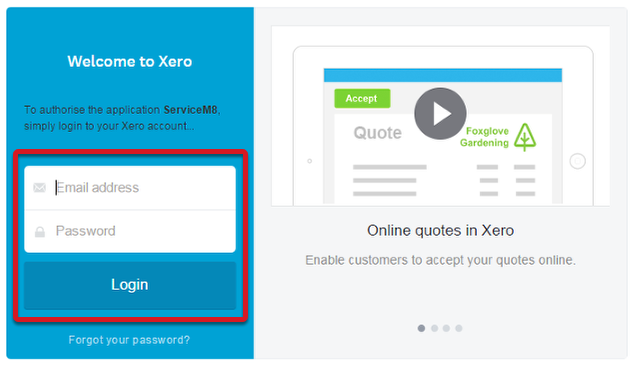
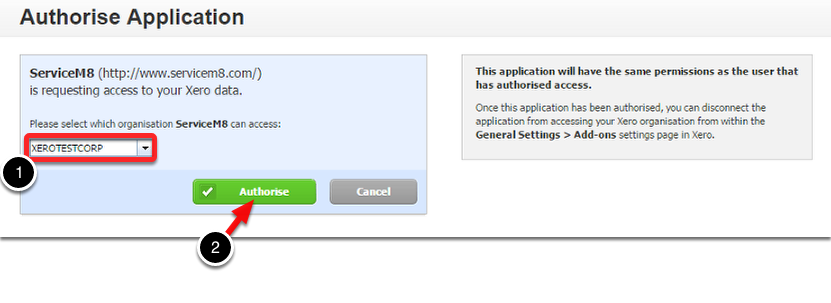
Authorise ServiceM8 to connect to Xero
Select the Organisation you wish to connect with ServiceM8, and then click the Authorise button.
Finish Setup
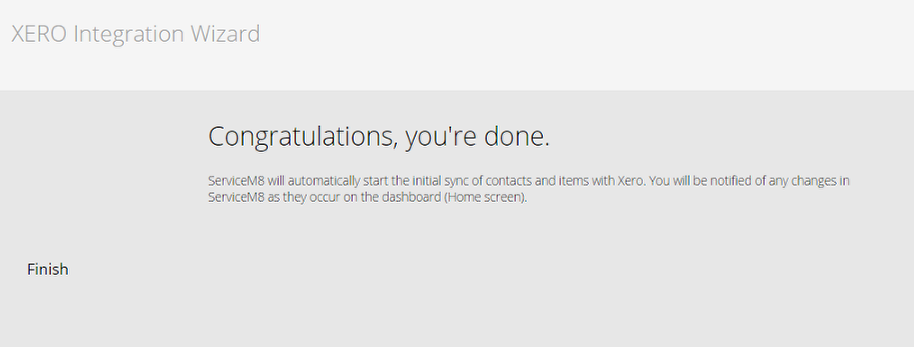
ServiceM8 and Xero are now connected - over the next few minutes your ServiceM8 account will be populated with your existing Xero customers and inventory items.