In this lesson you will learn how you can change the message in the SMS Invoice template.Documentation Index
Fetch the complete documentation index at: https://support.servicem8.com/llms.txt
Use this file to discover all available pages before exploring further.
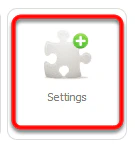
Click Settings from the Dashboard
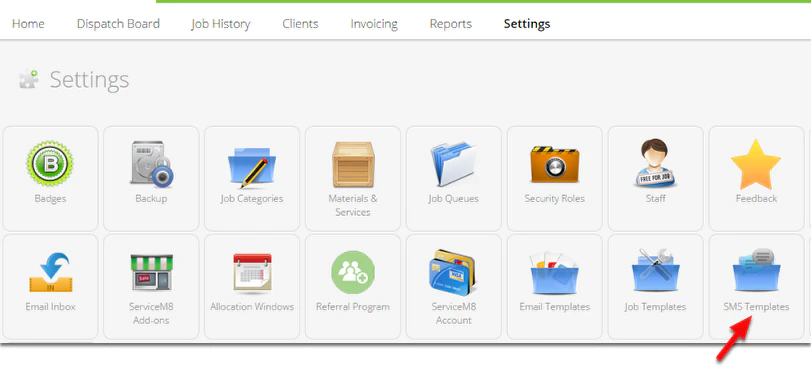
Click SMS Templates
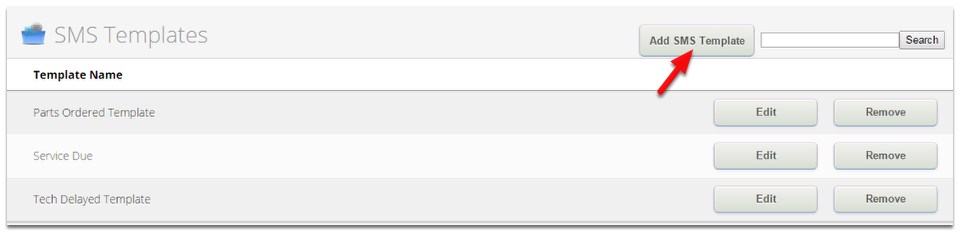
Click Add SMS Template
Create a new SMS Template
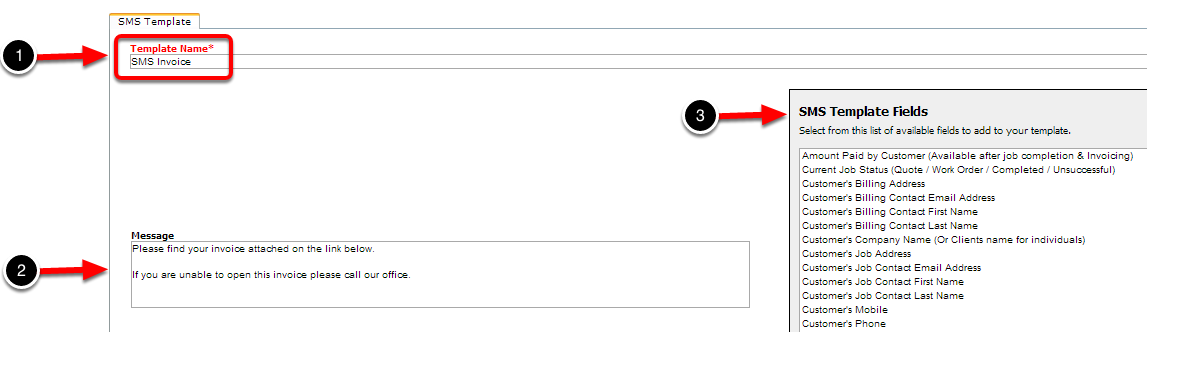
- In the Template Name box, enter the name as “SMS Invoice” of the new SMS template.
- Type your message you want in the Message box.
- You can use the SMS Template Fields to automatically fill in the information to your message.
Click Save Changes