General FAQ
How to FaceTime call other staff
Learn how to faceTime call other staff in ServiceM8.
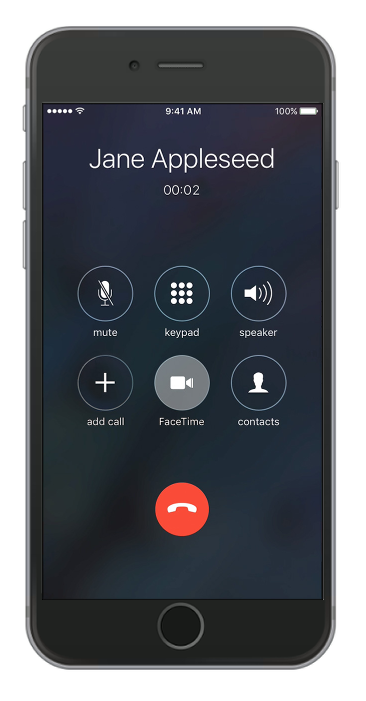
In ServiceM8, you can video call your staff members directly from the app and show them exactly what’s happening in real time.
To make a FaceTime call, ensure that you entered a valid contact number or registered email address for your staff members. This can be configured online in Settings > Staff.
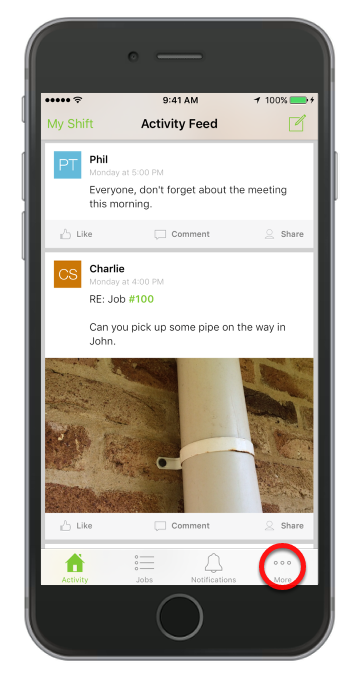
Open the app and tap the More option
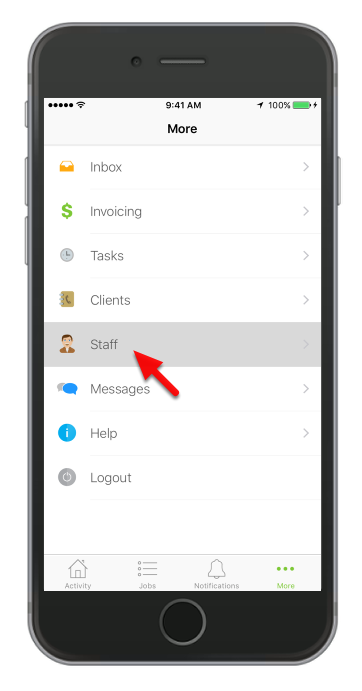
Tap Staff
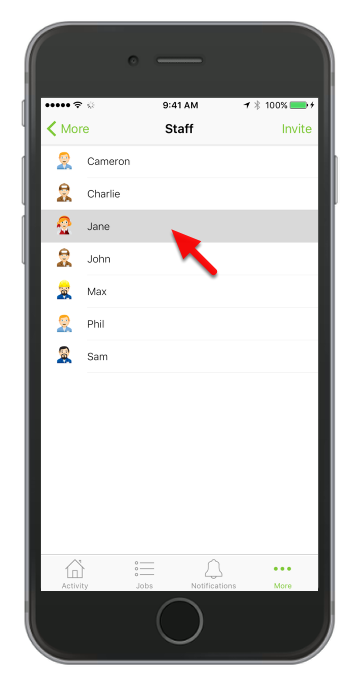
Select the staff member that you would like to call
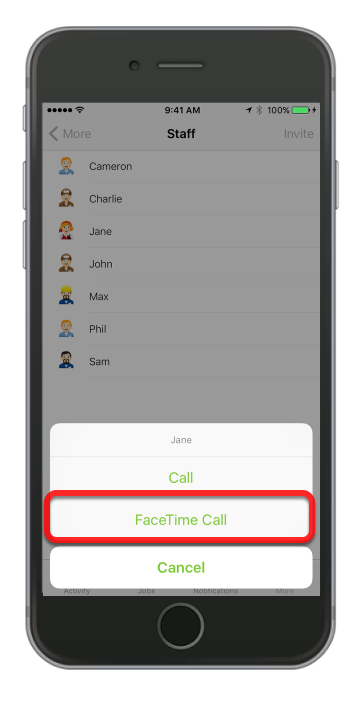
Then tap FaceTime Call
That’s it!