Clients and contacts
How to update a client's details
Learn how to update a client's details in ServiceM8.
Should you need to update a particular client’s details, this is a straightforward process.
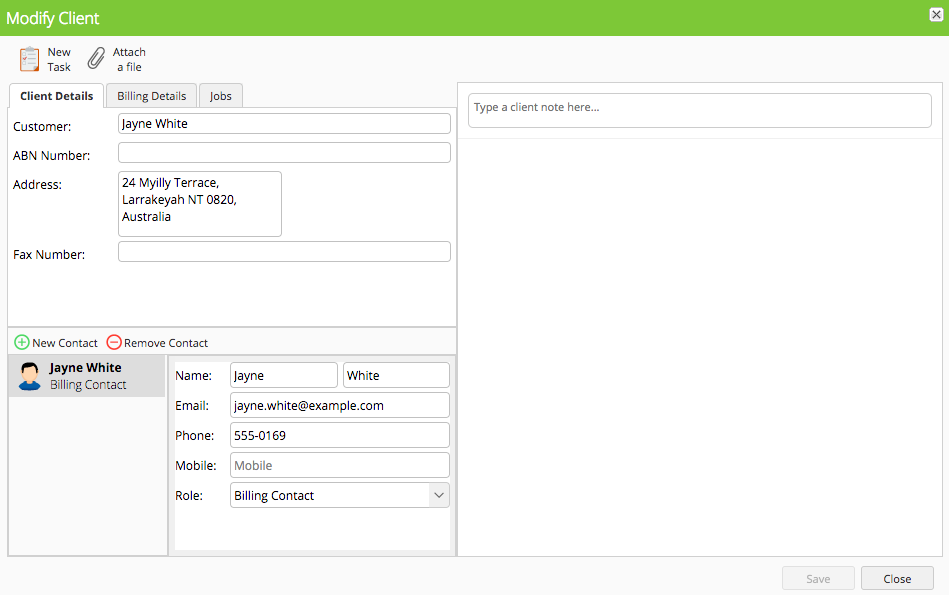
In the Online Dashboard, go to Clients > Open Client

This will open the ‘Client Card’, which you can update
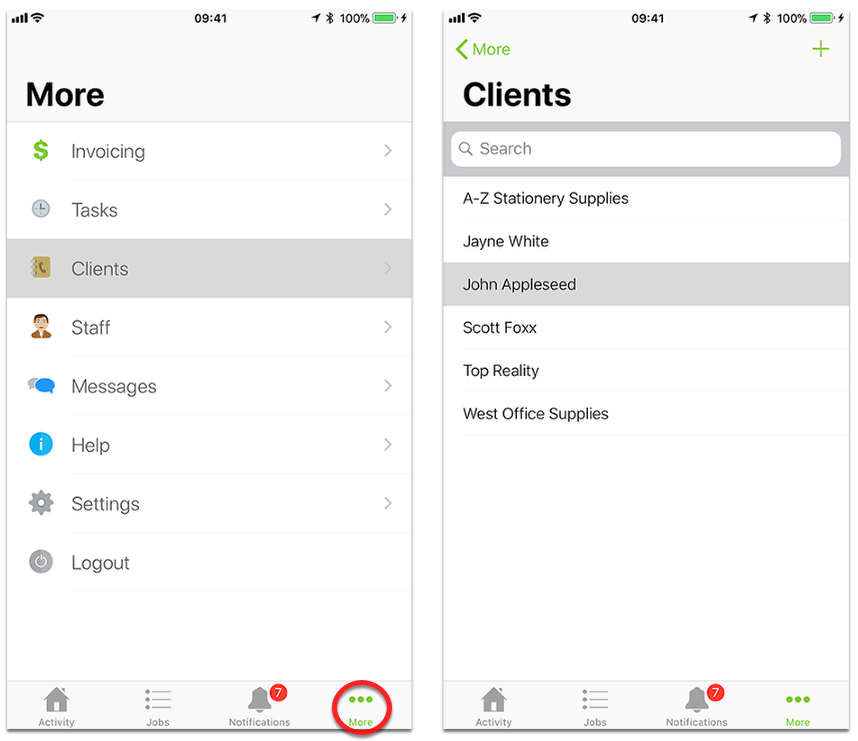
In the App, go to More > Clients
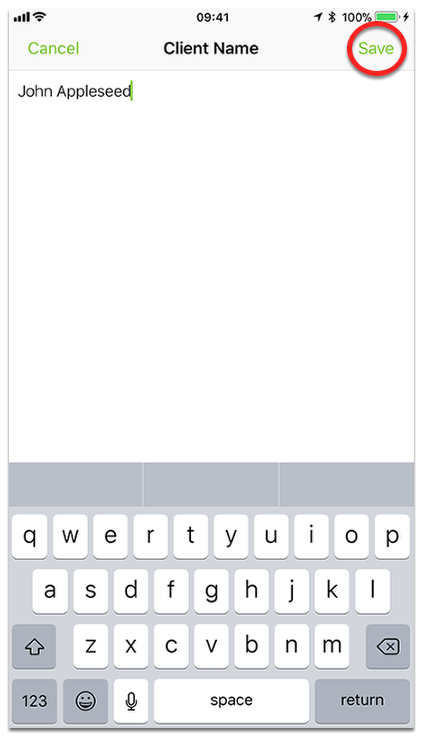
Edit & Save relevant client details