

Dispatch Board
How do I remove staff from the dispatch board?
Find out how to remove staff from the dispatch board in ServiceM8.
This lesson will show you how to delete a staff member from your ServiceM8 account.
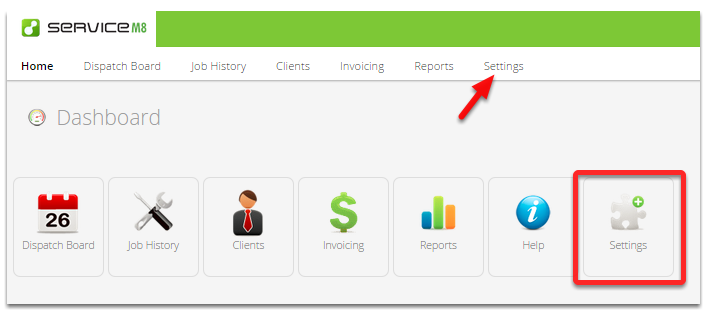
Go to Settings
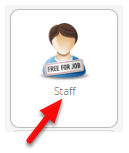
Click Staff
This is the Staff settings - Edit, Add, Invite and Remove staff here
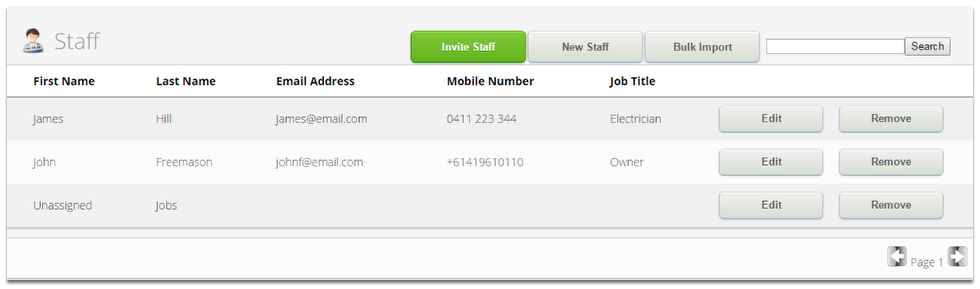
Click Remove

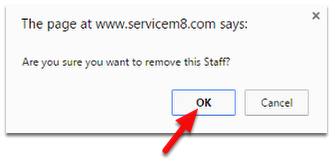
To confirm, click OK
That’s it!