

Communication
How Two Way Email works
Learn about how Two Way Email works in ServiceM8.
With Two Way Email, when your customers reply to emails sent from ServiceM8, their replies will automatically be added to the job diary. With the job diary telling the full story of all client communication, you can provide even better and faster service.
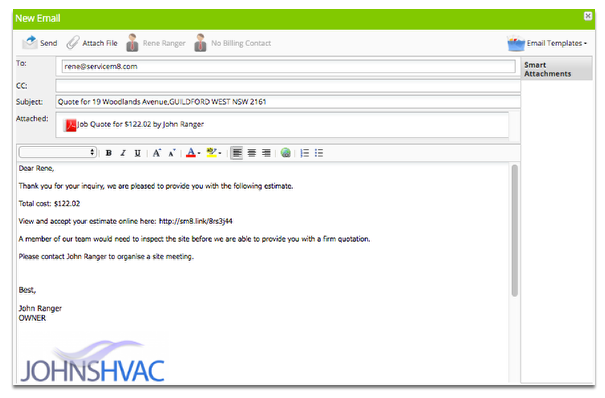
To see it in action, create a new email
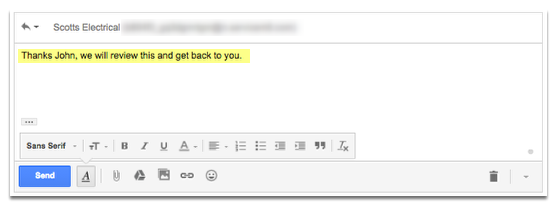
The client replies to your email
The client’s reply is added to the job diary
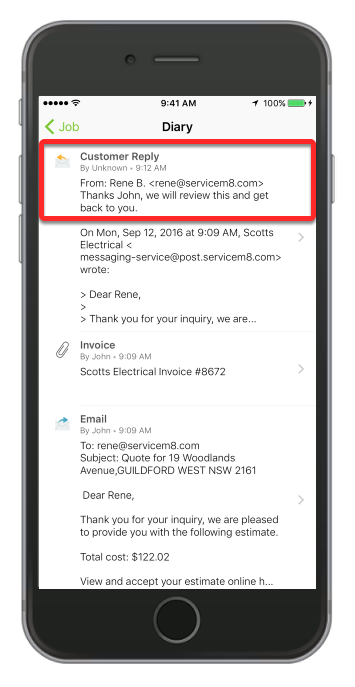
If your client replies by email and includes CC recipients, the Customer Reply diary item shows the CC email addresses for context. You can also see these recipients when you open View Reply from the diary item.
Customer replies are also forwarded to your email address
If you reply to a customer email that’s been forwarded to you by ServiceM8, we’ll add your email to the job diary and forward the reply to the customer. So you can continue using your email as you always have, with the added benefit that you’ll have a record in ServiceM8 of both sides of the conversation.
Learn more about the kind of Email you can send through ServiceM8.