

Account and billing
How to cancel my account?
Learn how to cancel your account in ServiceM8.
To cancel your ServiceM8 account you must be the account owner and it can only be done when you login your account online (i.e. through ServiceM8’s web interface on a Mac or PC, not the ServiceM8 app) at https://www.servicem8.com/login-page.
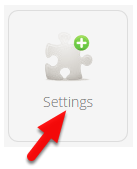
In the Dashboard, Click Settings
Click ServiceM8 Account
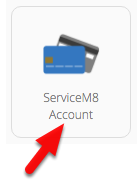
If your trial has expired and you’re unable to access Settings, click ‘Manage my ServiceM8 Account’ underneath the pricing plans.
Click Cancel Account and follow the prompts.
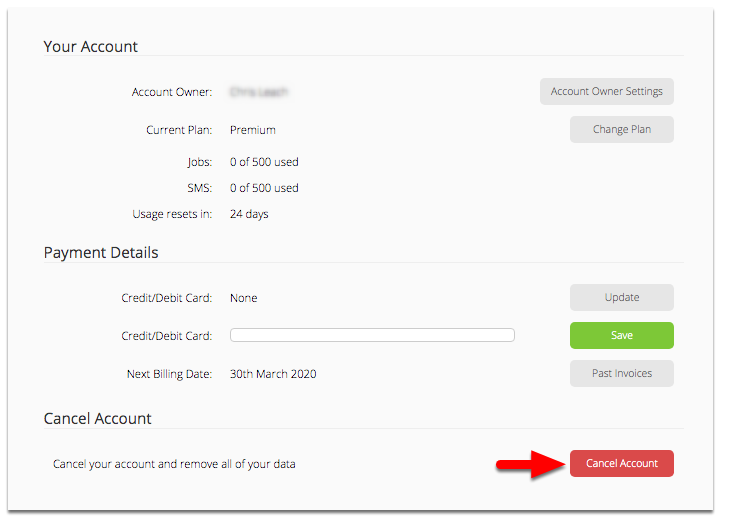
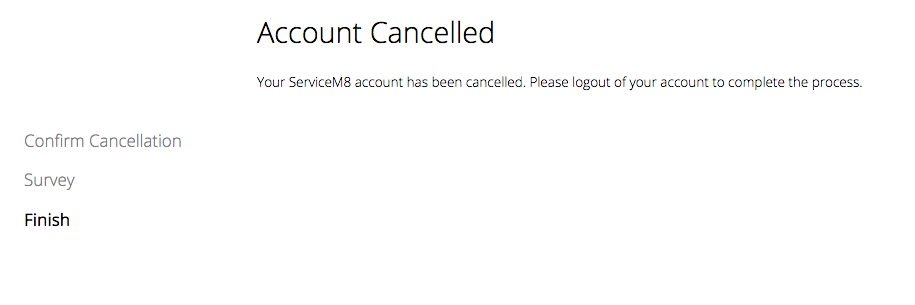
Note: Once you cancel your account all the data will be removed and is not recoverable. You must follow the cancellation wizard all the way to the end then log out of the account to finalise account cancellation.
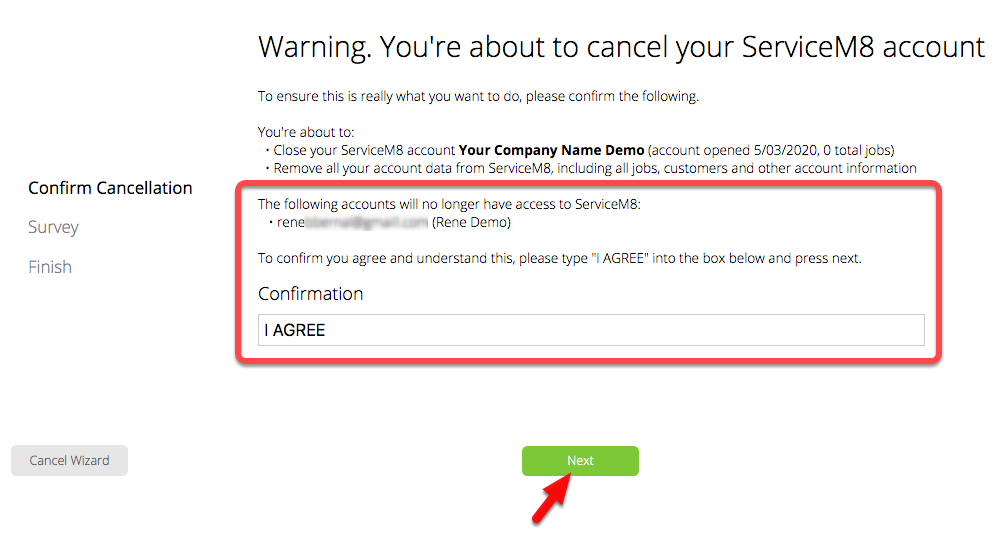
Review the account and confirm the cancellation, then click Next
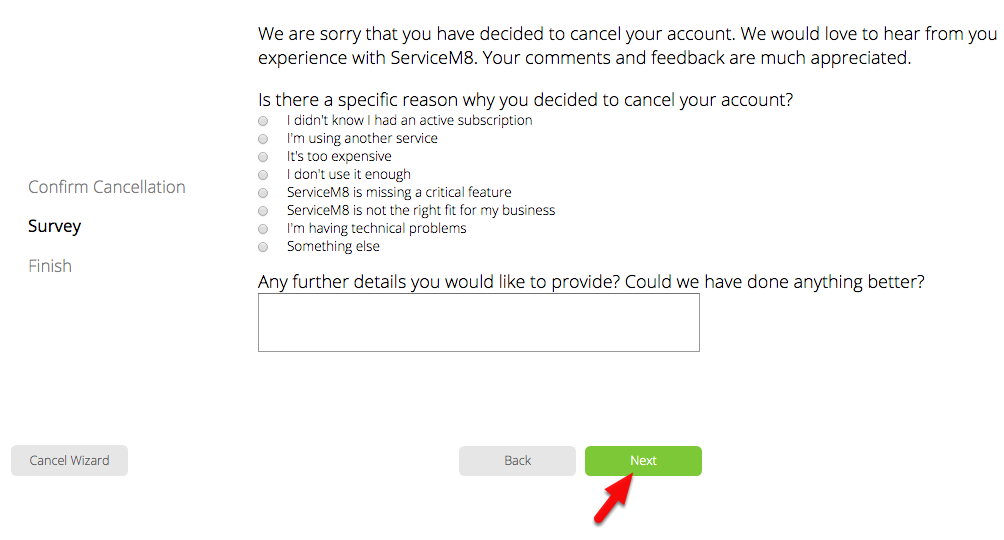
Answer the quick survey, then click Next to submit
That’s it!
Note: You cannot cancel or close your account if you still have an outstanding balance.