

Quotes and invoicing
How do I setup my invoice and quote templates?
Find out how to setup your invoice and quote templates in ServiceM8.
This lesson assumes you have completed the how do I setup my company logo lesson.
This lesson will show you how to select and invoice template and set banking details. It needs to be done through the website on a PC or MAC. Go to www.servicem8.com and login to your account using the same login details you used for the app.
Video Instructions
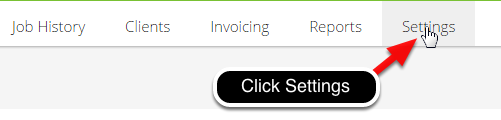
Click Settings
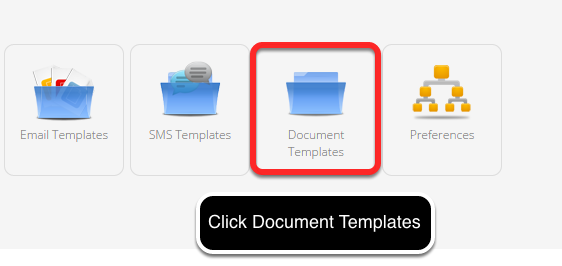
Click Document Templates
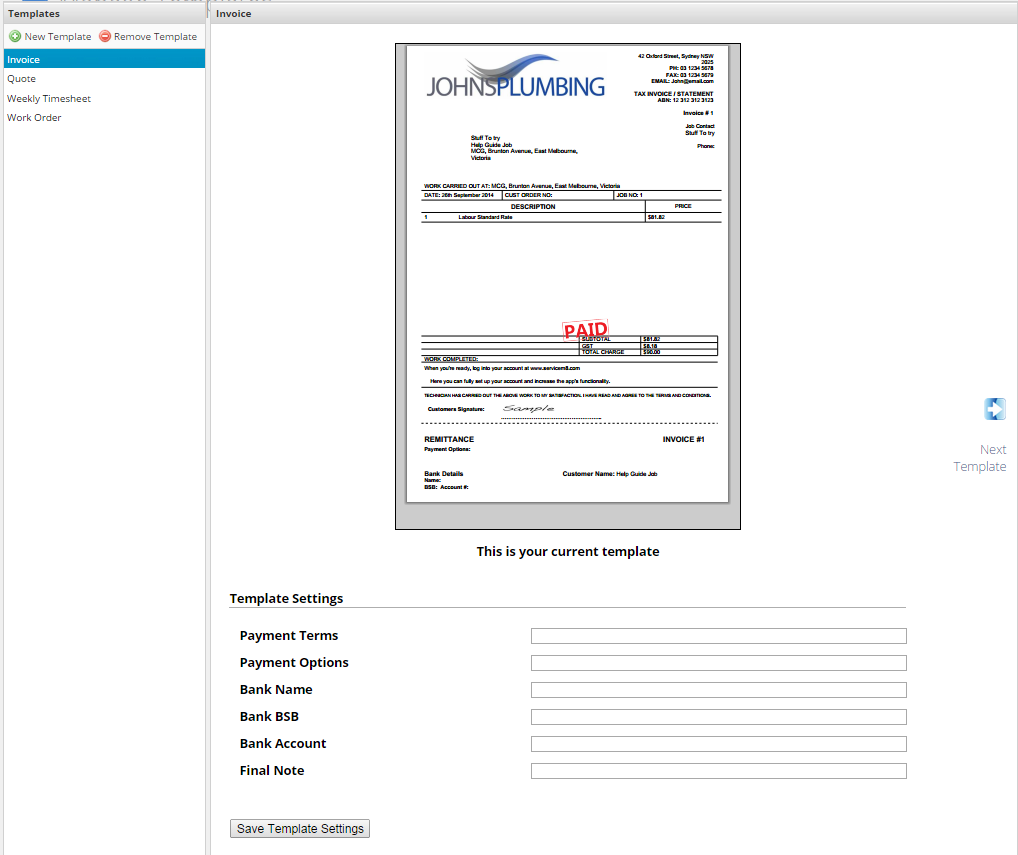
This area allows you to select, edit and create new templates.
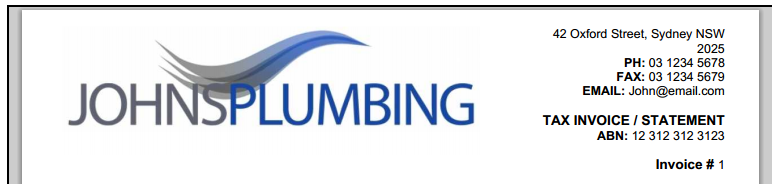
Your company details and logo are automatically loaded from your settings
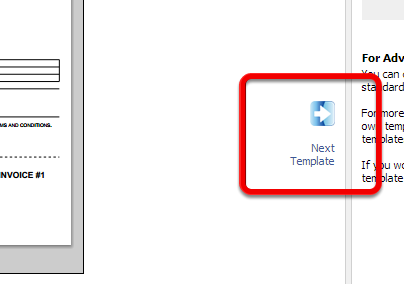
Hit the next template button to explore the available templates
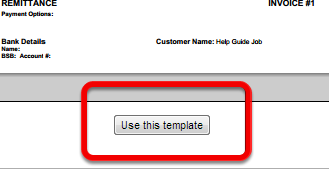
Click Use this template to activate a template
Set basic template settings in these fields
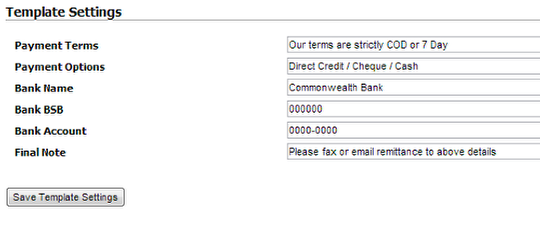
Make sure you hit save template settings once you have filled in the fields.
Follow the same steps to setup your Quote and Work Order templates
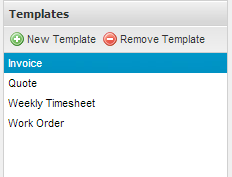
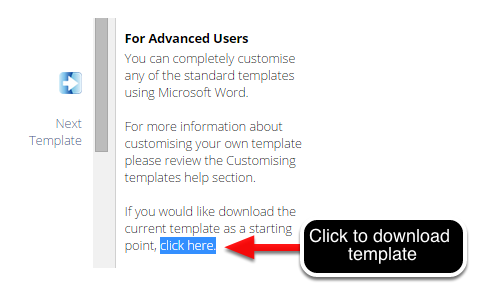
For advanced users you can download the word template and fully customise the template
If you want to have your template customised and don’t have time to learn yourself you can pay a ServiceM8 partner to do it for you. Get in contact with your nearest partner here.
Whats next?
The next step is to connect with your accounting package, or if you don’t use an accounting package import your clients and materials via CSV.