

Templates
How to upload a modified or custom template to ServiceM8
Learn how to upload a modified or custom template to ServiceM8 in ServiceM8.
You may have a custom template or you may have modified an existing template, and now you want to upload it to ServiceM8.
TIP: Uploading a template immediately makes it your current template. If you are updating a custom template, be sure to back up your previous design before replacing it.
To upload a template:
- From the Online Dashboard, click Settings.


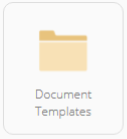
- Click Document Templates.

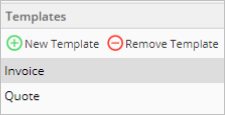
- From the Templates pane on the left, select the type of document you are uploading (for example, Invoice or Quote).

- From the Help pane on the right, click Upload Custom Invoice Template (or Upload Custom Quote Template, depending on your type of document).
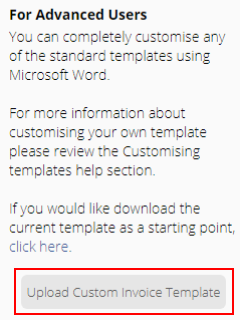

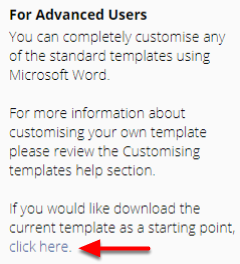
TIP: If the Upload Custom Invoice Template button is not visible, in the same section, download the current template by clicking click here. Then refresh your page and the Upload Custom Invoice Template button will appear.

-
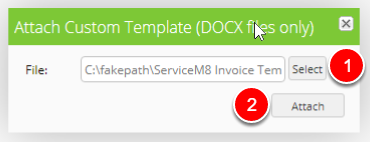
Click Select and find the template you want to upload.
-
Click Attach.

Your uploaded template will display as your current template.