Quotes and invoicing
How to issue an invoice by email online
Learn how to issue an invoice by email online in ServiceM8.
This lesson will show you how to issue an invoices by email using an email template.
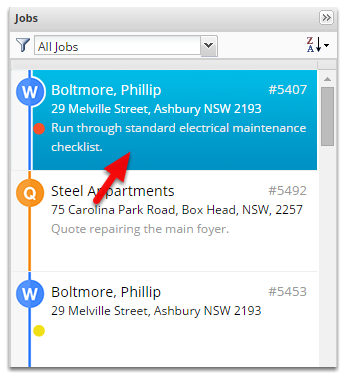
Start by opening the job, double click on it
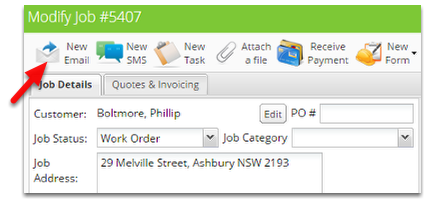
Click New Email
This is the New Email window
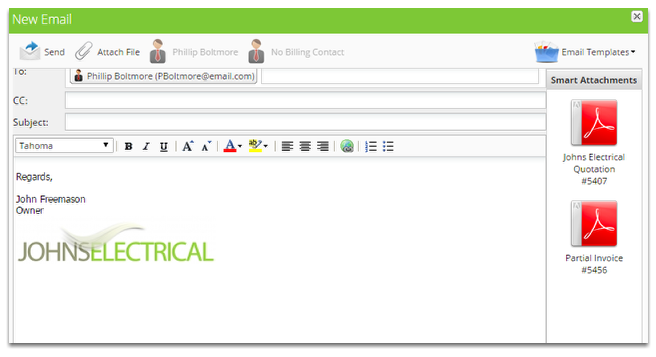
The clients email will automatically be filled, simply type in any other emails you would like to send it to.
From the Smart Attachments panel, click on the invoice file to attach it
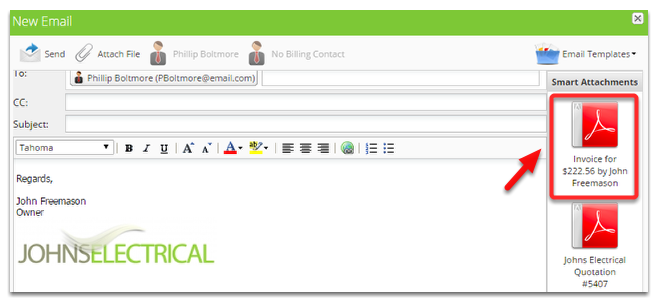
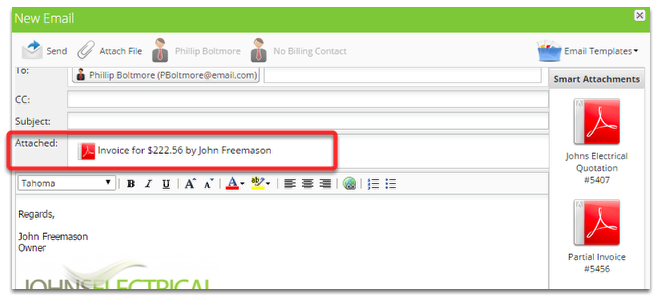
The invoice is now attached
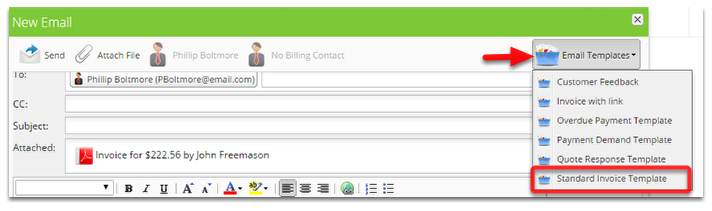
Click Email Templates and select invoice template email
The Email is now ready to send
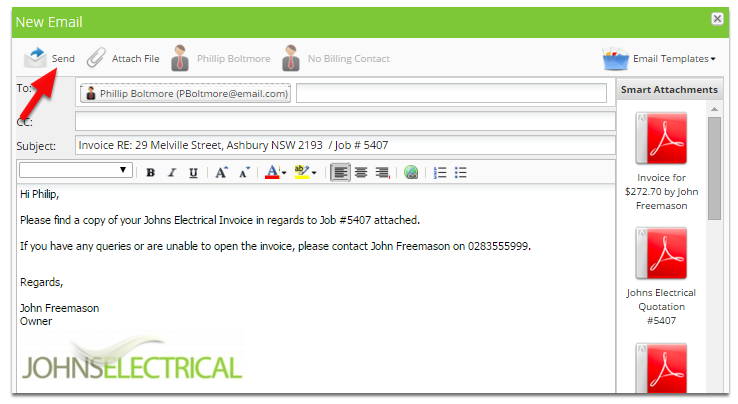
Note: The clients first name is automatically entered.
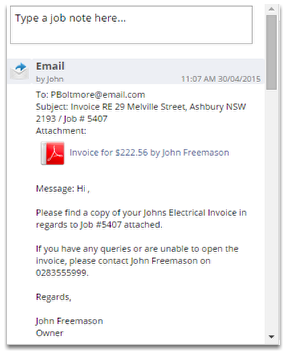
The email is saved in the diary for future reference.