

Communication
How to forward an email from the ServiceM8 app
Learn how to forward an email from a job Diary in the ServiceM8 app.
You can forward an email saved in a job Diary from the ServiceM8 app. Use this when another person needs a copy of an existing job email, including the original message and any attachments available on the email.
Forwarding opens a new email composer. No recipient is selected automatically, so you can choose who should receive the forwarded email before sending it.
Forward an email
-
Open the job in the ServiceM8 app.
-
Open the job Diary.
-
Tap the email you want to forward.
-
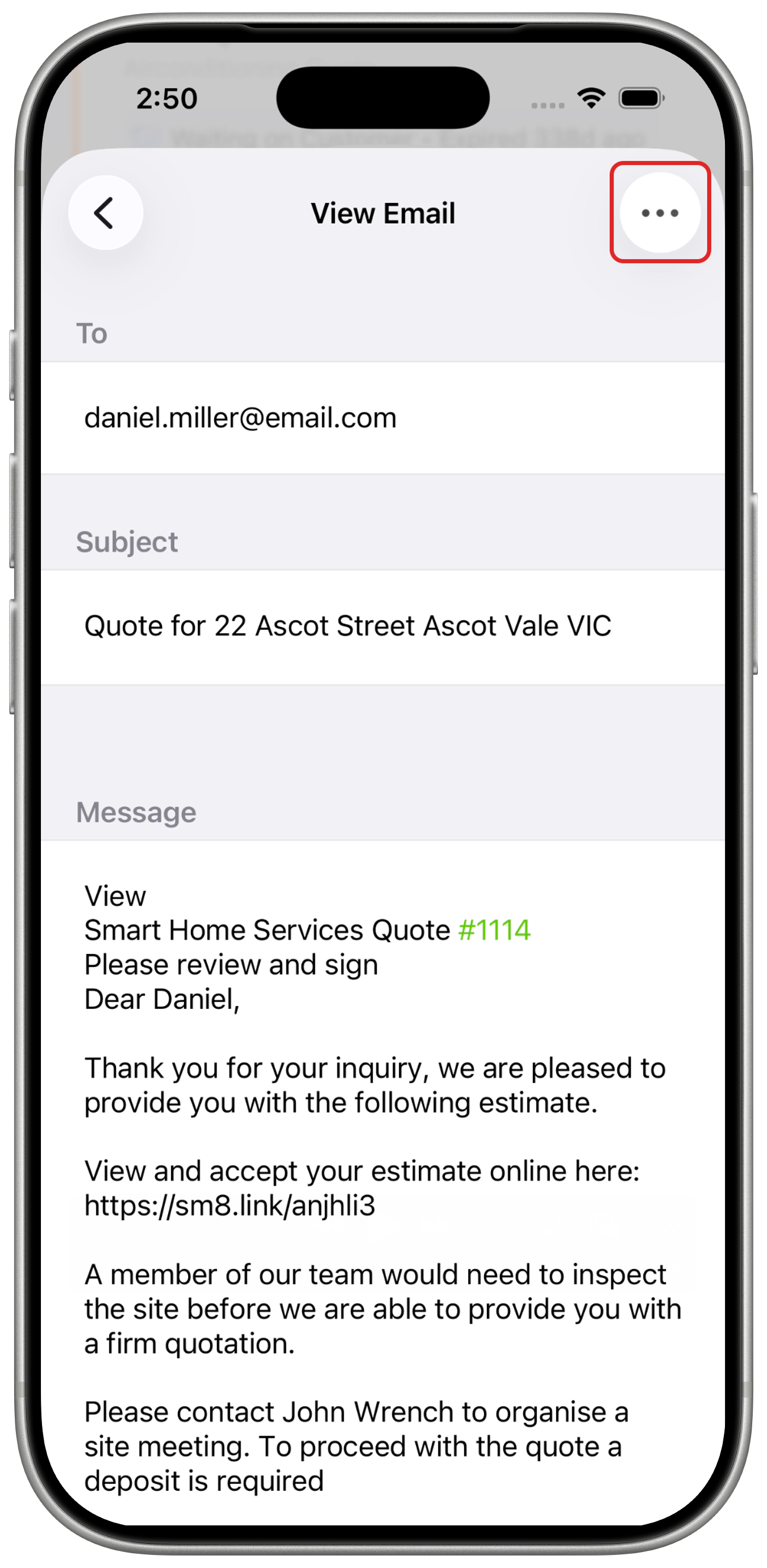
Tap More Actions (the three-dot button) in the top-right corner to reveal Forward.
-
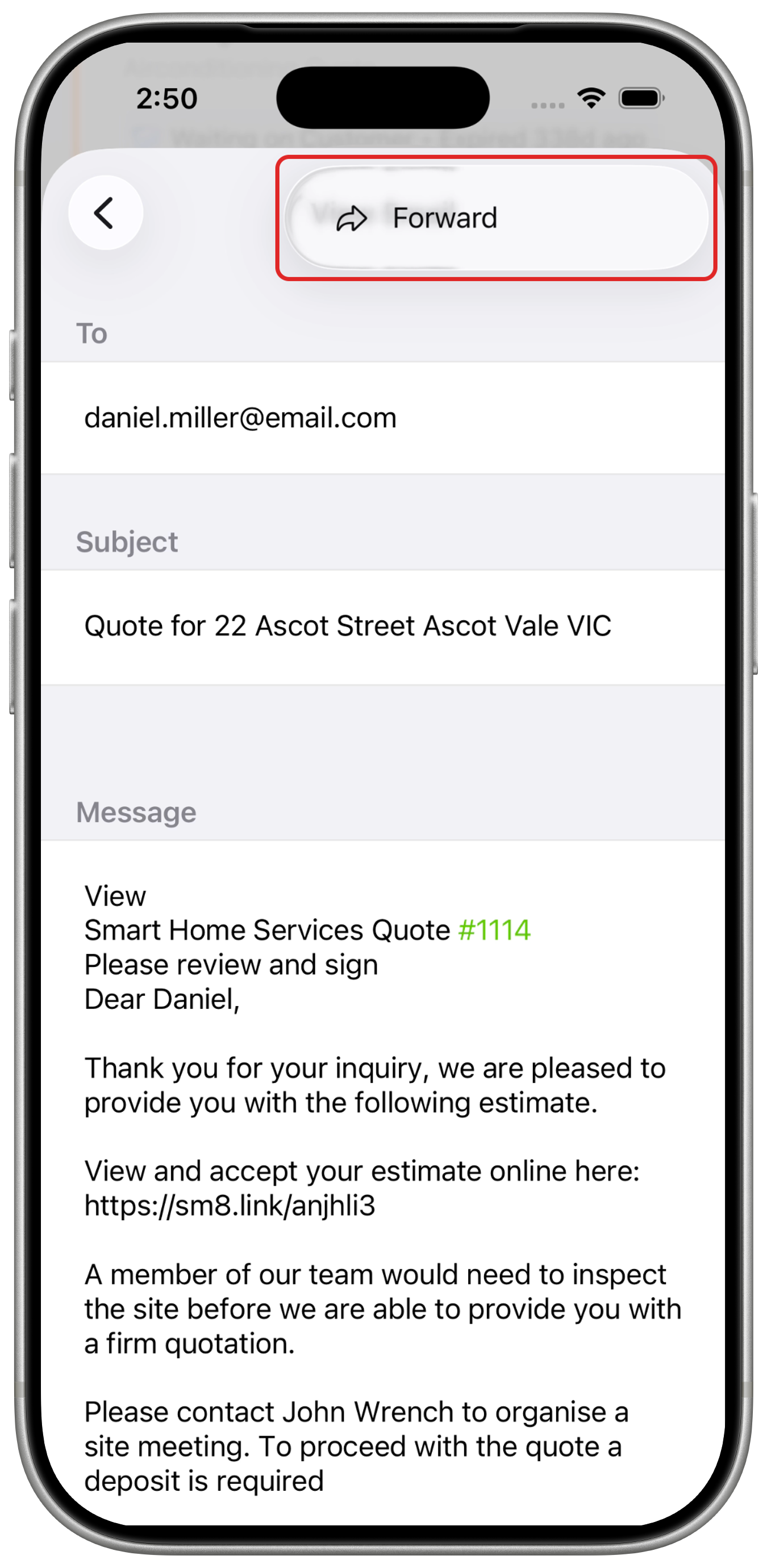
Tap Forward.
-
Add the recipient, then review the subject, message, and attachments.
-
Tap Send.
The forwarded email is saved back to the job Diary after it is sent.