

Quotes and invoicing
Can I provide customers a discount off standard pricing?
Find out whether you can provide customers a discount off standard pricing in ServiceM8.
Yes you can.
Individual job’s can be discounted by adding a discount item under the jobs Quotes & Invoicing item list.
To do this:
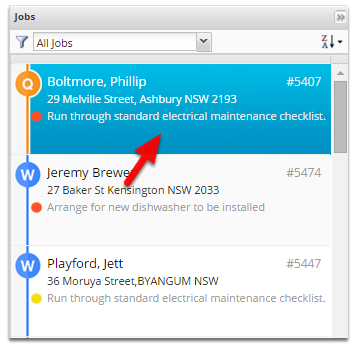
Open the job you wish to discount
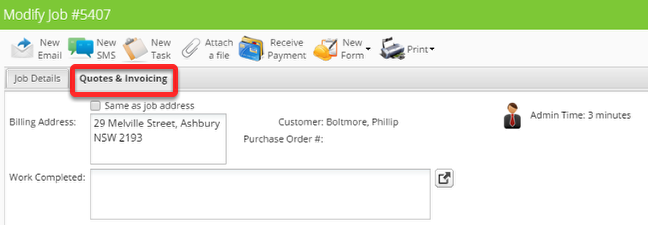
Go to the Quotes & Invoicing Tab
Click the add item/service button to add a new item

Add the item as shown below:
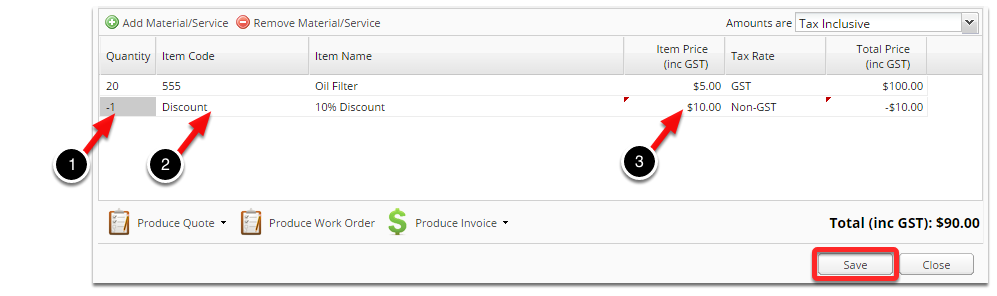
1. Set the item Quantity to -1 (Negative 1)
2. Set the Item name / code to Discount, etc
3. Set the Item price to the discount you wish to provide