

Quotes and invoicing
How to set your business up for Non GST/VAT
Learn how to set your business up for Non GST/VAT in ServiceM8.
This lesson will show you how to change the tax code settings to non-GST/VAT and Set it as the default.
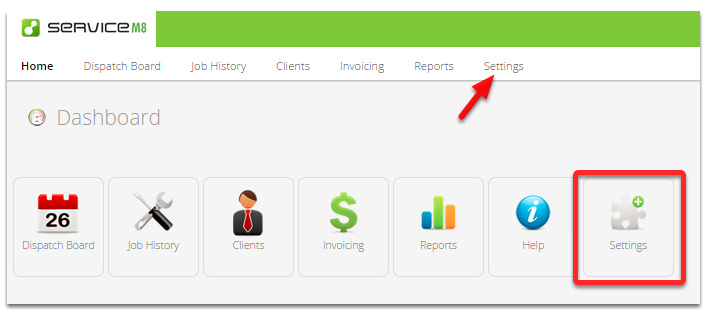
Go to Settings
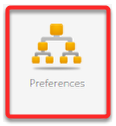
Click Preferences
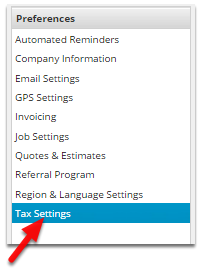
Click Tax Settings
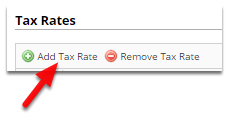
Click Add Tax Rate
Type Non GST
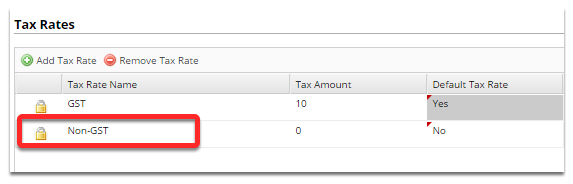
If you are integrated with MYOB set the Tax Rate Name to “FRE”.
Set Default to Yes
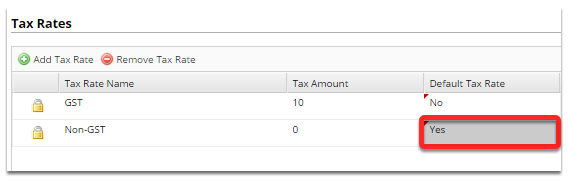
All future items created will have their tax rate set to No GST.
Click Save and your done!
