

Accounting integrations
How do I connect ServiceM8 to QuickBooks Online?
Find out how to connect ServiceM8 to QuickBooks Online in ServiceM8.
This tutorial will show you how to connect ServiceM8 to your QuickBooks Online account. Ensure that you login to your ServiceM8 Online Dashboard (i.e. the we-browser interface) using your PC or Mac.
To start the connection process, go to Account > Settings > ServiceM8 Add-ons, find & click ‘QuickBooks Online Integration’, then click ‘Connect’.
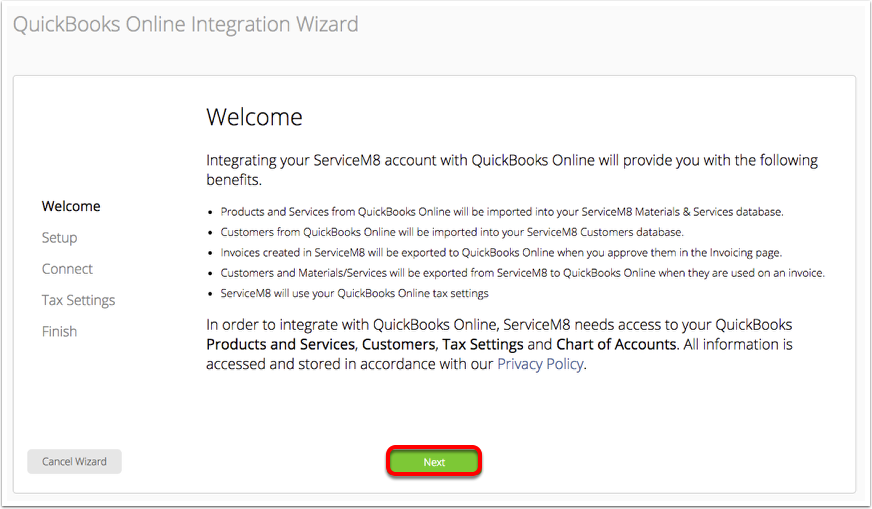
Welcome to the QuickBooks Online Integration wizard! Review & click ‘Next’
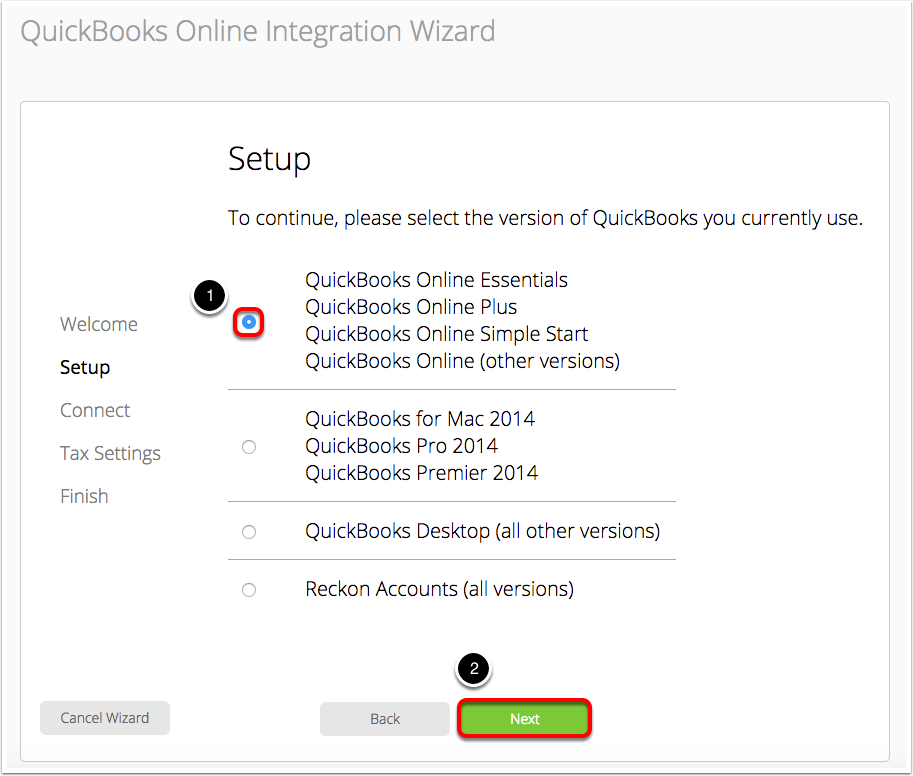
Select the ‘QuickBooks Online’ versions and click ‘Next’
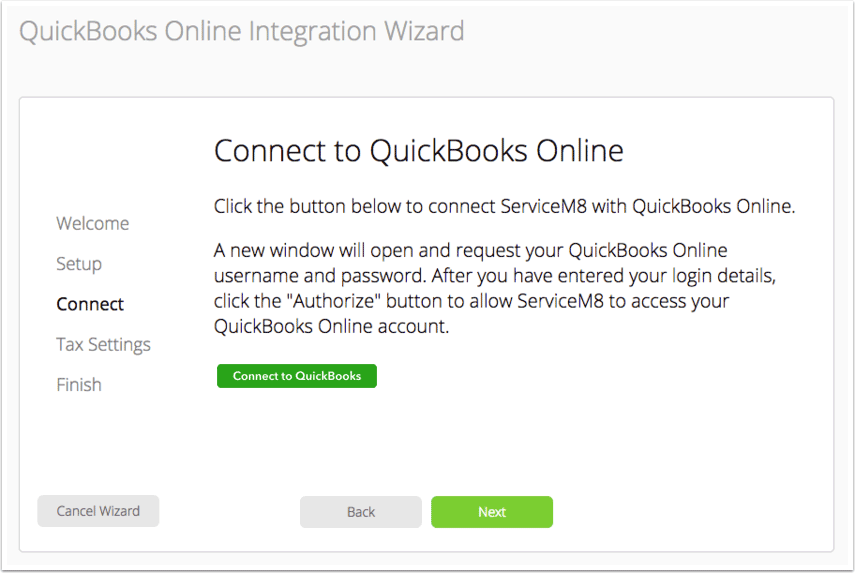
Click ‘Connect to QuickBooks’
Review & click ‘Connect’
Review the access required to your QuickBooks Online account, as well as the terms of the integration and ServiceM8 itself. To authorize the connection, click ’ Connect’.
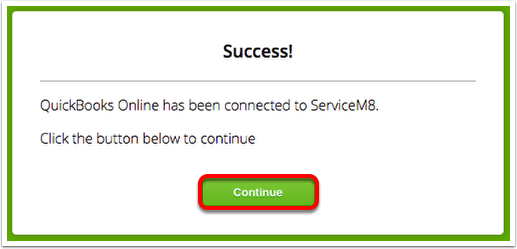
Once complete, click ‘Continue’
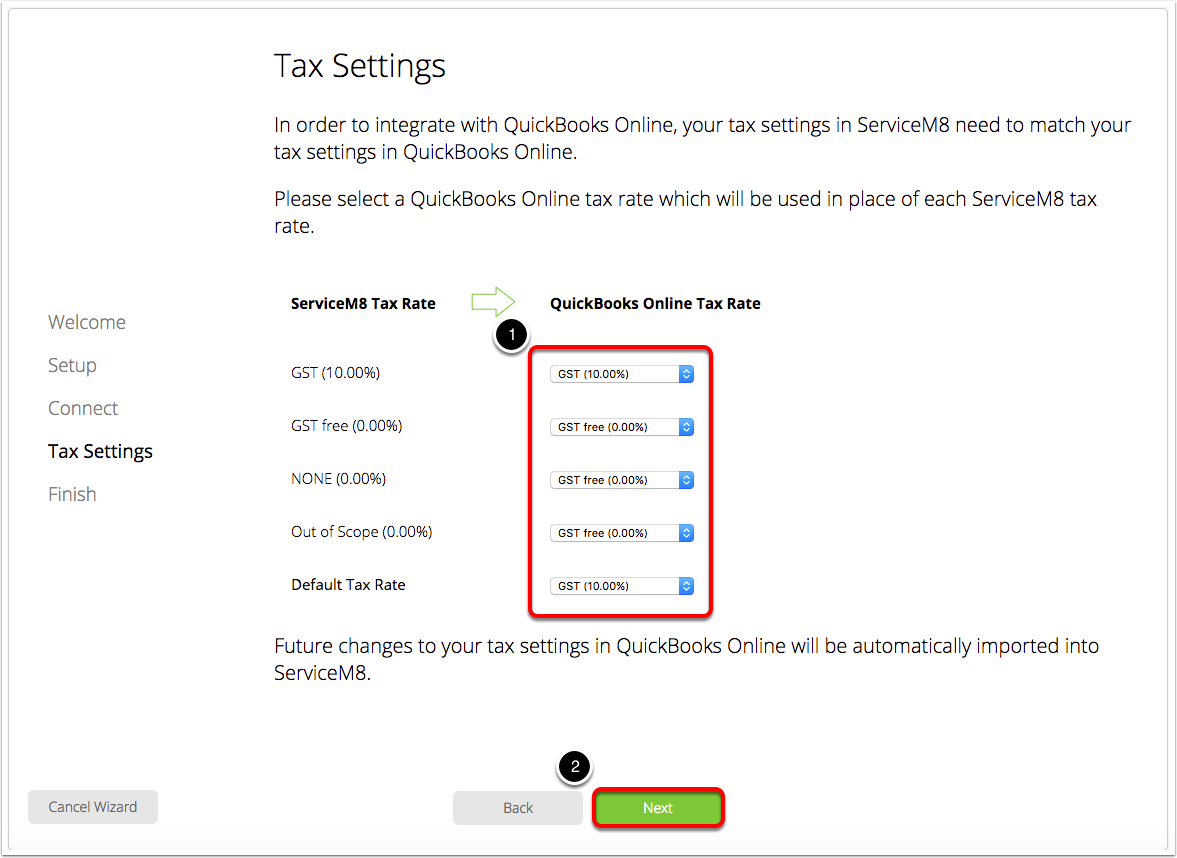
Setup your Tax Settings then click ‘Next’
Click ‘Finish’
That’s it! You’ve now successfully integrated your ServiceM8 and QuickBooks Online accounts! Read about how the connection works here.