
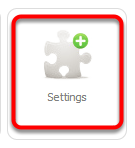
In your Online Dashboard, go to Settings
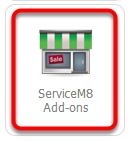
Click ServiceM8 Add-ons
Search ‘MYOB Integration’, then click Connect

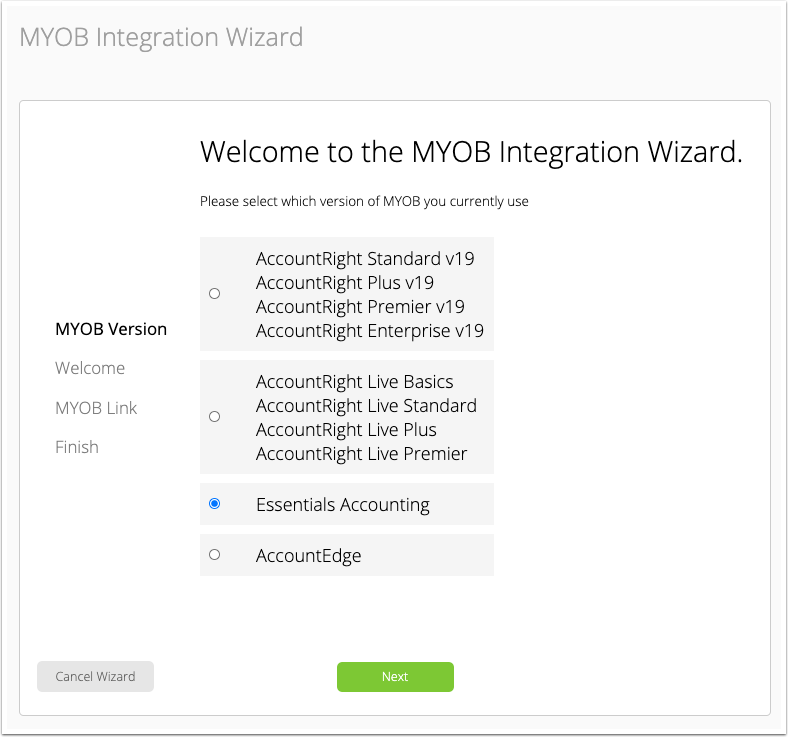
1. Select Essentials Accounting, then click Next
2. Welcome to the MYOB Integration Wizard, click Next to proceed
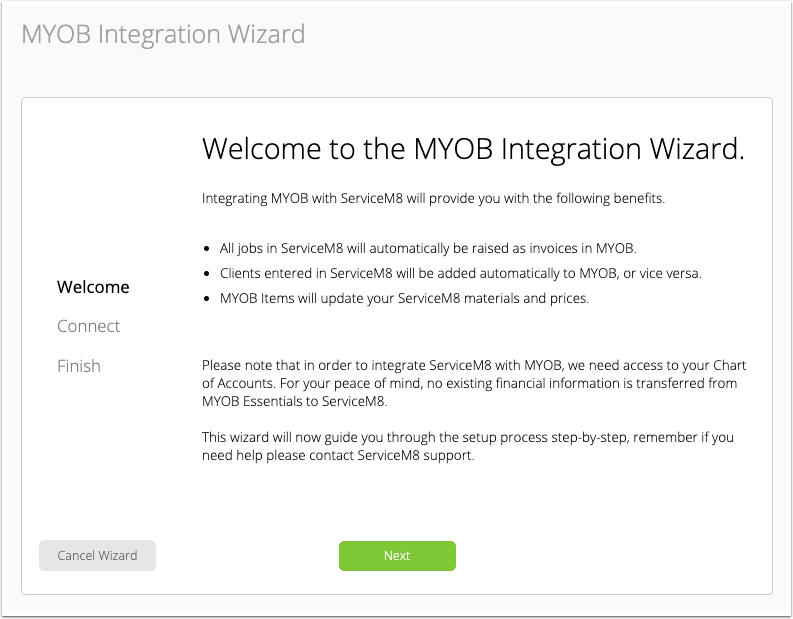
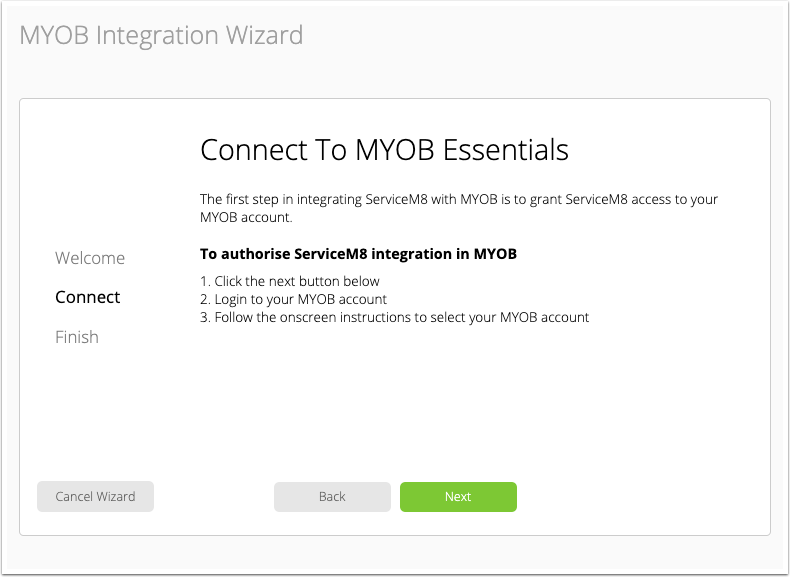
3. Click Next to connect to MYOB Essentials
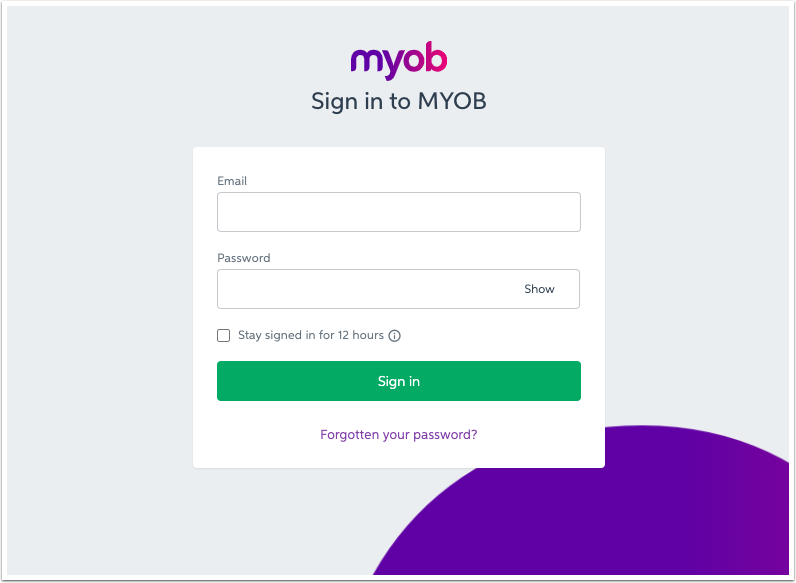
4. Sign in to your MYOB account
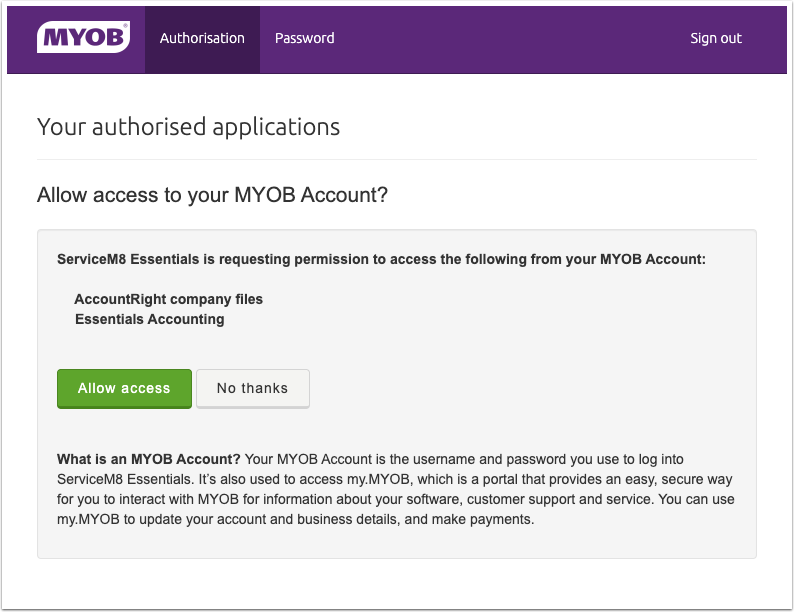
5. To authorise ServiceM8, click Allow access
Finished!
 Next, see How the sync with MYOB Essentials works.