

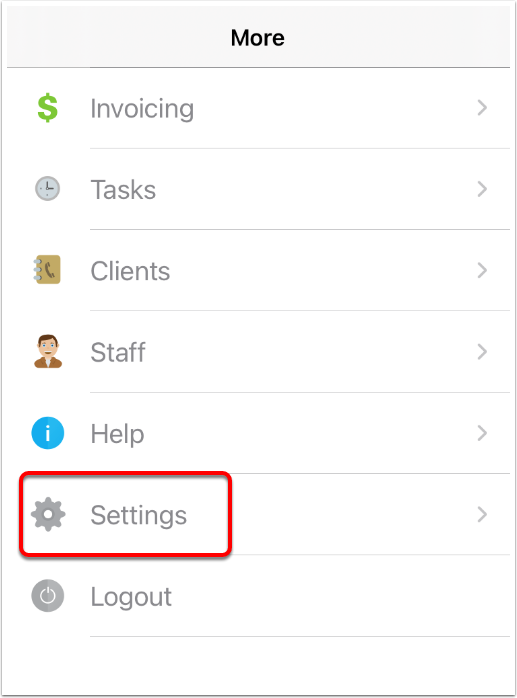
- Log in to your mobile ServiceM8 app and tap More.

- Tap Settings.
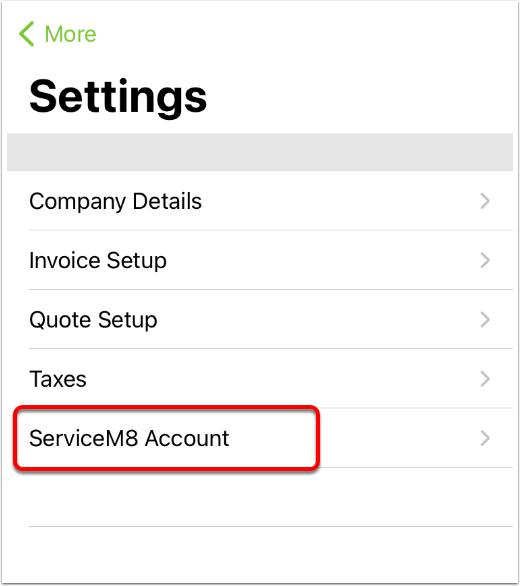
- Tap ServiceM8 Account.
- Tap Cancel Subscription.
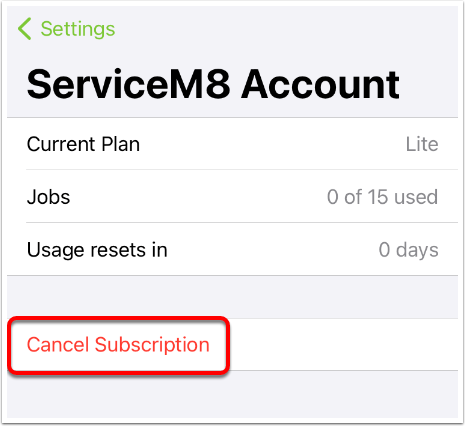
- Your Apple Subscriptions page will open. Tap ServiceM8 and cancel your subscription. Your plan will revert to Trial.
- On your desktop computer, go to https://www.servicem8.com/login-page , log into your account, and go to Account > Settings.
- Click ServiceM8 Account.
- Under Your Account, click Choose Plan.

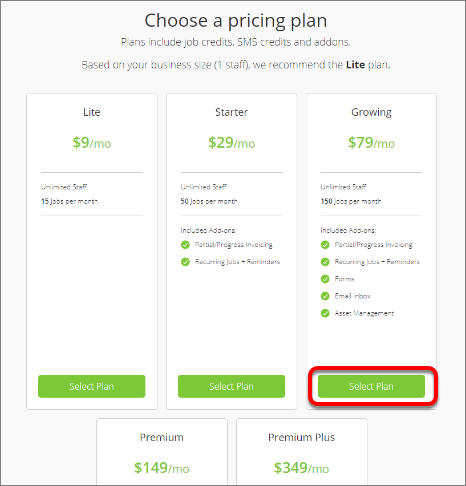
- Find your desired pricing plan and click Select Plan.
- You will be prompted to enter your credit card information. When entered, click Confirm.