Third-Party Integrations
How to turn on the Deputy add-on
Learn how to turn on the Deputy add-on in ServiceM8.
In this lesson you will learn how to activate the Deputy add-on and integrate your Deputy account.
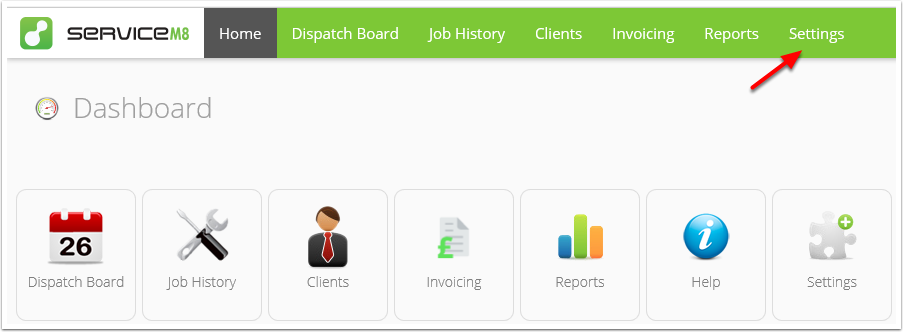
Go to Settings
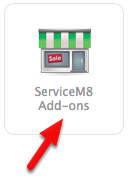
Click ServiceM8 Add-ons
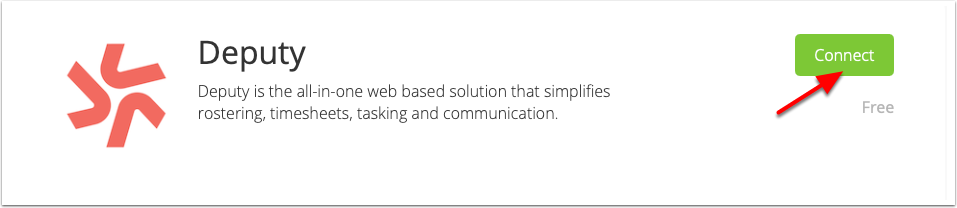
From the ServiceM8 Add-ons page, scroll down until you find the Deputy add-on, and double click it.
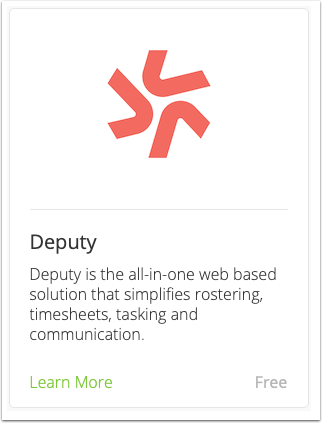
Click Connect
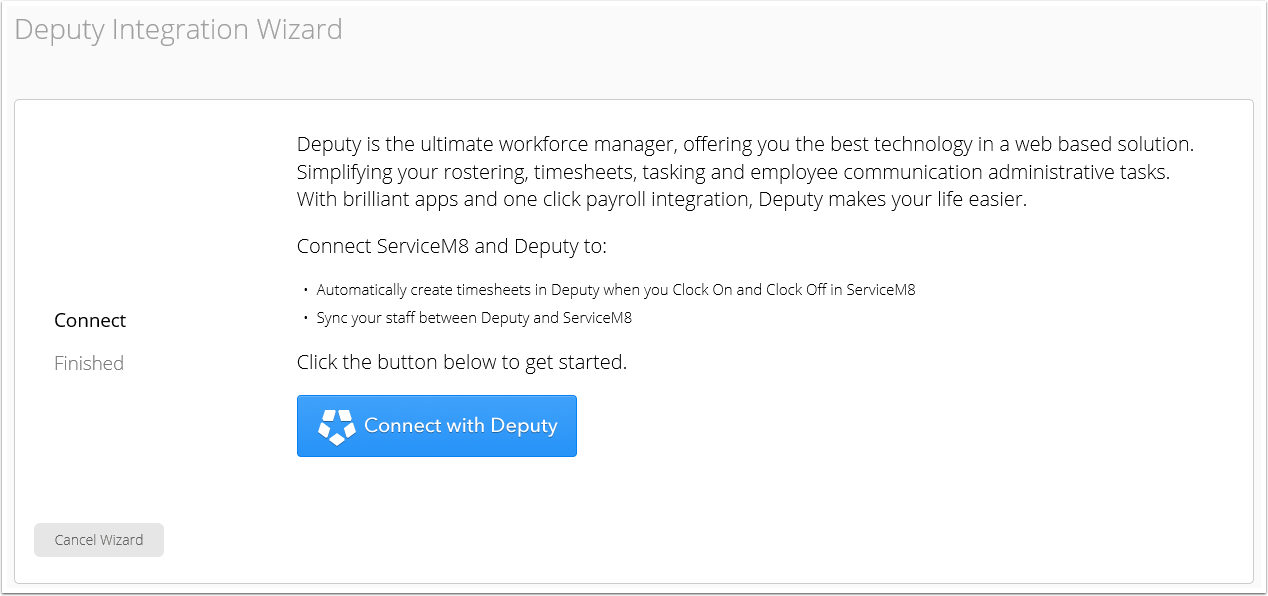
Welcome to Deputy Integration Wizard
To integrate your Deputy account, click Connect with Deputy button
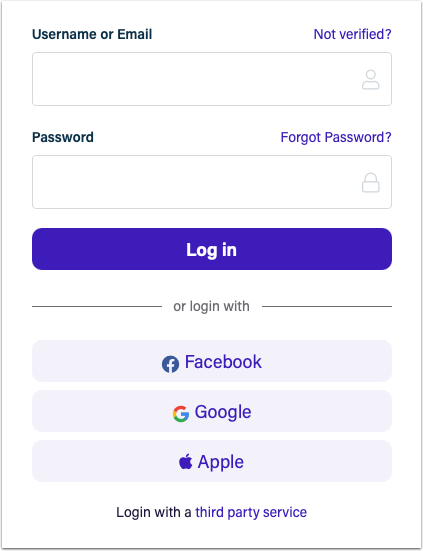
Log in to your Deputy account
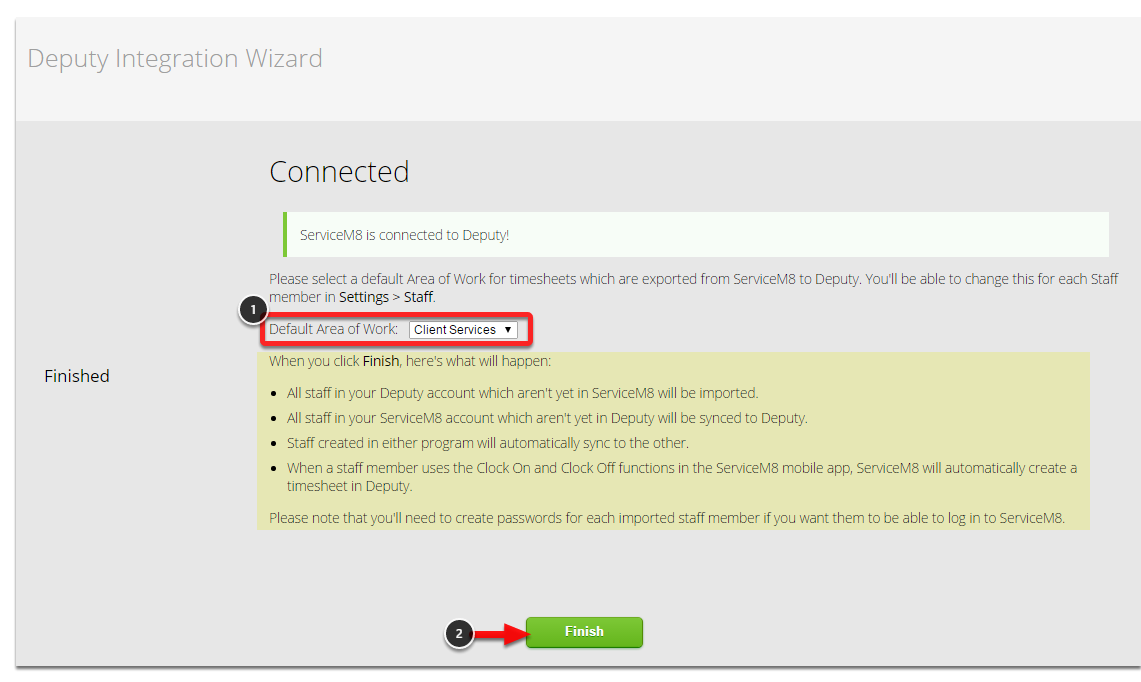
Select your default area of work, then click Finish and you are done!