

Reports
What is the Advanced Reporting Pack Add-on?
Understand what the Advanced Reporting Pack Add-on is and how it works in ServiceM8.
Activating the Advanced Reporting Pack Add-on provides the following additional reporting functionality in the Reports tab of your Online Dashboard:
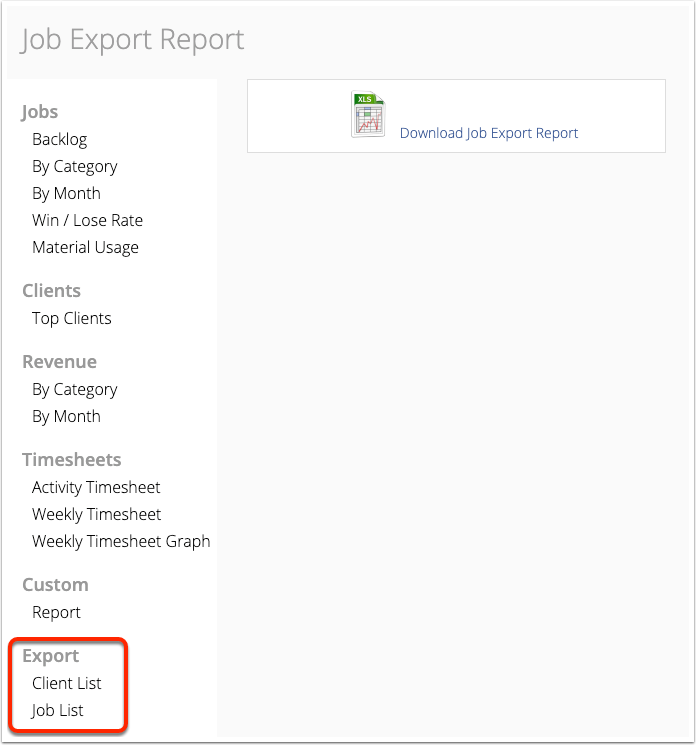
1. Job List: a .CSV file export of your job history.
2. Client List: a .CSV file export of all your clients.
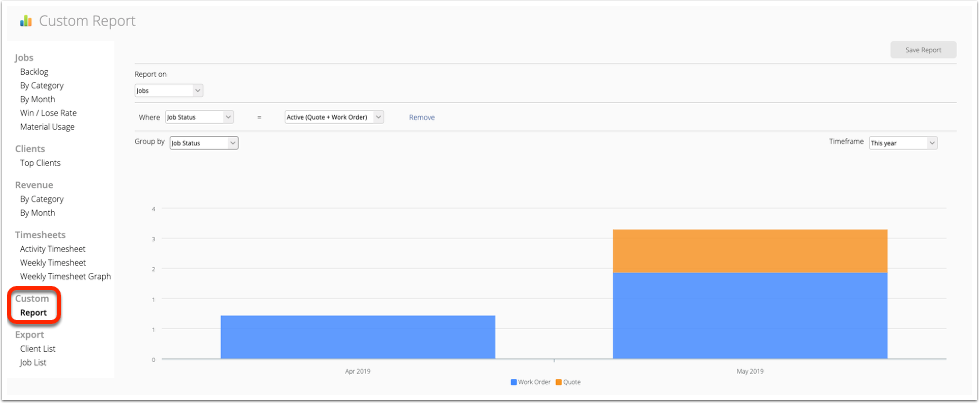
3. Custom Reports: custom on-screen reporting on Jobs and Job Revenue.
Note:
- CSV reports such as the Job List report are text-only spreadsheet reports — they do not include all job-related data, and do not include files such as PDFs, photos or videos.
- The Reports tab of the Online Dashboard is only accessible to users with a Business Owner security role.
Here’s how you can activate the Advanced Reporting Pack:
Go to Settings
Click ServiceM8 Add-ons
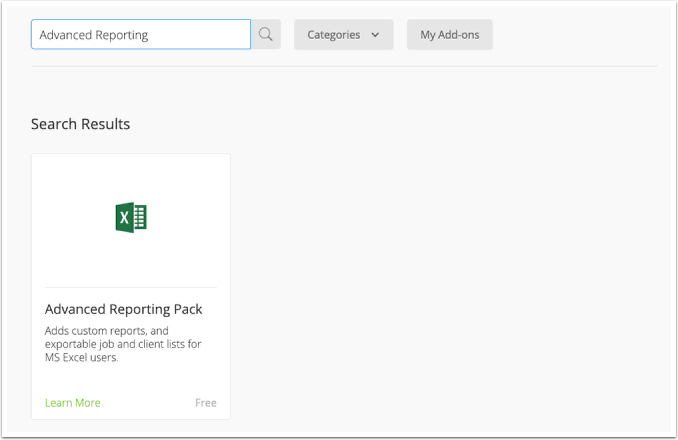
From the ServiceM8 Add-ons page, search the Advanced Reporting Pack add-on
Click the switch button to activate Advanced Reporting Pack add-on

Once activated, you can export Client and Job reports:
You can also generate Custom reports:
You can generate custom reports on Jobs or Job Revenue, filtered by:
- Job Status
- Job Category
- Job Badge
- Staff Member
How to export Bulk Materials List
By default, you can also export a list of your Items/Materials in ServiceM8. Go to Settings > Materials and click the ‘Export Items’ button.

Click the Material/Service Items Excel File to download.
