

ServiceM8 Inbox
What is the ServiceM8 Inbox?
Understand what the ServiceM8 Inbox is and how it works in ServiceM8.
What is the ServiceM8 Inbox?
If you receive a lot of enquiries and work via email, it can be a hassle to copy all the client and job information into ServiceM8.
With the Email Inbox Add-on, you get your own unique email address for your ServiceM8 account. Job-related emails sent or forwarded to this address will arrive in your ServiceM8 Inbox, accessible in both your online dashboard, and the ServiceM8 app, ready to be converted into new job cards.
All client details and attachments will auto-populate into the job card. You can also attach emails to existing jobs.
NOTE: the ServiceM8 Inbox is designed to handle messages directly related to potential or active jobs. Please do not forward all your email to your ServiceM8 Inbox.
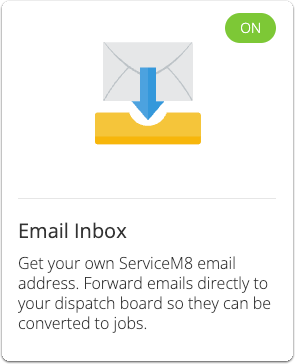
To get started, ensure the Email Inbox Add-on is activated in Settings > ServiceM8 Add-ons:
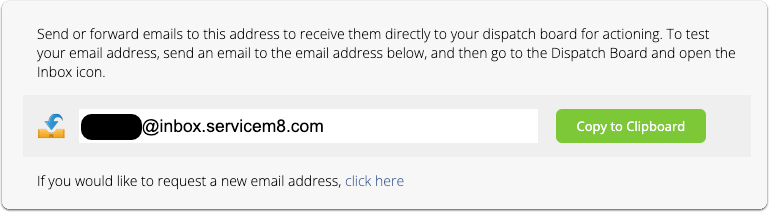
To view your unique email address for your ServiceM8 Inbox, go to Settings > Email Inbox:
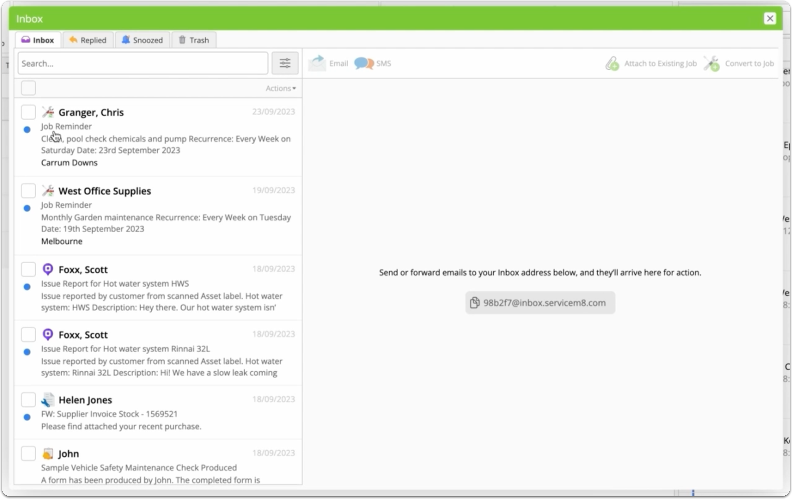
ServiceM8 Inbox in the online dashboard
To view and manage messages which arrive in your ServiceM8 Inbox, in your online dashboard, click the Inbox button in the top-right corner:

You can review messages, reply, save job notes against them and mention staff members in notes.
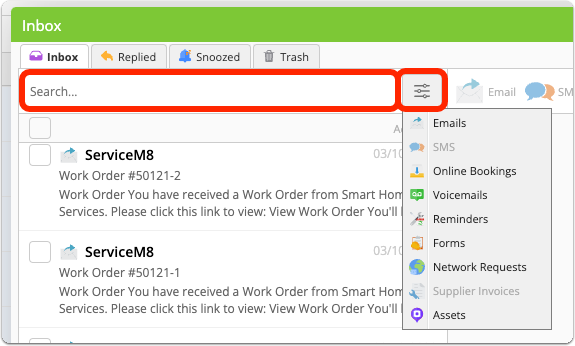
You can also search or filter your messages to help find what you’re after:
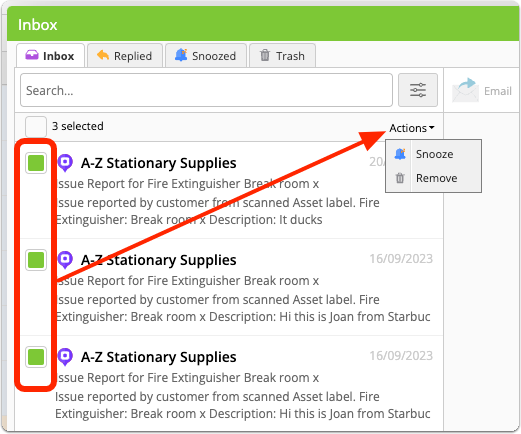
You can select several messages at once with the checkboxes, then apply a bulk action:
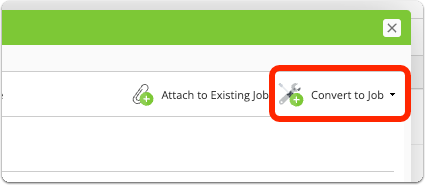
To convert a message to a new job, click Convert to Job:
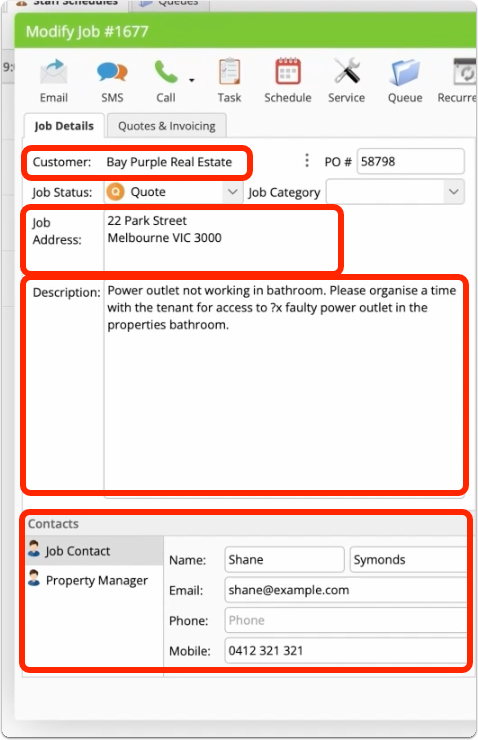
Once converted, all information and attachments in the email are saved to the job diary, and parts of the job card are auto-populated:
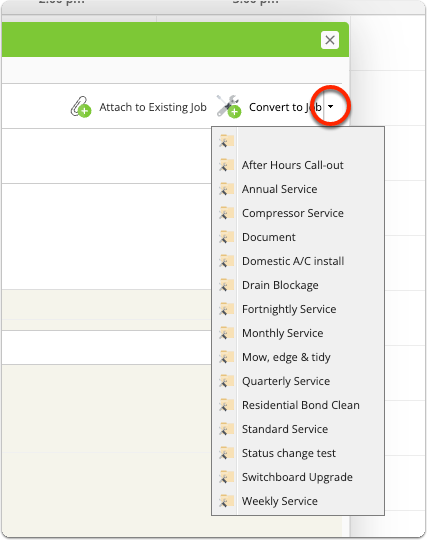
NOTE: you can click the dropdown arrow to apply a specific Job Template/Service as part of this process:
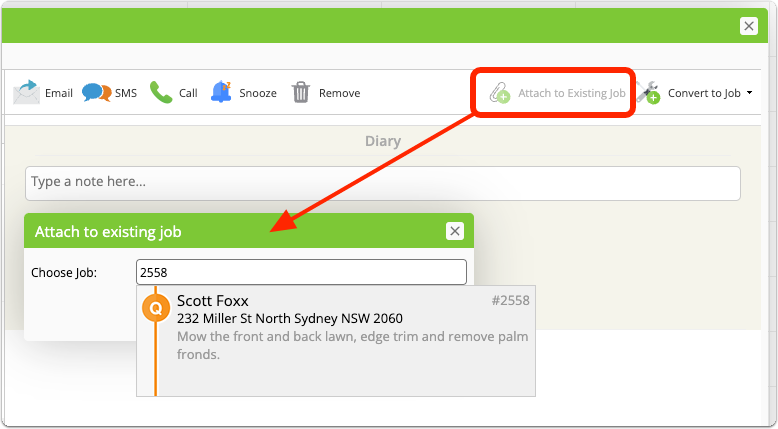
If you have a message related to an existing job, click Attach to Existing Job and search by keyword, client name or job number to find the job you want to attach it to:
ServiceM8 Inbox in the App
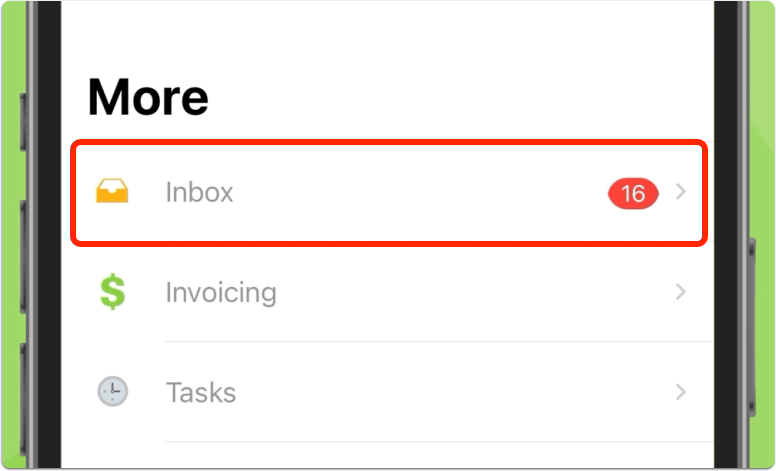
To view and manage your messages in the ServiceM8 app, go to More > Inbox:
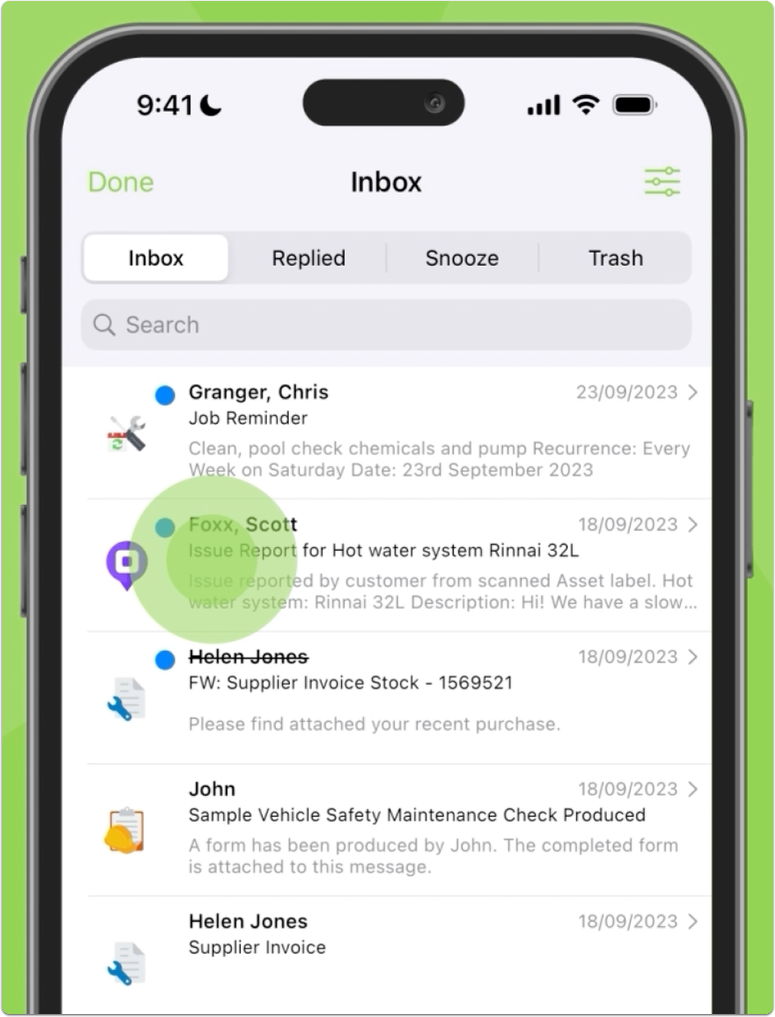
Similar to the online dashboard, you can search and filter messages, reply, save job notes, mention staff members, snooze and remove.
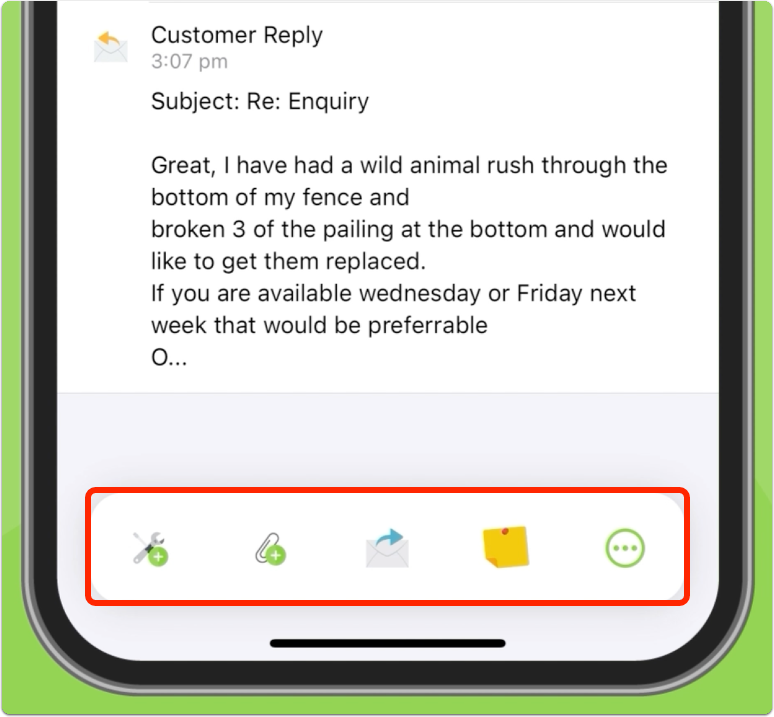
You can use the action bar to convert messages to a new job, or attach to an existing job:
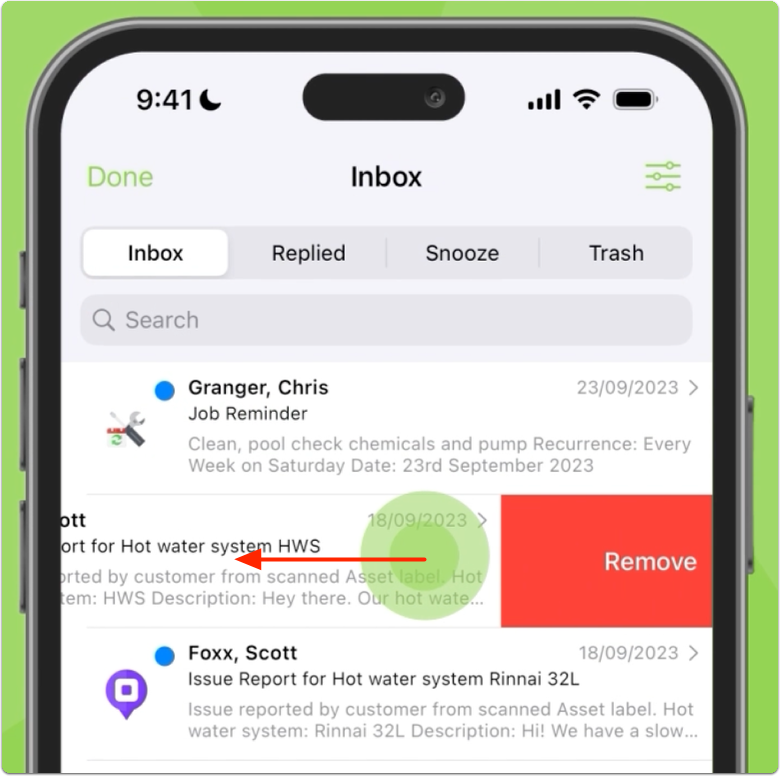
In the main view, you can swipe left to remove messages:
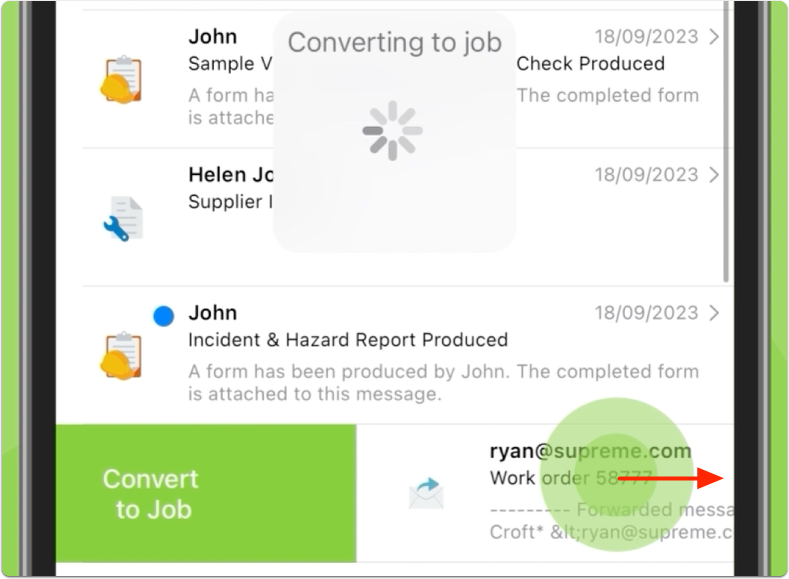
And swipe right to convert the message to a new job:
If you receive a lot of PDF work orders from clients such as real estate property managers & letting agents, in many cases ServiceM8 will automatically scan the attached PDF, pulling out information to populate the job card. Check out Work Order Scanning to learn more.
NOTE: The Email Inbox Add-on is available on the Growing plan and above.