Add-ons FAQ
How to transcribe videos
Learn how to transcribe videos in ServiceM8.
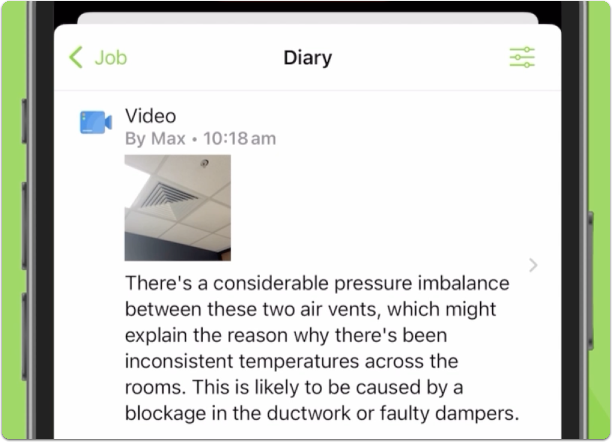
Every video you record with the ServiceM8 Camera is automatically transcribed, with your voiceover added to the job’s Diary as a text transcript, so you can show, tell & write, all at the same time.
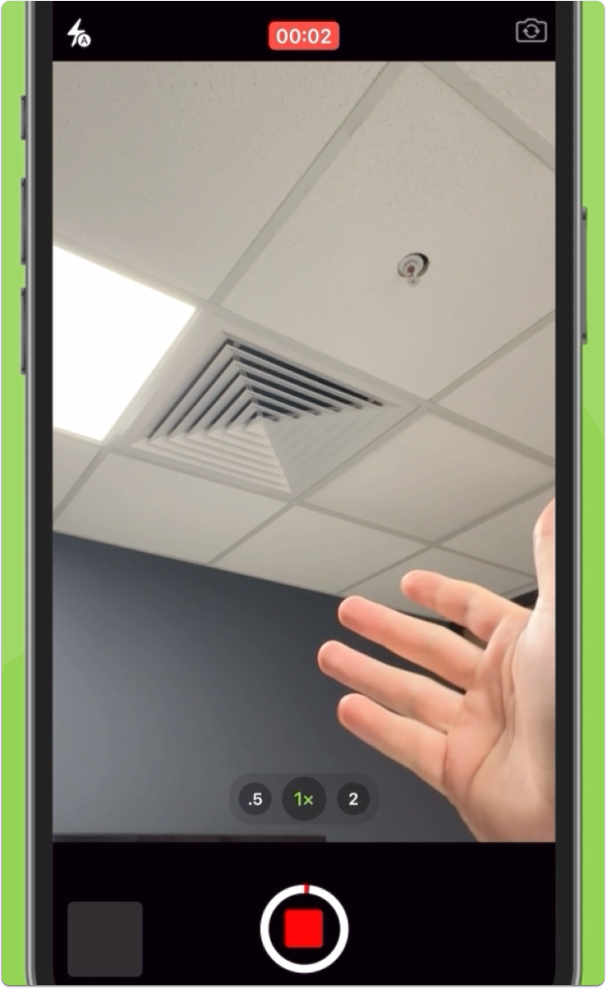
To use video transcription, simply open the ServiceM8 Camera and record a video as you normally would, speaking as you go e.g. walk around a site describing what needs to be done, or the work completed:
ServiceM8 will auto-transcribe what you’ve said in the video, and save it as a text transcript with the video in the job’s Diary. It may take a few minutes for the video to be transcribed in the background: