Forms
How to add a form to the Form Store
Learn how to add a form to the Form Store in ServiceM8.
Start by preparing your Form DOCX for the Form Store.
You need to load the special company logo image into your document. This image automatically replaces with the customers logo when they buy the form.

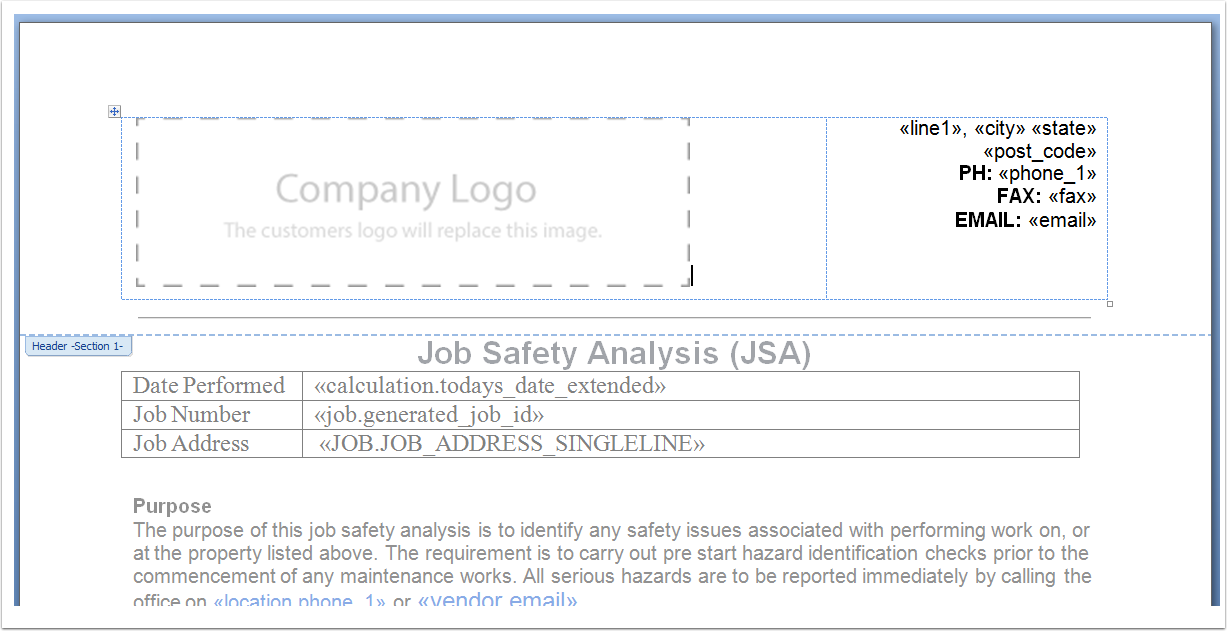
You can get the company logo image placeholder in this document:
ServiceM8 Forms — company logo image placeholder.docx
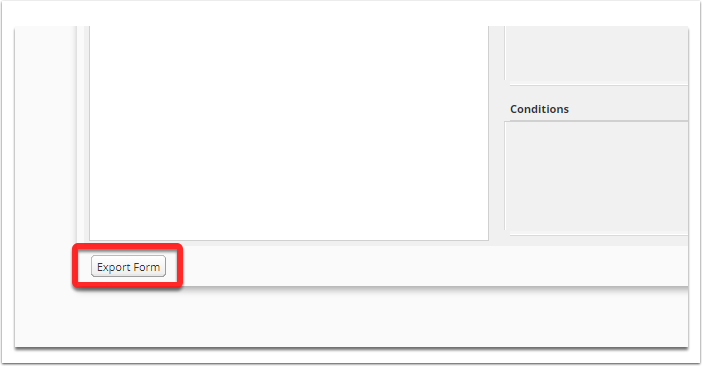
Then export your .SM8F file
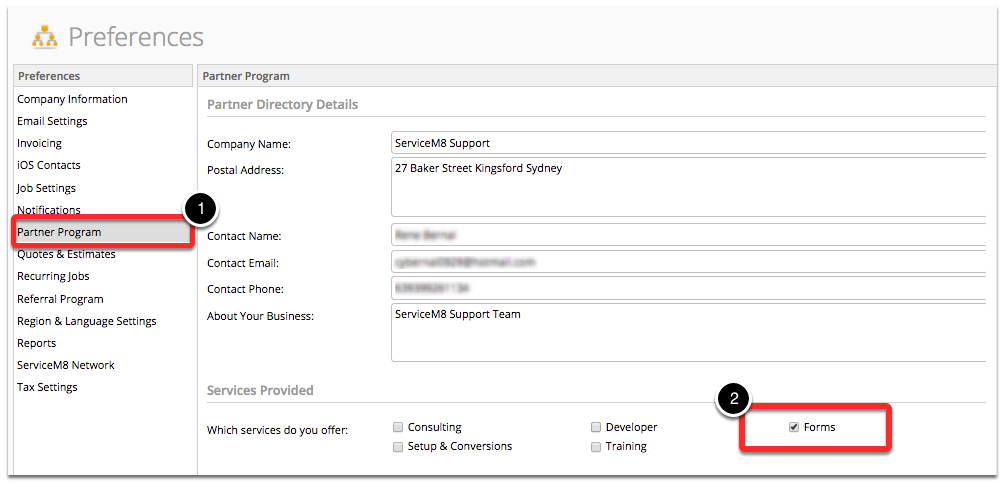
First, ensure that you select Form as Services Provided
This is by going to Settings > Preferences > Partner Program and tick Forms
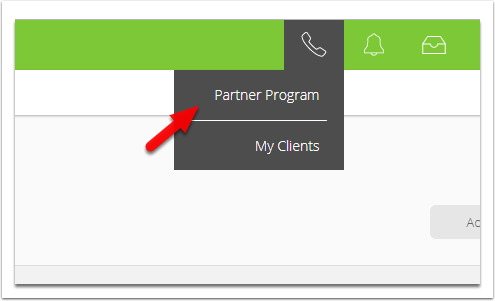
Open Partner Program
Click Store Connect
Click Add Item

Enter basic form details, set price and click Save
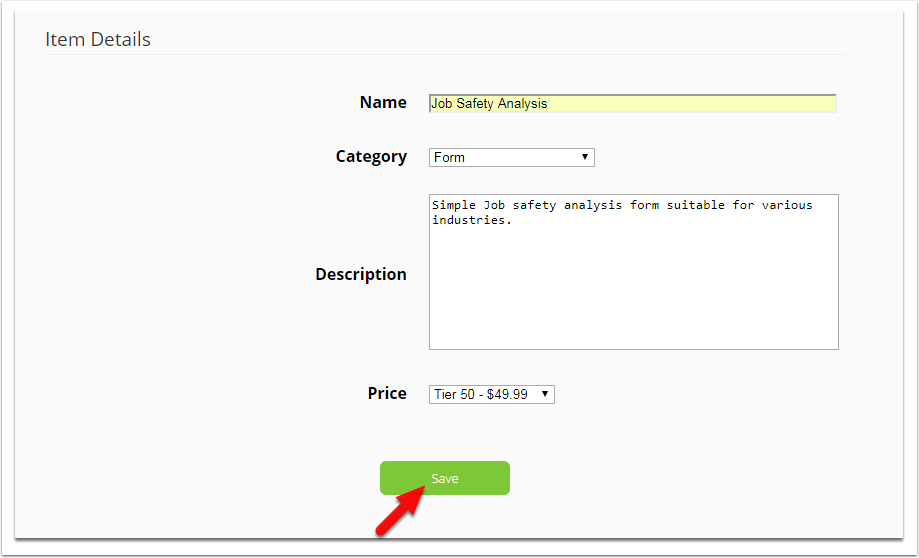
Fill in additional form details
This information will populate the forms listing on the form store. Use this to explain to the customer what makes your form useful.
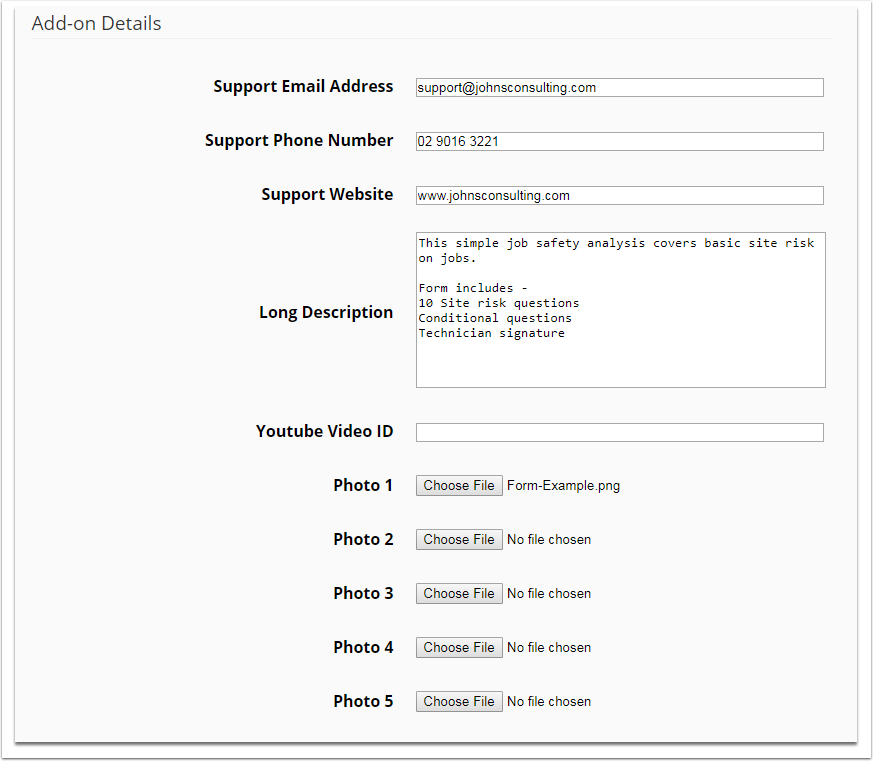
Images need to be 970px wide x 540px high

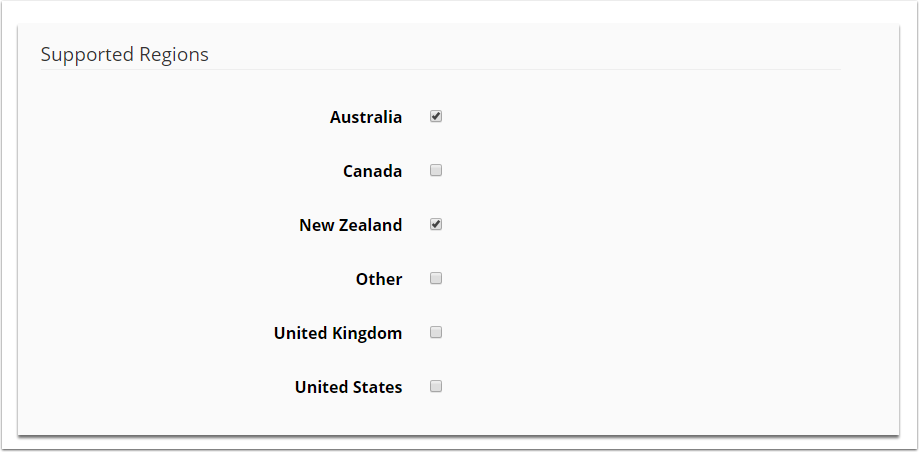
Select the regions your form supports
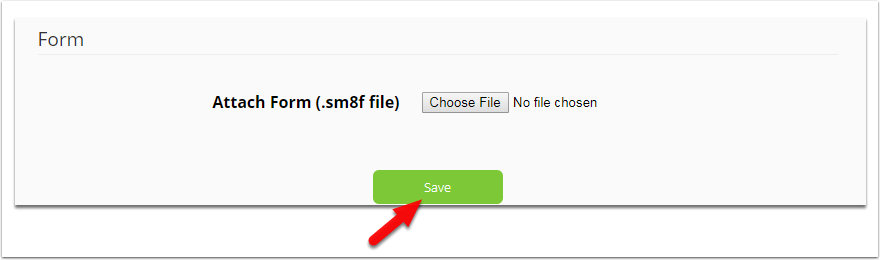
Attach the .SM8F file and click Save
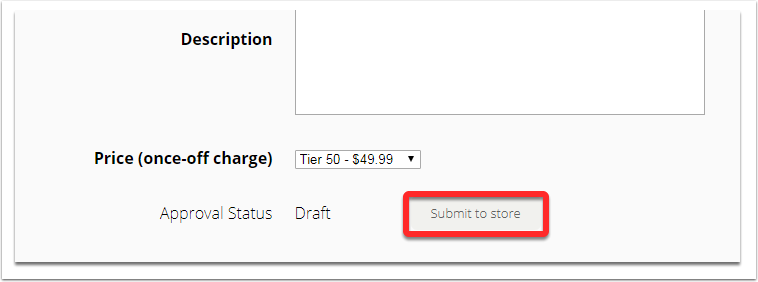
Finally, click Submit to store
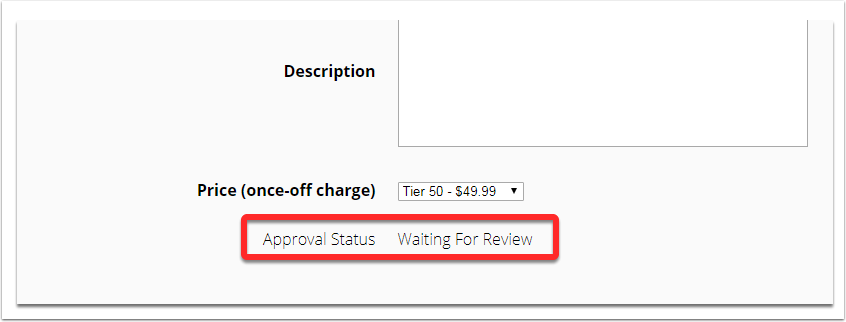
The ServiceM8 team will review your submission
ServiceM8 will either approval your form to the Form Store or decline your request and provide feedback.