

Forms
How to buy Forms from the Form Store
Learn how to buy Forms from the Form Store in ServiceM8.
The ServiceM8 Forms Add-On is an incredibly powerful tool for field service businesses, letting you instill great processes, and instantly generate professional PDF reports and certificates on site. However, many businesses can’t invest the time needed to build Forms themselves, or are uncertain where to start.
Enter the Form Store - an online marketplace of affordable ServiceM8 Forms, where you can browse and buy Forms for your business. With over 250 ready-made Forms to choose from and a huge range of industries covered, there’s bound to be a solution that meets your needs. Forms purchased through the Form Store are available on every ServiceM8 plan, including Free and Starter. Learn more about Forms here.
Accessing the Form Store | Finding specific Forms | Previewing Forms | Purchasing Forms | Editing purchased Form details
Accessing the Form Store
- From the Online Dashboard, go to Account > Settings.
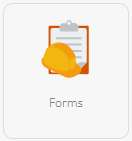
- Click Forms.

- Click Form Store.


Finding specific Forms
There are over 250 ready-made Forms in the Form Store, covering a huge range of industries, compliance certificates, procedures, and reports. You can filter Forms by Category, by Industry, or search by name or keyword.
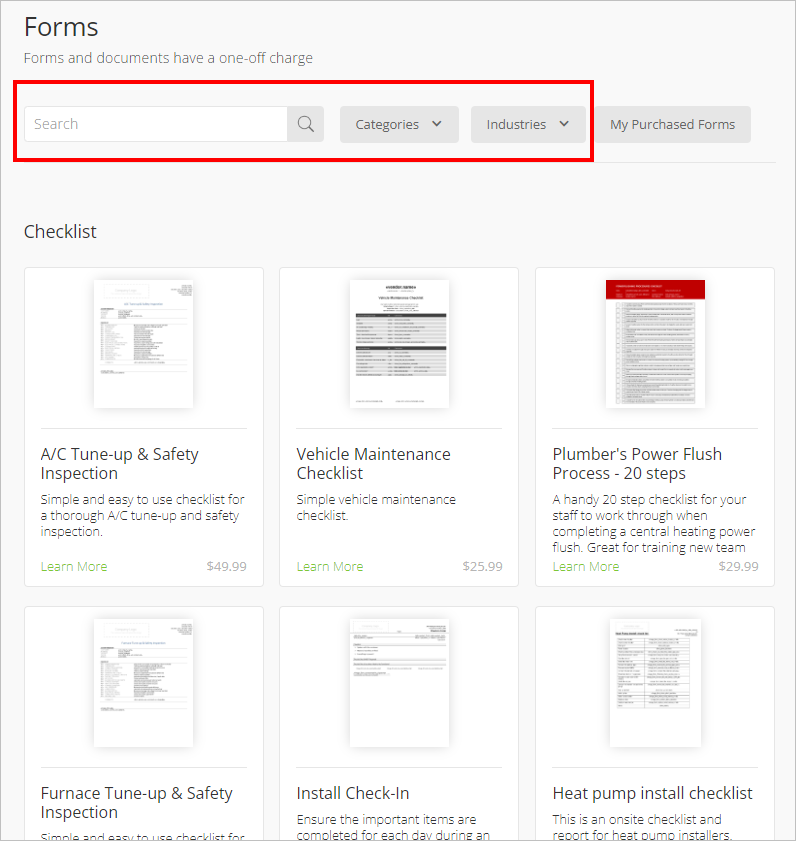

Categories include:
- Checklists
- Compliance
- Health and Safety
- Inspection Reports
- Risk Assessment
- Sales and Contract Management
- Testing and Commissioning
- Other (order forms, expense forms, customer service forms, etc.)
Industries include:
- Appliance Repair
- Cleaning
- Electrical
- Fire Safety
- HVAC / Refrigeration
- Pest Control
- Plumbing
- Pool Care
- Solar Energy
- All (captures general forms as well as industry-specific forms)
Previewing Forms
Click on a Form to learn more about it. Each Form has a description, screen shots, and information about the author.
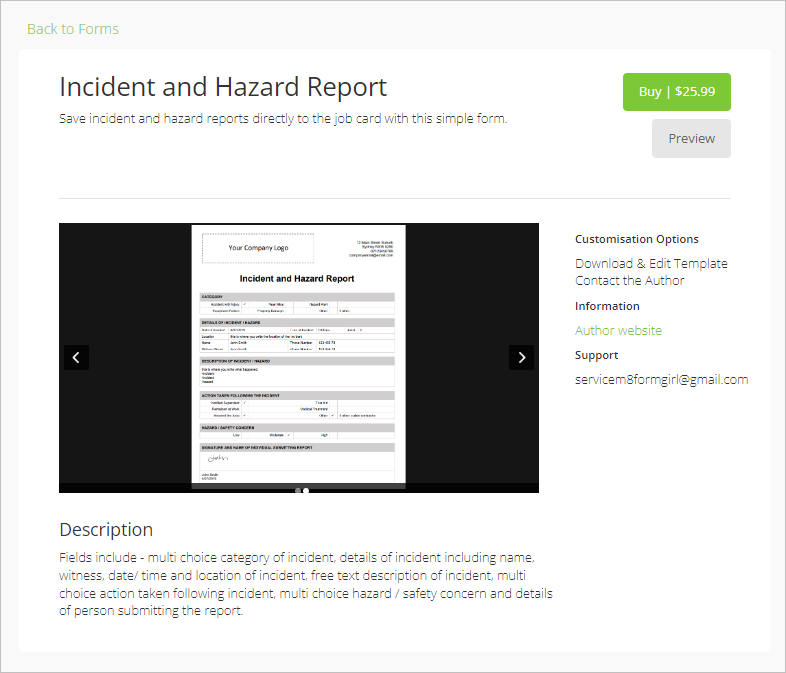

Click Preview to complete a sample of the Form as though you’re in the field.
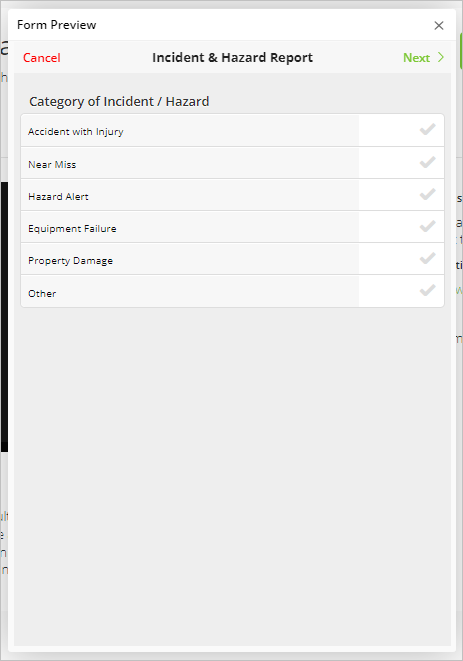

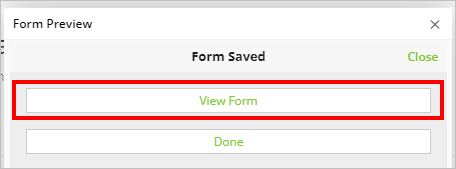
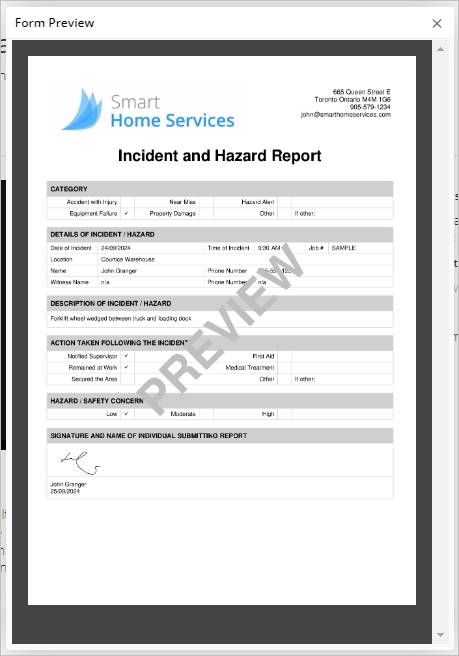
When you have completed the sample form, click View Form to see the completed example.


Purchasing Forms
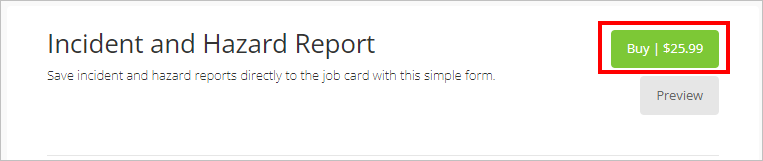
To purchase a Form, click Buy.
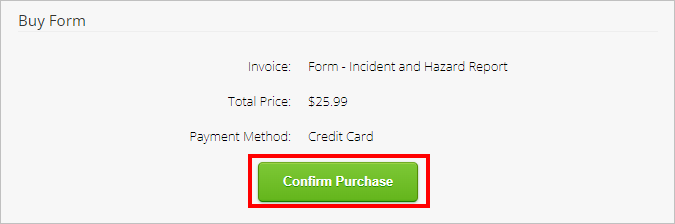
A payment summary will appear. Click Confirm Purchase to open the payment wizard.
Note that this is a one-time cost - once purchased, a Form can be used across your business as often as needed.


Once the payment has processed, the Form will be available in your Saved Form list, ready to be added to jobs and job templates as needed.
Editing purchased Form details
Some purchased forms have author-provided Customisable Fields, such as a contractor licence number. You can change these values on Starter without downloading, editing, or uploading the underlying document template.
To edit customisable fields:
- From the Online Dashboard, go to Account > Settings > Forms.
- Find your purchased Form, and click Open Form.


- Click Template Details.
- Any fields that can be edited will be visible under Customisable Fields.
- Make your edits and click Save.
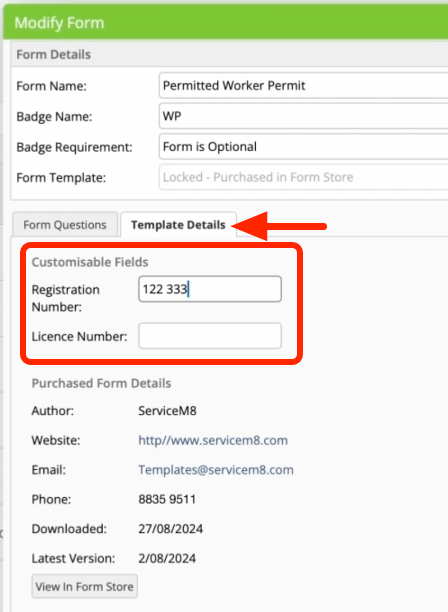

If the field you want to change is not listed, you can contact the form’s author using the information under Purchased Form Details.
On current paid plans, creating or importing custom forms, or editing their questions or document templates, requires Growing or higher. This also applies if a ServiceM8 Partner creates a custom form for you.
For purchased forms, the publisher must also allow template editing and downloading. Upgrading your plan does not unlock a publisher’s locked template, and an unlocked template does not override Starter’s restrictions. Starter does not include template download/upload controls.
Check the form’s listing in the Form Store for its editing permissions. If your plan and the publisher allow template editing, see how to edit and link a document template.