Partial Invoicing
How to partial invoice for a deposit
Learn how to partial invoice for a deposit in ServiceM8.
If you want an easy, automatic way to collect pre-payment upon quote acceptance, check out Deposits with ServiceM8 Pay.
This article will show how to create a partial invoice for the deposit on a job using the Partial/Progress Invoice add-on.
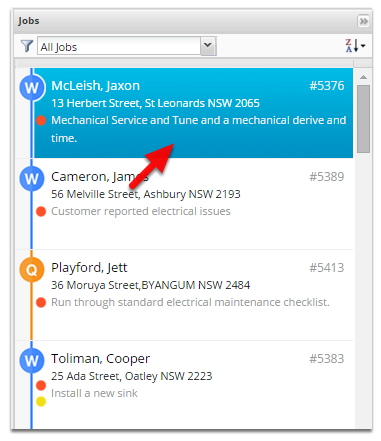
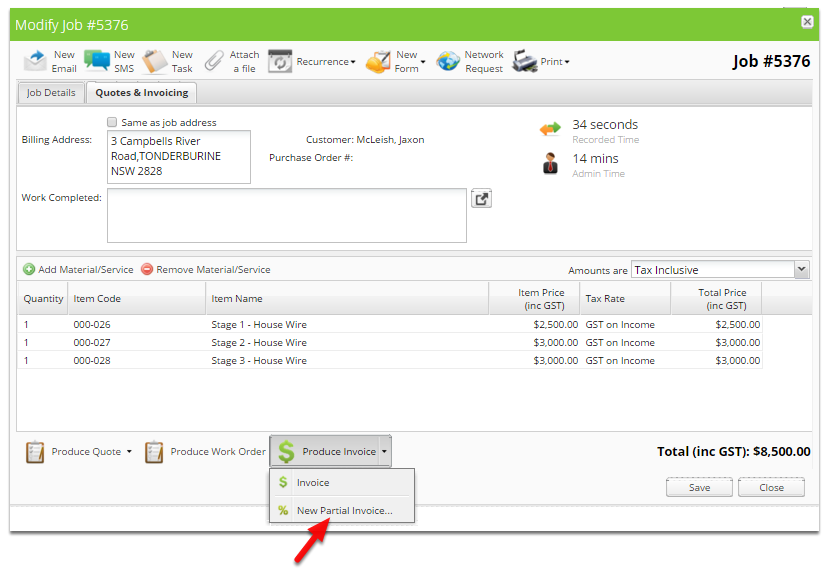
Open the job you wish to invoice a deposit for.
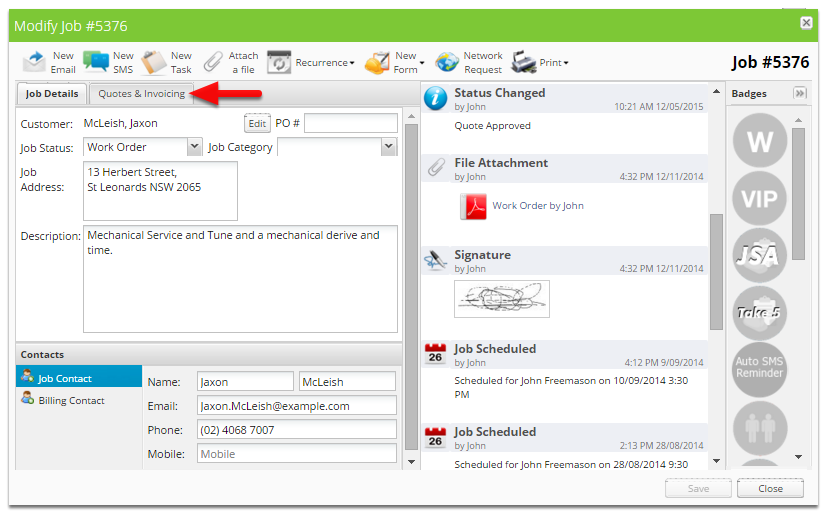
Click Quotes & Invoicing
Click the arrow next to Produce Invoice
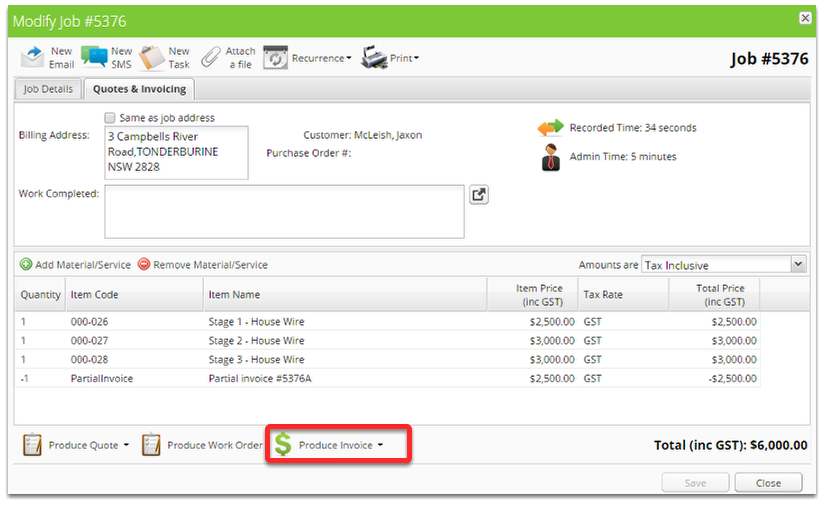
Click New Partial Invoice
Click Add Material/Service
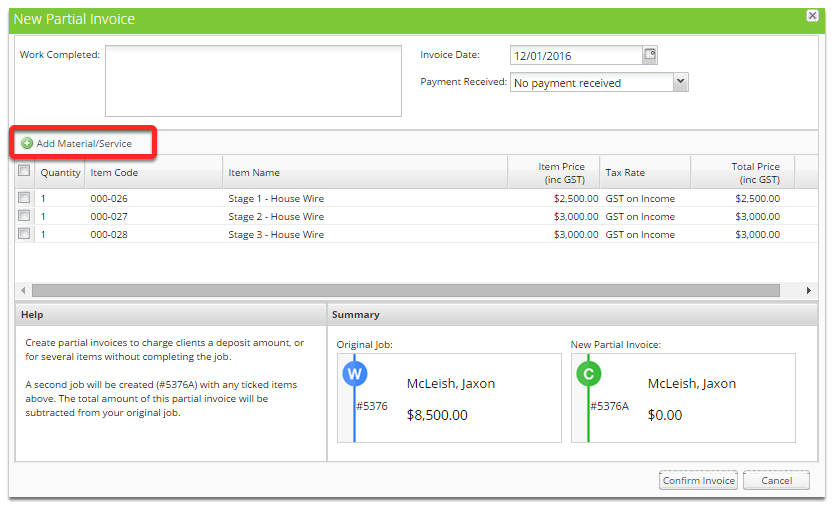
Add Deposit Item

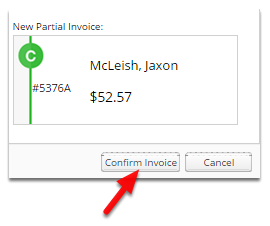
Click Confirm Invoice
A new completed job will be created with the original job number followed by a alphabetical character.
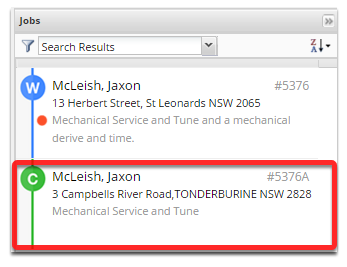
The completed job will be available immediately on the invoicing page.
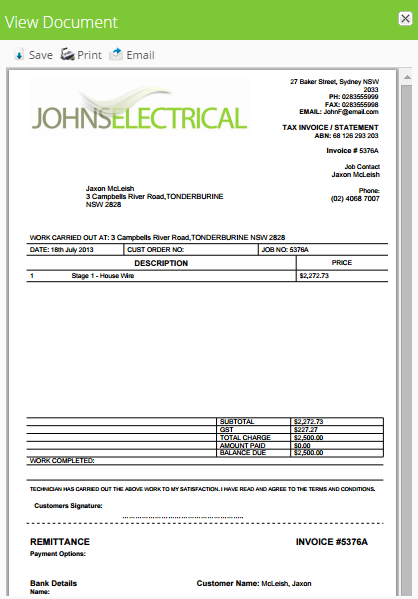
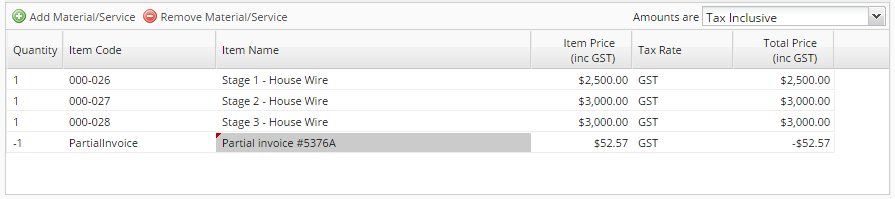
The original job will have a negative partial invoice item added.